AI for Business: How to Apply Artificial Intelligence to Your Own Data with RAG
An enterprise AI guide: what RAG is, how to apply artificial intelligence to documents, ERP and CRM data, and when AI agents make sense.
25/07/2026
We automate business tasks and workflows with AI, integrating existing systems and keeping human control where it matters.
Artificial intelligence process automation helps companies reduce manual work, connect isolated systems and process information that previously required human reading or judgment. This is not about adding a chatbot to everything. It is about finding a specific operational bottleneck, defining which decisions can be automated and building a reliable workflow around the systems the organization already uses.
At Intway, we combine custom software development, API integration, business rules and generative AI. The goal is not to replace teams or platforms that already work. It is to reduce operational load, errors and waiting time while creating end-to-end traceability.
It is the automated coordination of tasks, data and decisions through software that can interpret documents, classify requests, draft responses, detect anomalies or select the next step in a workflow. Unlike automation based only on fixed rules, AI can also work with unstructured information such as emails, PDFs, images, conversations and free text.
Automation makes sense when a process is repeated, consumes significant time, moves information across several tools and has a verifiable outcome. It also needs a clear owner and enough data to measure before and after. If rules change every week or nobody can explain what a correct result means, the process should be organized first.
Has a manual workflow grown faster than your team? Tell us how it works and we will assess where to begin.
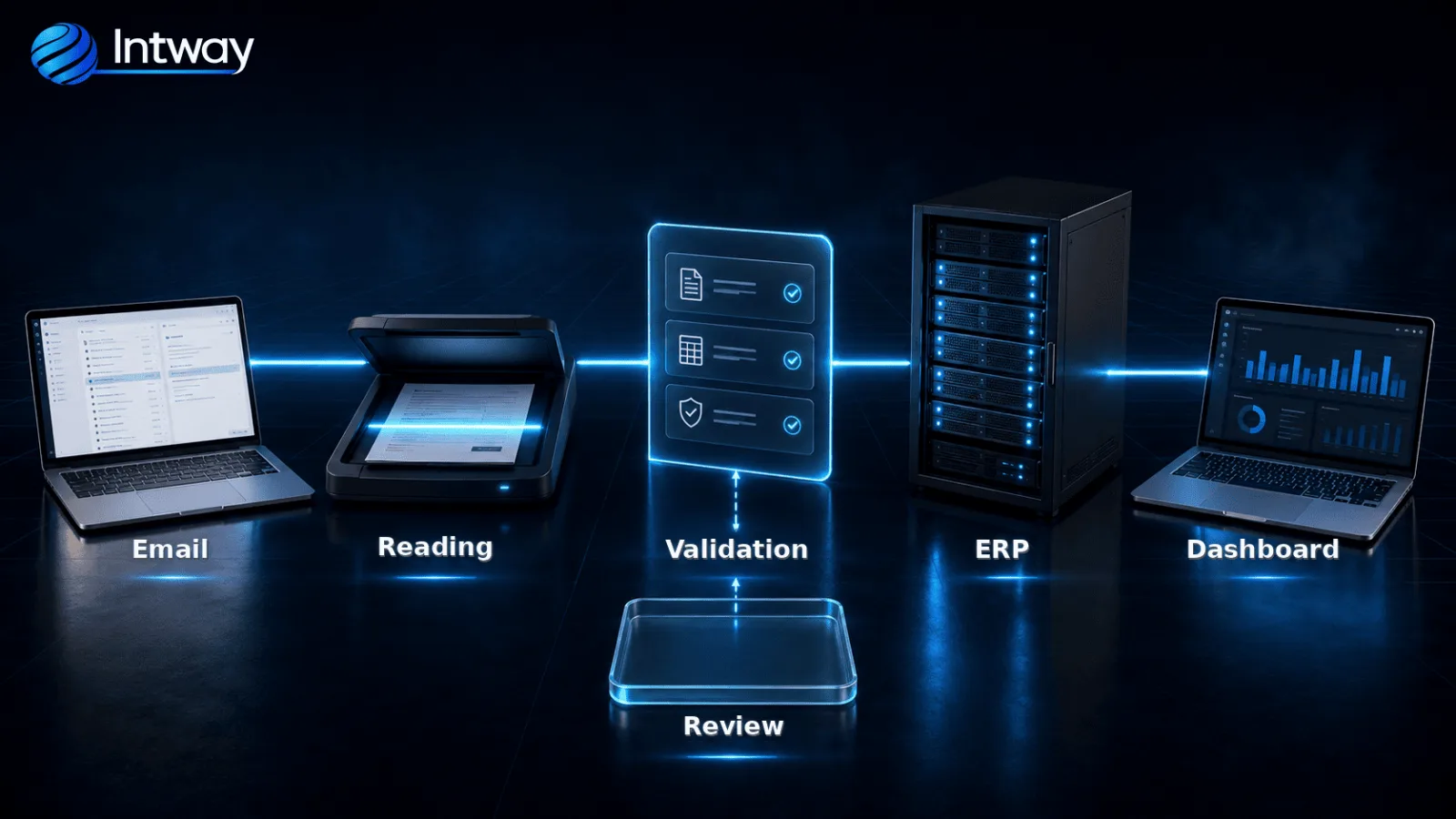
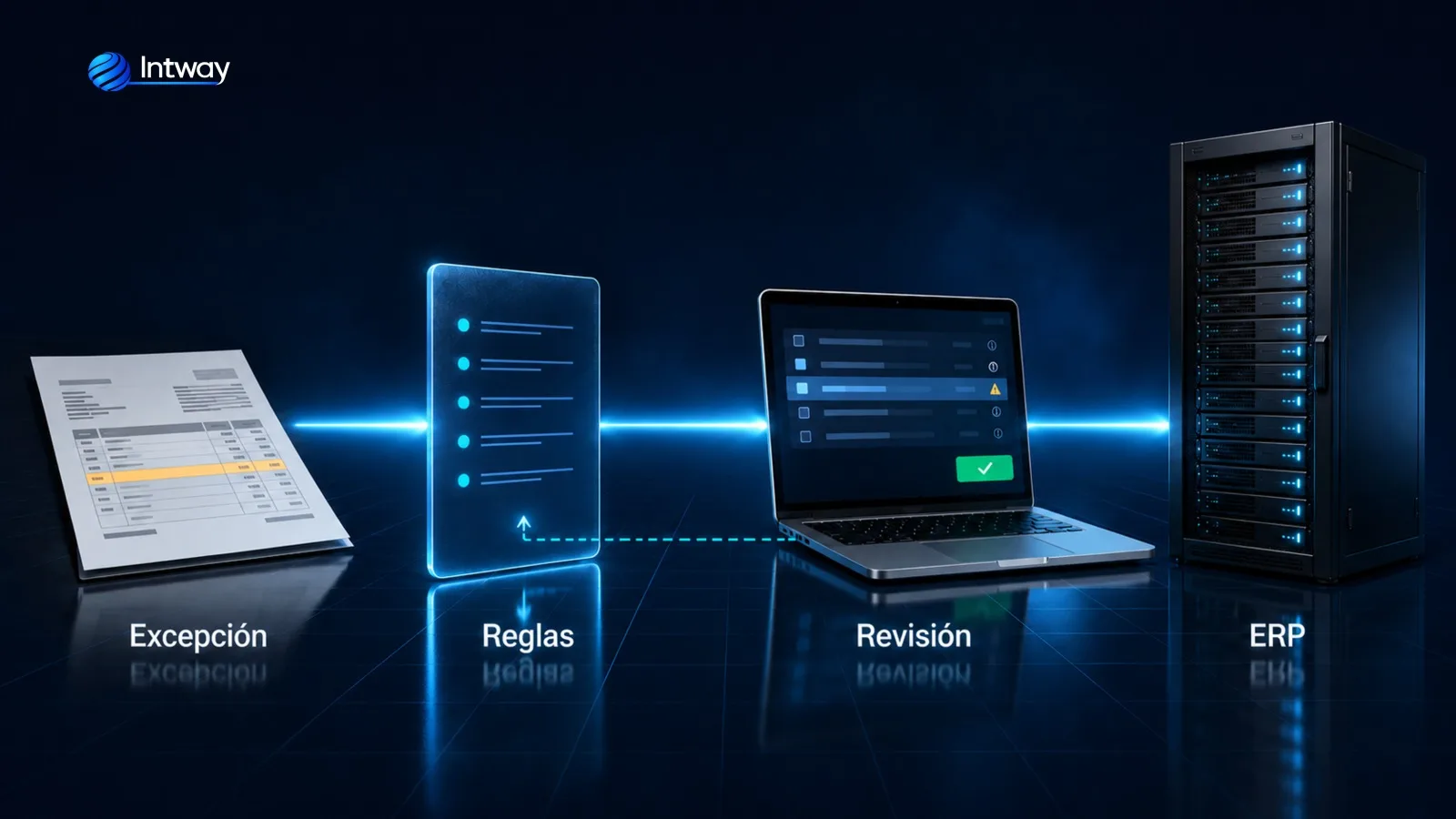
A model should not write directly to a critical system. The workflow first normalizes the input, validates required fields, permissions and business rules, and calculates a confidence level. Clear cases may continue, while uncertain ones remain as drafts or enter a review queue. Before the ERP is updated, duplicate and idempotency checks are applied. The system then records the input, model version, decision and destination response. This separation makes the workflow auditable and correctable without turning every mistake into an operational incident.
| Need | AI process automation | Common alternative |
|---|---|---|
| Connect simple steps between applications | Useful when content must also be interpreted or a decision made | Zapier, Make or Power Automate may be enough |
| Repeat stable actions on application screens | Adds classification and exception handling | Traditional RPA with UiPath or Power Automate Desktop |
| Handle a standard management process | Extends products with proprietary data and workflows | An ERP such as SAP or a CRM such as Salesforce may be sufficient |
| Coordinate proprietary rules, systems and experiences | Combines AI, APIs and supervision in one workflow | Custom development without AI when every rule is deterministic |
We integrated accounting, inventory, sales and purchasing in an enterprise platform built with microservices and APIs. Data stopped being re-entered by hand between workflows and management moved into a single place, with every movement traceable back to its origin. The same integration approach can extend an existing billing and business management system without forcing the company to replace every component.
We developed a predictive demand analysis system that anticipates consumption per item and adjusts replenishment levels before a stockout occurs. AI was not isolated in a demonstration; it informed operational inventory decisions. This approach can connect with multi-domain e-commerce platforms, while keeping a record of every update and exception.
We built an automated payroll platform with versioned rules, per-concept validations and control reports. The workflow relies mainly on verifiable rules; we do not use AI where deterministic logic is safer. For employment documents, it can complement a digital signature system and its reading and acceptance audit trail.
Cost depends on the scope of the first workflow, the number and quality of data sources, ERP or CRM integrations, document volume, permissions, migration needs, infrastructure and the required level of supervision. We prepare an estimate after mapping the process and separating the essential core from later improvements. This produces a proposal based on real work and verifiable acceptance criteria. To assess your case, contact us.
| Initial situation | What we built | Outcome |
|---|---|---|
| Accounting, inventory, sales and purchasing operated through separate workflows | An integrated ERP using microservices and APIs | 45% higher operational efficiency |
| Inventory levels were adjusted reactively | A predictive demand model connected to operations | 35% improvement in inventory efficiency |
| Payroll processing concentrated manual work and errors | An automated platform with rules, validations and reporting | 90% fewer processing errors |
Useful automation lives inside the operation: it has owners, permissions, metrics, monitoring and maintenance. To explore models, RAG and integration patterns in more depth, read our guide to generative AI consulting and integration.

We automate business tasks and workflows with AI, integrating your existing systems and keeping human oversight where it truly matters.
ERP · CRM · Spreadsheets
Intelligent orchestration
Review · Approval · Decision
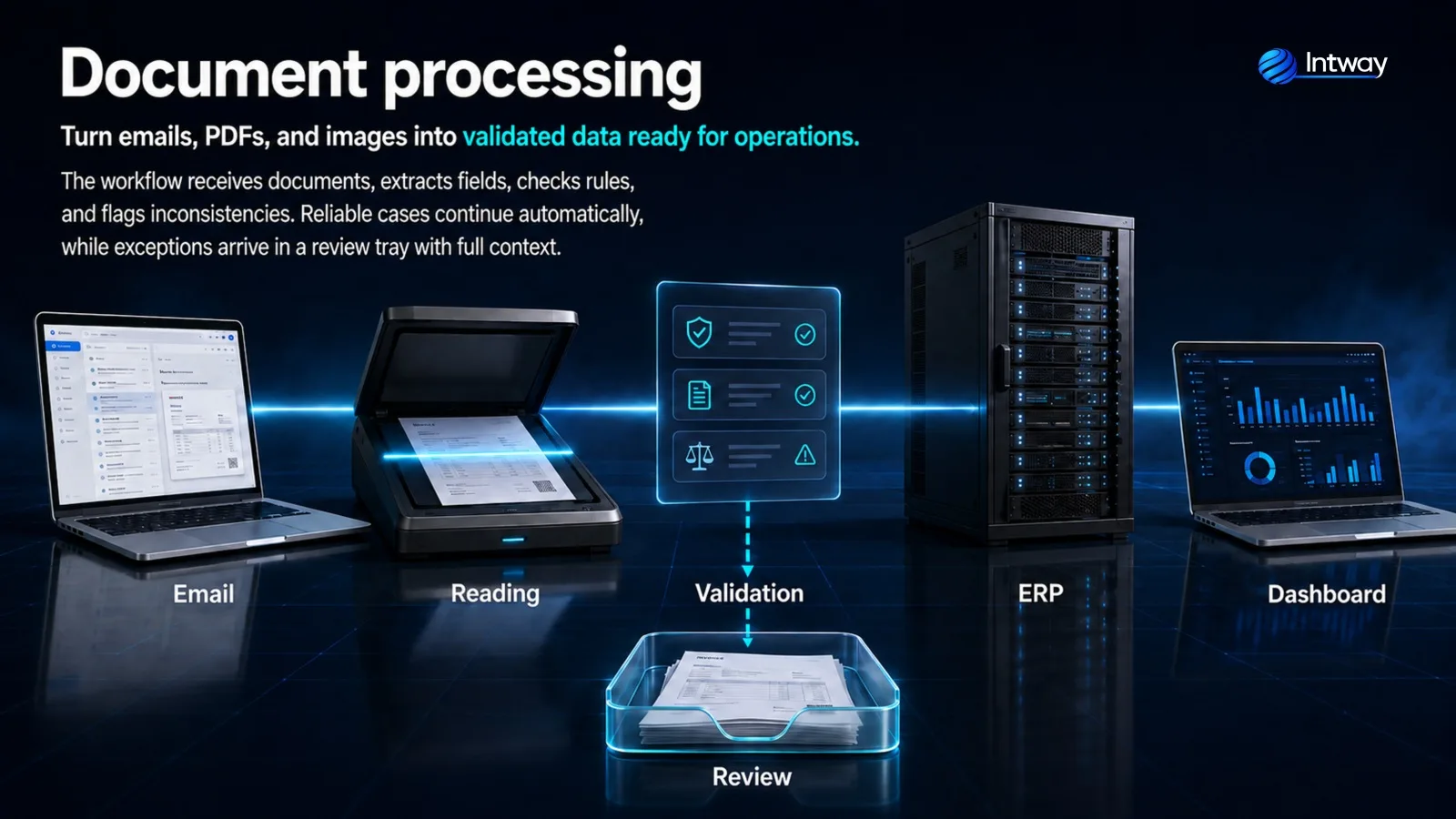
Turn emails, PDFs and images into validated, actionable data.
Ver más →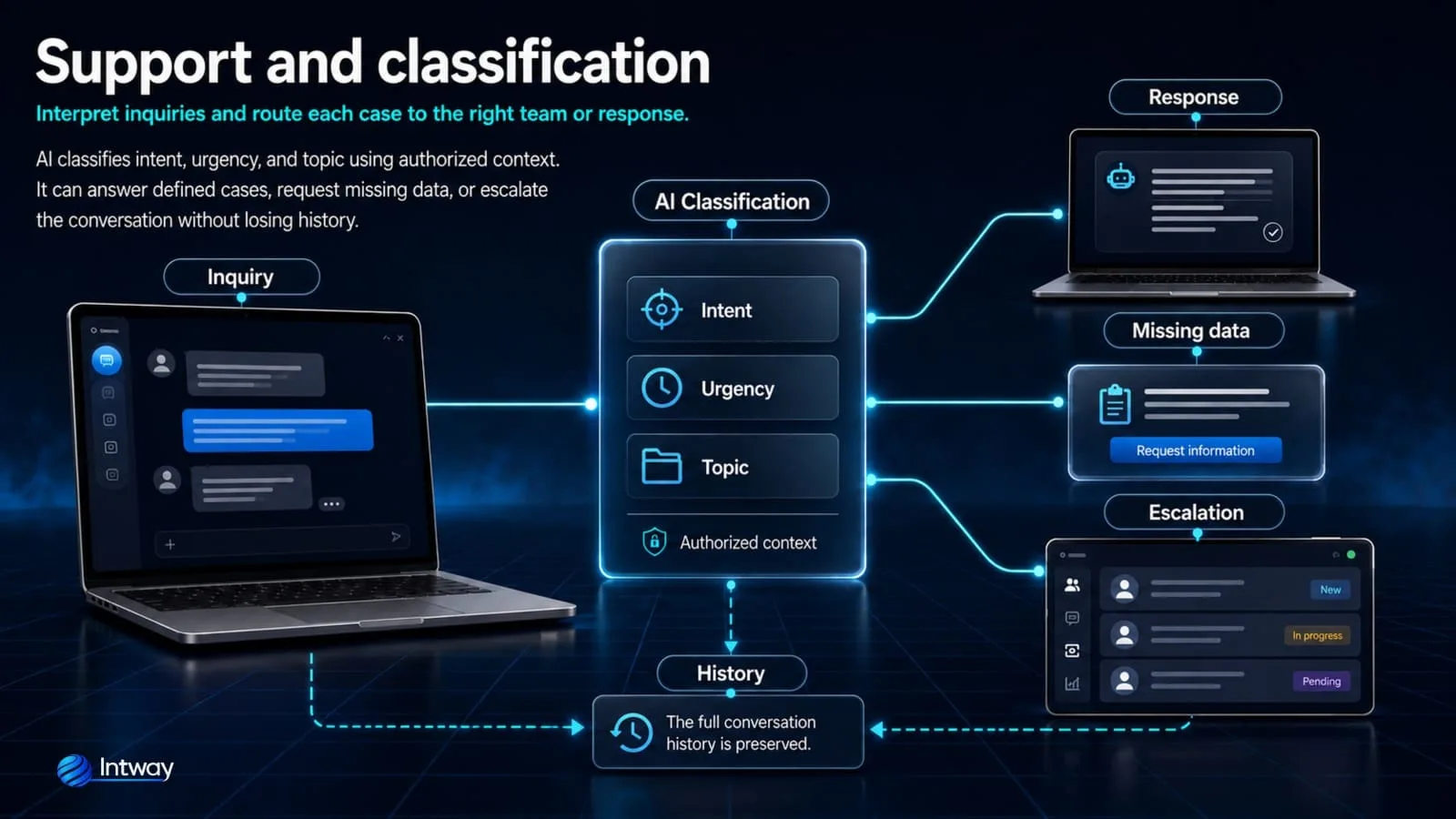
Understand requests and route each case to the right answer or team.
Ver más →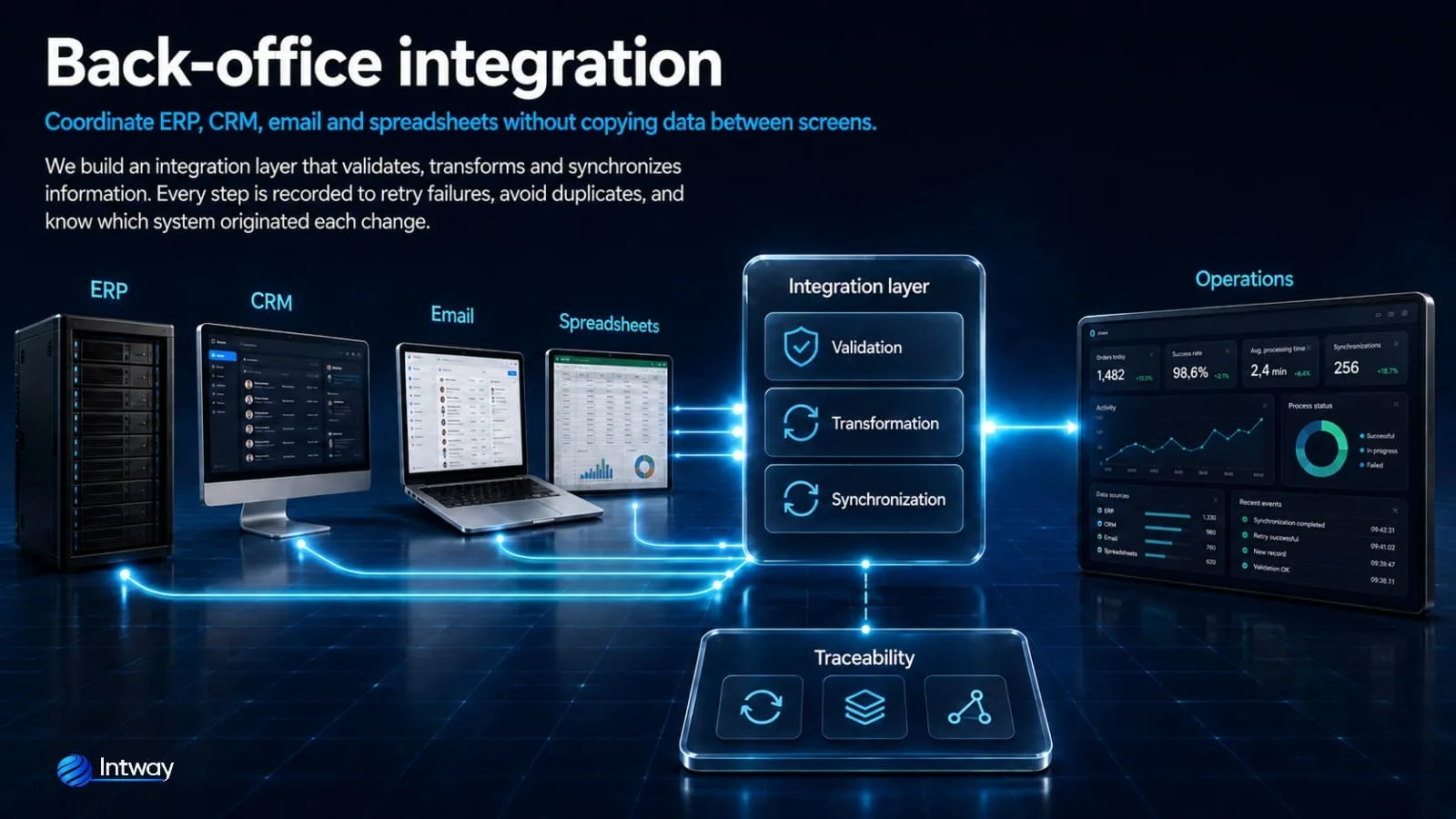
Coordinate ERP, CRM, email and spreadsheets without copying data between screens.
Ver más →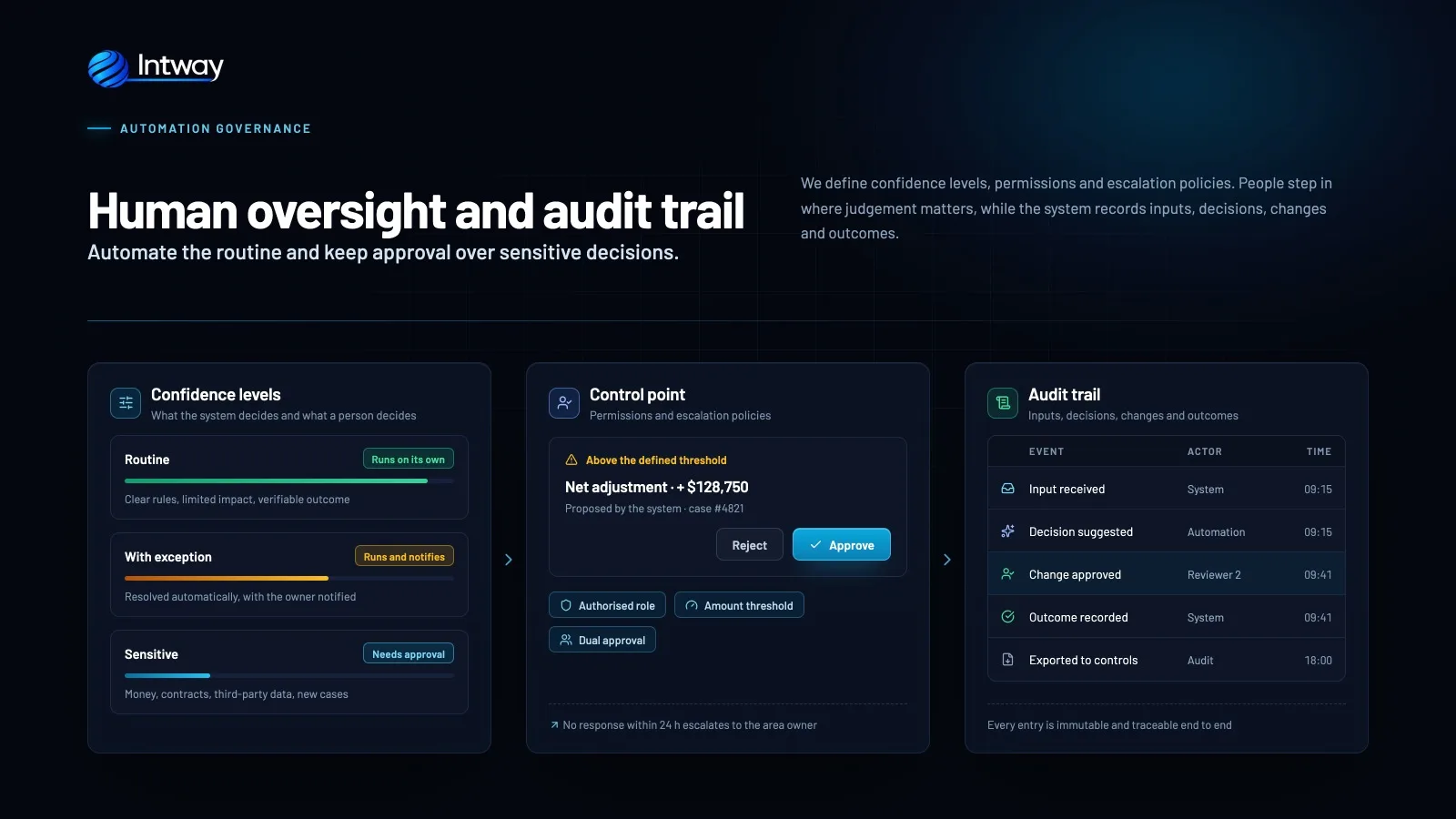
Automate routine work while retaining approval for sensitive decisions.
Ver más →We automate measurable bottlenecks without forcing AI into tasks that are better solved with deterministic rules.
We extract, validate and structure data from invoices, contracts, forms and emails, routing exceptions for review.
We connect ERP, CRM, email, messaging and internal databases through APIs and auditable workflows.
We interpret requests, retrieve context, prioritize and assign each case to the correct workflow.
We document the real workflow, exceptions, owners, timing and baseline errors.
We validate accuracy, rules and feasibility on a limited stage before integrating everything.
We connect systems and apply permissions, auditing, human review and failure handling.
We monitor outcomes and adjust the workflow using production metrics and observed exceptions.
An enterprise AI guide: what RAG is, how to apply artificial intelligence to documents, ERP and CRM data, and when AI agents make sense.
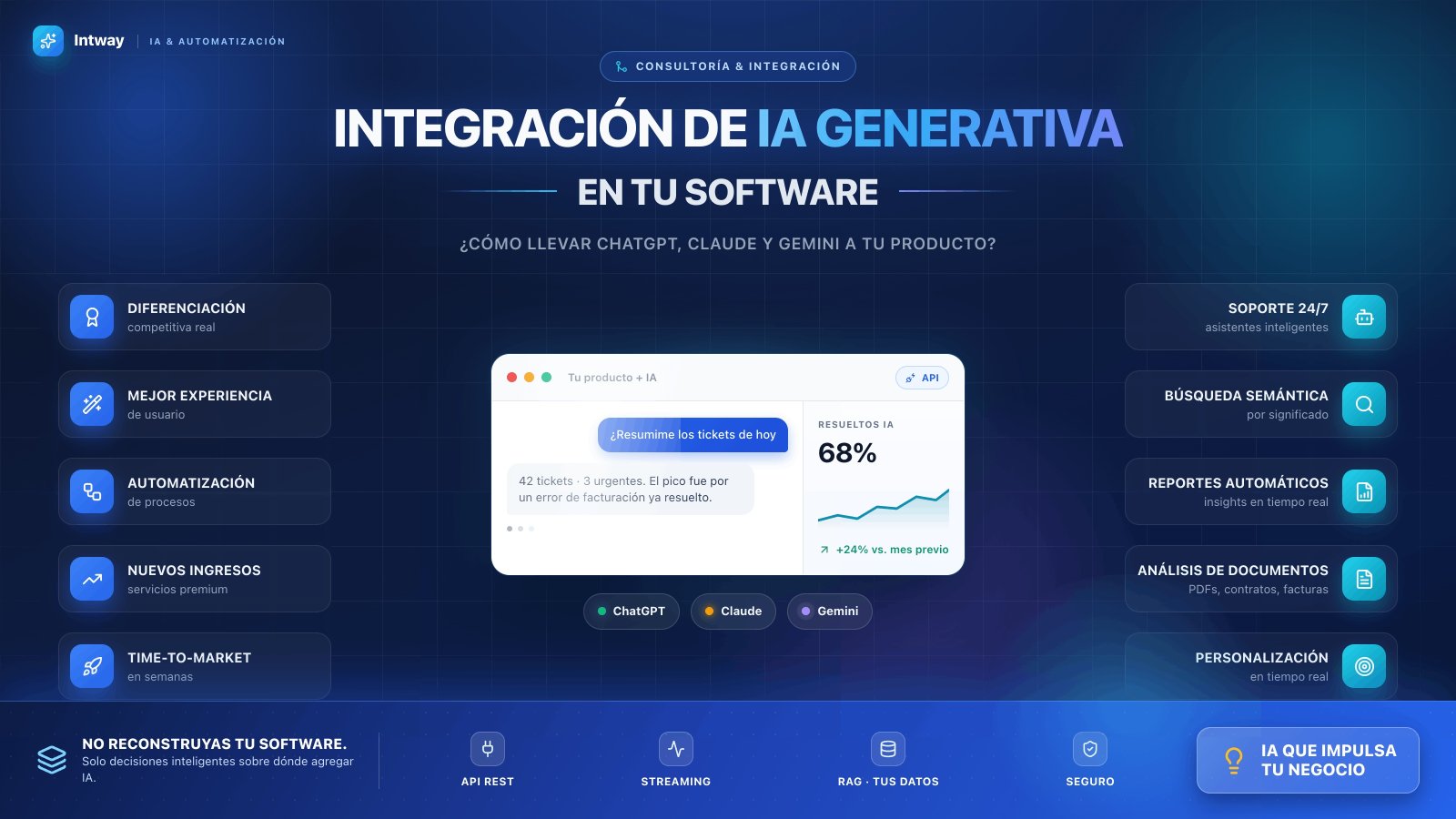
Learn how to integrate generative AI into your existing systems. Complete guide on ChatGPT, Claude, and Gemini to enhance your software and capture new business opportunities.
The workflow should log every decision and use idempotent operations to prevent duplicates. If an incorrect update reaches the ERP, a compensating transaction or controlled manual correction is applied. Sensitive workflows should require validation or approval before the change is committed.
That depends on the provider, product and contract. Before implementation, we verify usage terms, retention and data location. We configure enterprise services or APIs with the required guarantees; if they do not meet the requirement, we assess a private, local or on-premise model.
We avoid coupling business rules to one model. The integration uses an internal abstraction layer, evaluations based on known cases and controlled versions. This makes it possible to switch models, add an alternative provider or activate a fallback without rebuilding the entire process.
It depends on integrations, data quality, risk and internal approvals. A limited standalone workflow moves faster than one connected to several legacy systems. After discovery, we provide a defined scope, acceptance criteria and committed timeline instead of promising a generic date.
We design queues, retries and alternative paths. Depending on criticality, the workflow can wait, apply deterministic rules or route the case to a person. An essential operation should not depend on a single call without a contingency plan.
Yes, provided the selected model and infrastructure meet security, volume and latency requirements. A hybrid architecture is also possible: sensitive data remains inside the organization, while external services receive only authorized information.
Show us where manual work is accumulating, and we will assess a measurable, integrated and controlled automation.
Talk to a specialist