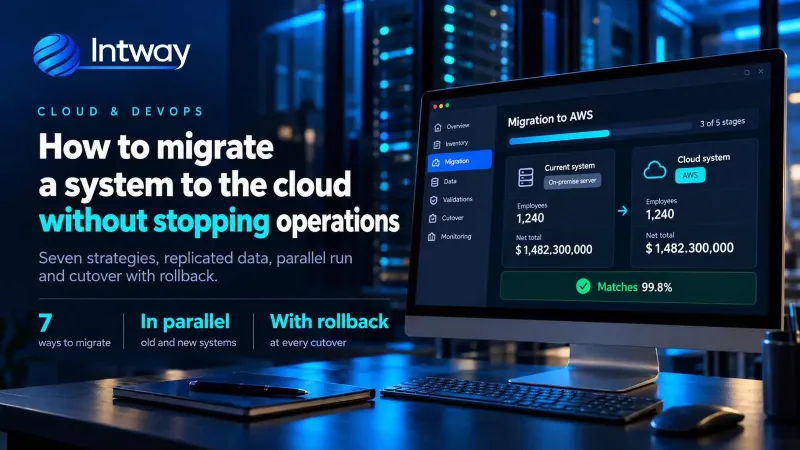
How to migrate a system to the cloud without stopping operations
How to move a system to the cloud in stages, without service outages: strategies, data, parallel runs and a cutover with a way back, with a real case.
23/10/2026
Systems on Amazon Web Services: architecture shaped by the load, infrastructure as code, automated deployment, security and costs.
We design, build and run systems on Amazon Web Services (AWS), and provide AWS consulting to sort out what is already running: architecture shaped by the real load, infrastructure written as code, automated deployment, security, monitoring and cost control. If what you need is to move a system that already works to the cloud, the step-by-step is in how to migrate a system to the cloud without stopping operations.
A small system with few users and a steady load can run well, and for less, on a rented server. If your company already works with Azure or Google Cloud and your people are trained there, staying is usually better. And if a legal or contractual requirement says the data must sit on your own servers, settle that before choosing a provider.
Have a system on AWS that nobody quite knows how it was put together, or a new one to design? Tell us about it and we'll tell you where we would start.
| Need | AWS | Rented server | Azure or Google Cloud | Your own servers |
|---|---|---|---|---|
| Load peaks | Scales per service, only while needed | Must be sized for the peak | Scale the same way | Must be bought for the peak |
| Queues, managed database, files and firewall | Managed services | Installed and maintained by hand | Equivalent services | Installed and maintained by hand |
| Low, steady load | Can cost more than needed | Usually the cheapest | Same as AWS | Makes sense if already paid off |
| Your team already works with another cloud | The team needs training | Not applicable | Better to stay | Not applicable |
| Data that can't leave the company | Depends on the requirement | Depends on the requirement | Depends on the requirement | Its typical use |
We start from how the system is used, not from the list of services. In a payroll platform for Latin America, the Next.js web is served through Amazon CloudFront behind AWS WAF, the NestJS APIs coordinate the process and the calculation workers scale on their own during payroll closes. Amazon SQS separates long calculations from the screen: if the user closes the browser, the calculation keeps going. PostgreSQL holds the data and Amazon S3 the files, with versions. When it makes sense to split the system into services, we do it as explained in microservices.
Nothing is created by hand in the console: every queue, permission or database lives in a versioned file, reviewed like any other code. Every version of the system goes through tests and a staging environment identical to production, and is released with a tested way back.
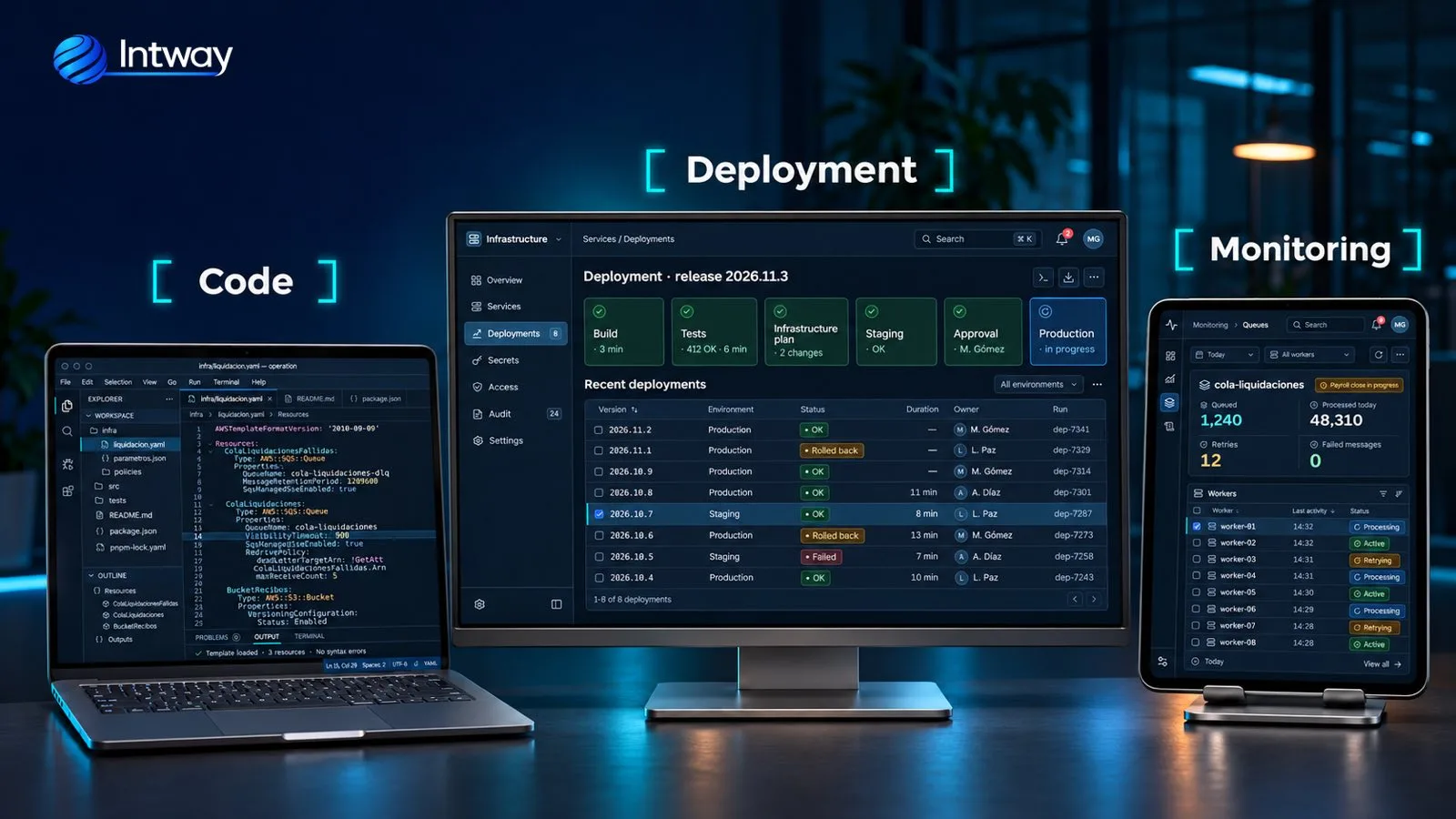
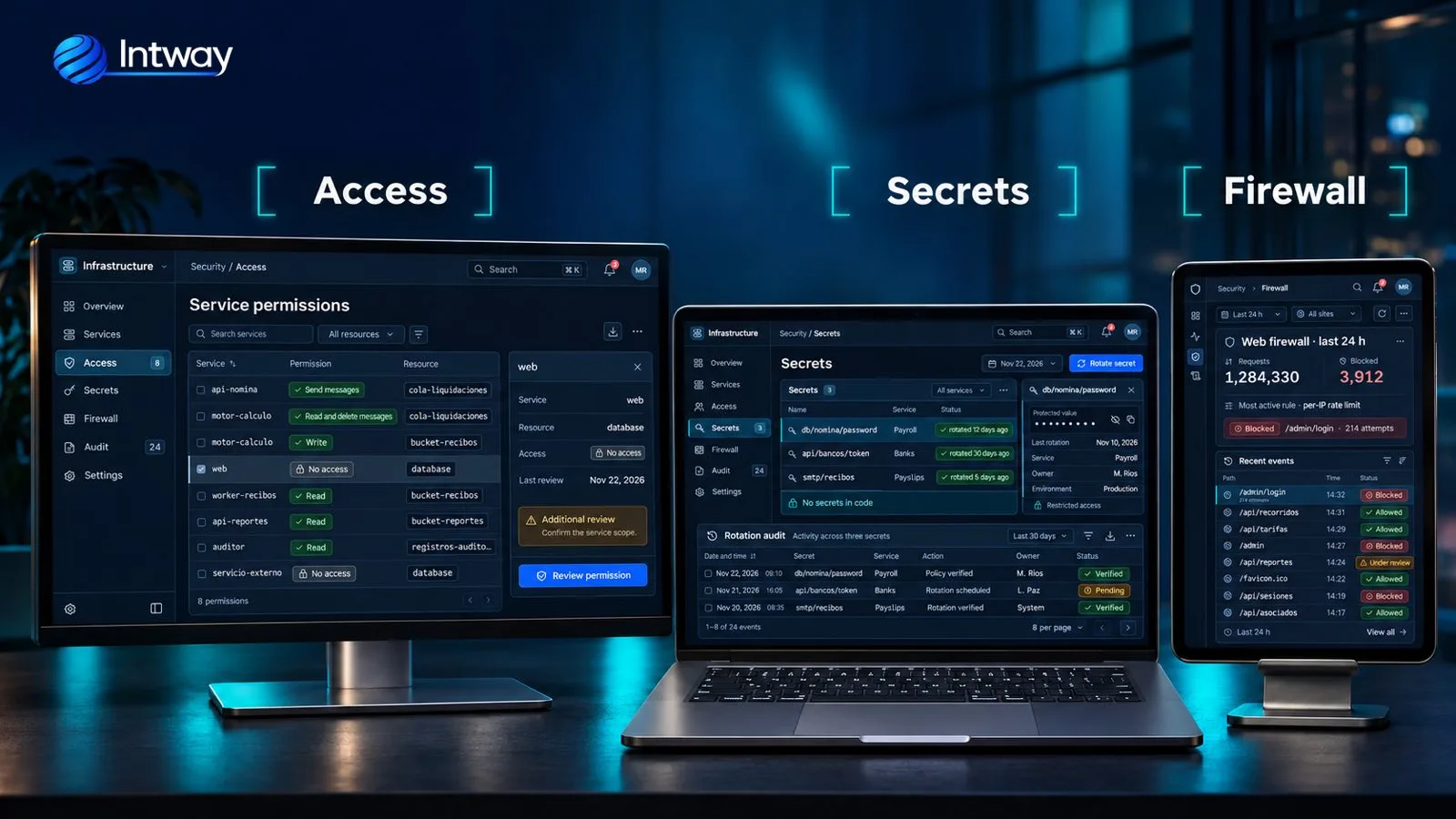
On AWS, security is shared: the provider is responsible for its infrastructure and you for what you configure on top, according to its shared responsibility model. Our part: each service with just the permissions its task needs, secrets kept out of the code and rotated, encrypted data, backups that are tested by restoring them, and a firewall in front of the web.
Every request carries an identifier that lets you follow it through the web, the API, the queue and the engine, with alerts on errors, retries and timings. On the cost side: a budget with alerts, spending split by environment and service, and a review of each resource's size. The AWS bill is checked every month, not when it surprises you.
We work to the six pillars of the AWS Well-Architected Framework: operational excellence, security, reliability, performance efficiency, cost optimisation and sustainability. In practice, this is what we do on every project:
The APIs and screens that run on this infrastructure are built as we explain in Next.js and NestJS development.
| Starting point | What we built on AWS | Result |
|---|---|---|
| A payroll engine for Latin America with the calculation in Visual Basic and screens that only ran on Internet Explorer | Web on CloudFront with AWS WAF, APIs separate from the calculation engine, Amazon SQS for long processes, PostgreSQL and S3, with infrastructure as code and automated deployments | The web, the APIs and the engine scale independently; the calculation continues even if the user closes the screen. See the case |
How that system was moved to AWS, with parallel runs and a cutover with a way back, is covered in the guide to migrating a system to the cloud.
There are two separate costs. Development depends on what has to be built or moved, how many services and environments, which systems it integrates with, the level of security the information requires and whether there is data to migrate. AWS itself charges by usage: compute, database, storage and traffic, and it changes with the architecture you choose. That's why we estimate it together with the design, before building. How we put together the development figure is in how to estimate a software project, and for your case, get in touch.
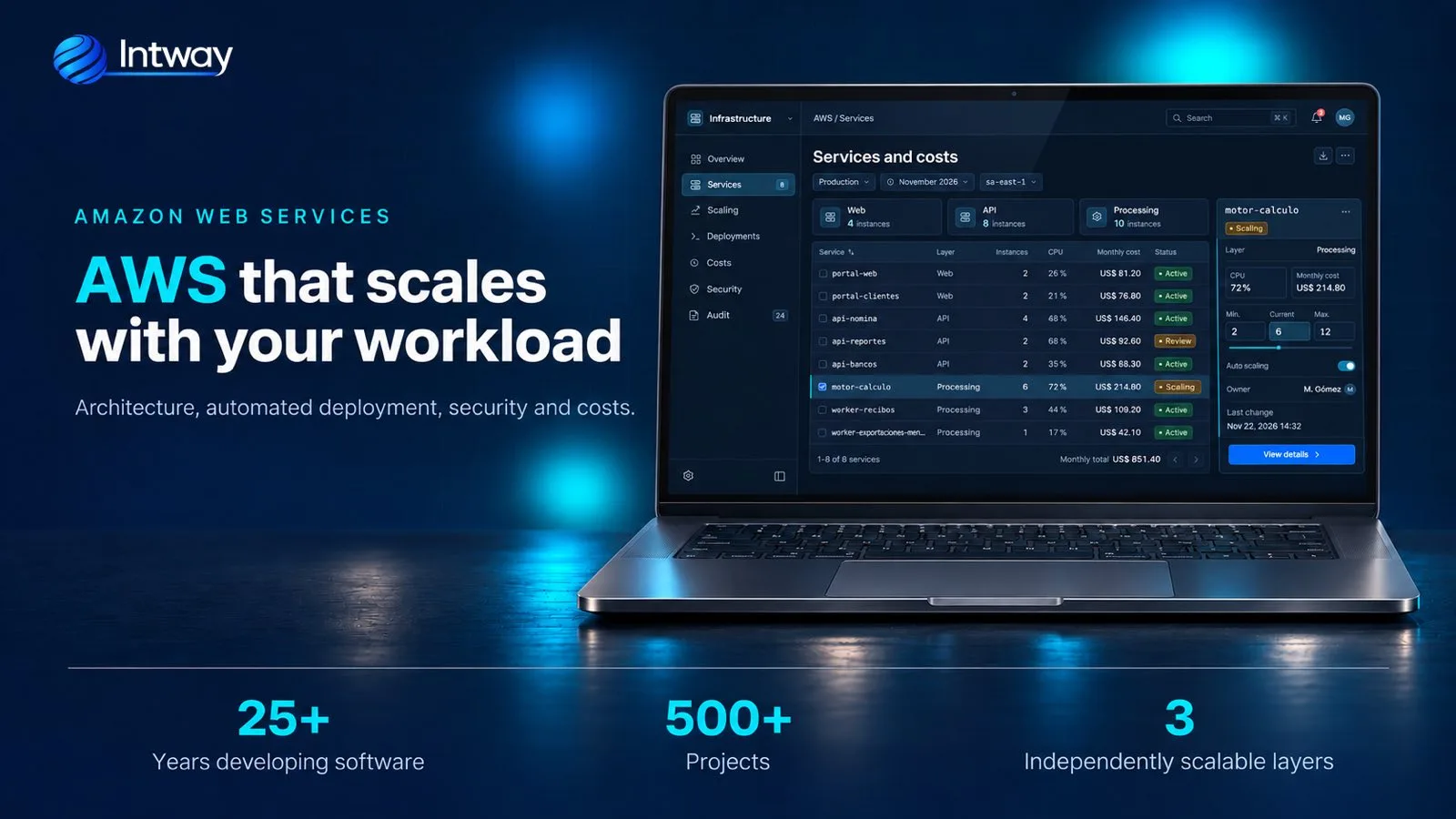
From architecture to day-to-day operations.
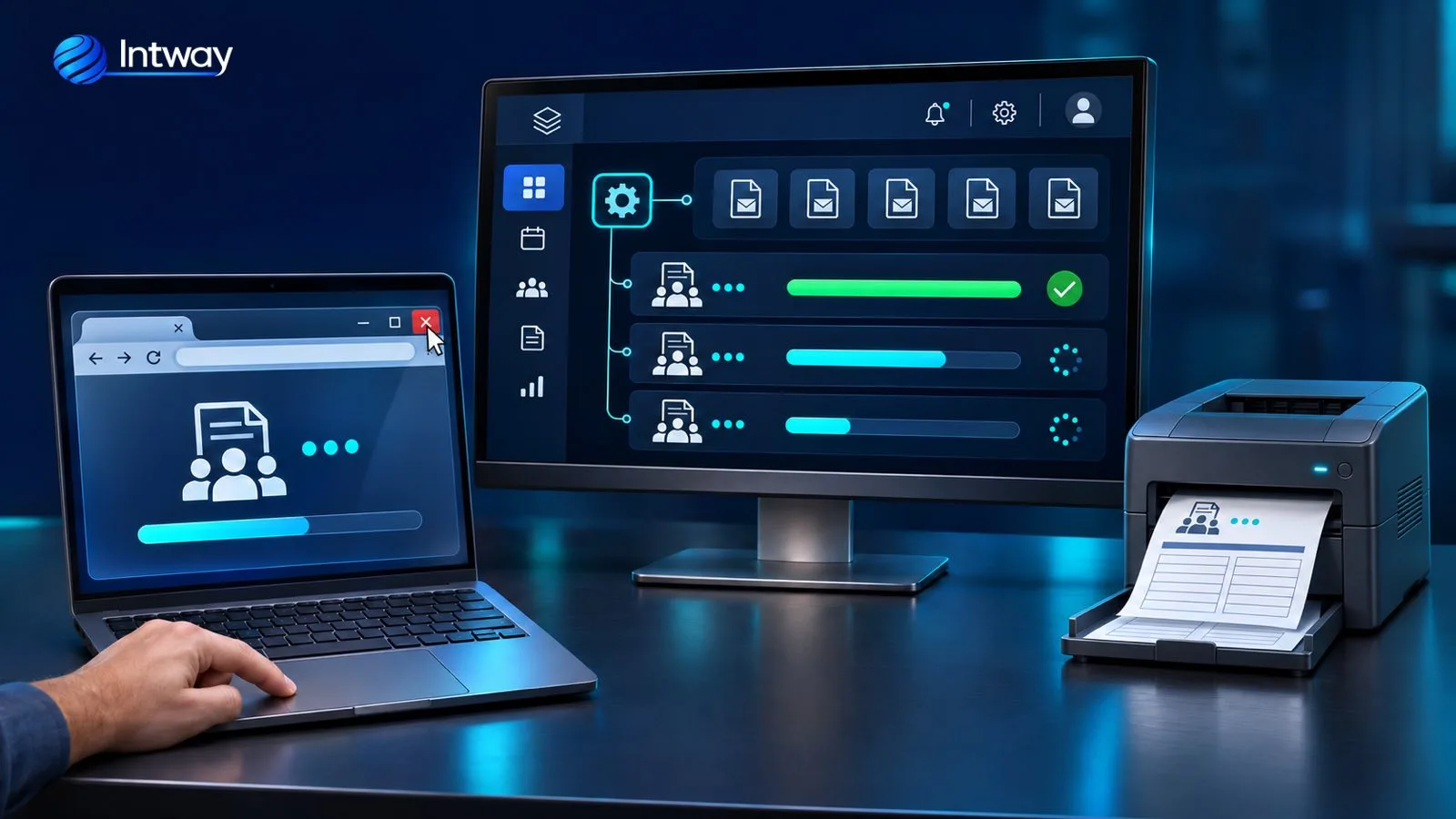
The right services for how the system is used.
Ver más →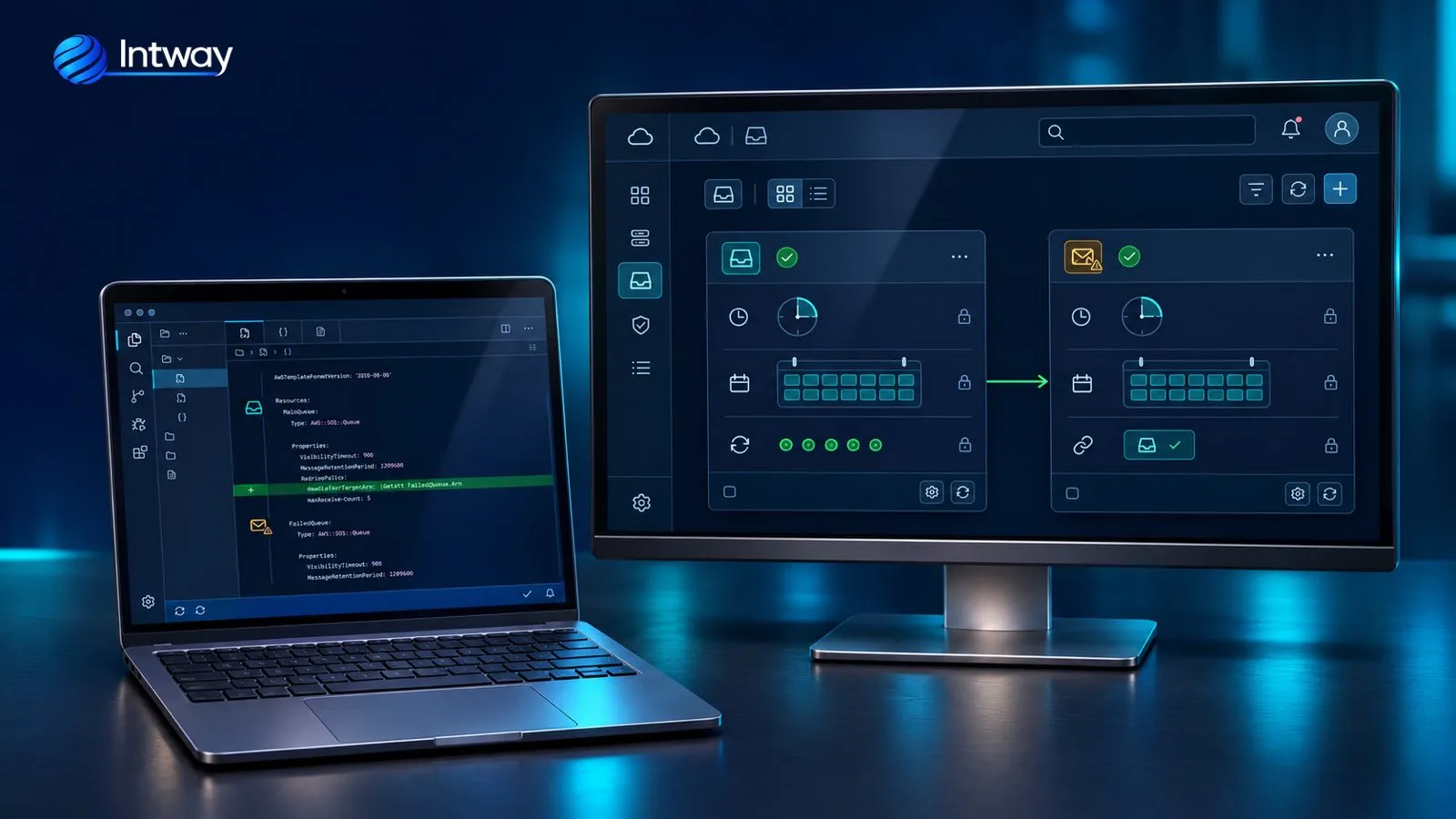
Every resource in a versioned file.
Ver más →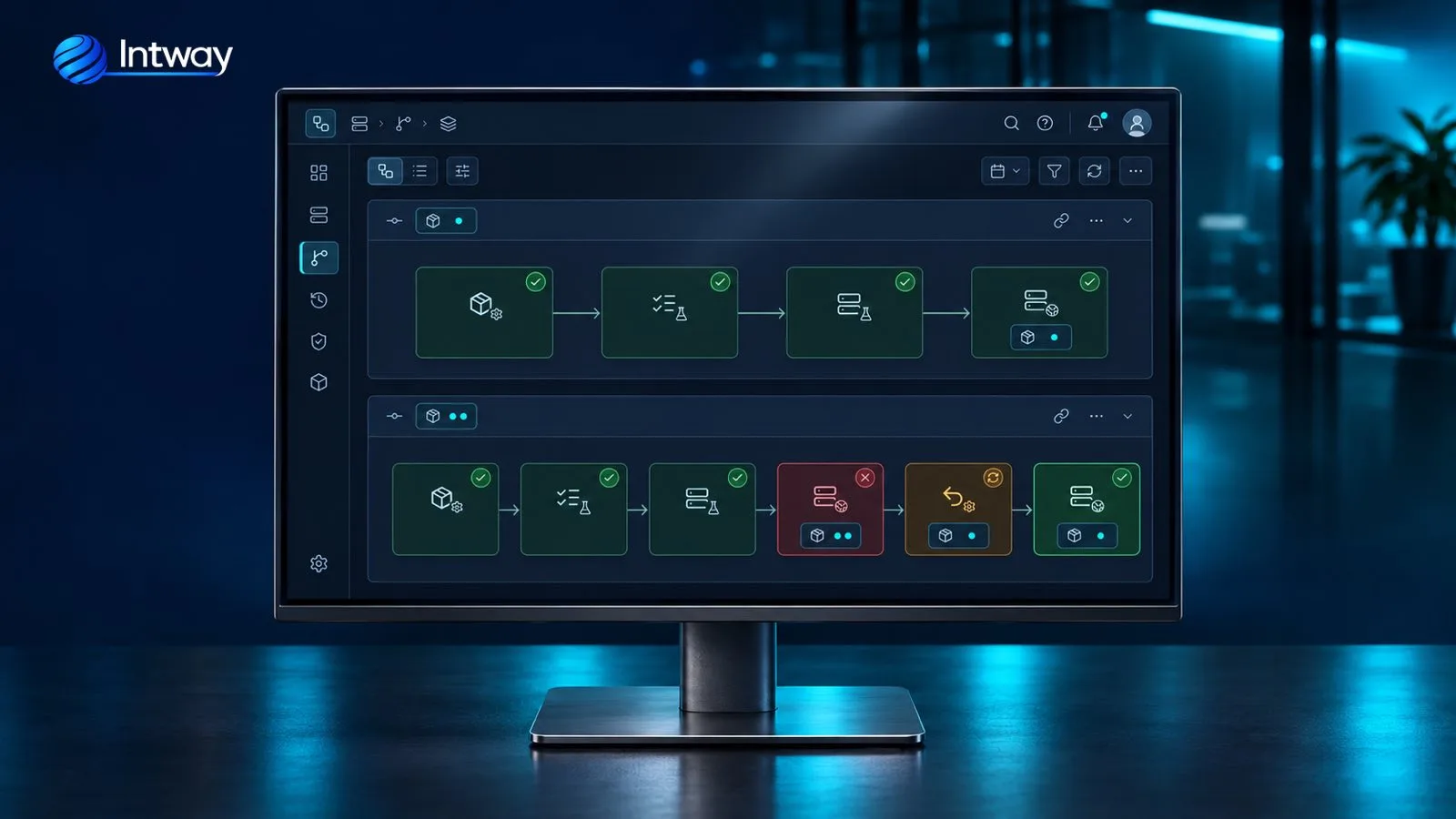
Tests, staging and a way back.
Ver más →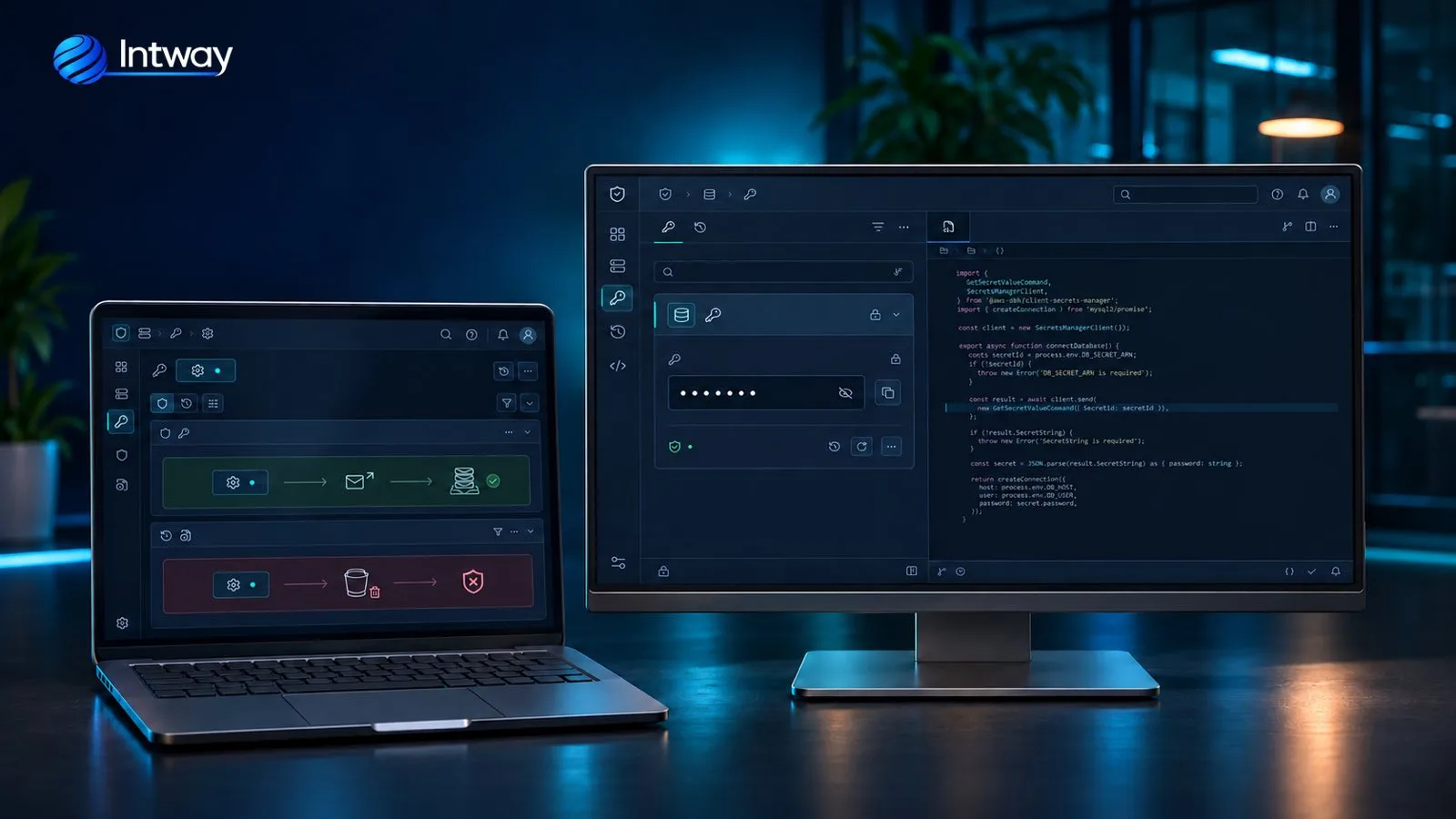
Each service can do only what it needs.
Ver más →
Alerts on errors and delays, and spending in plain sight.
Ver más →The typical problems of a cloud that grew without a plan.
Everything was created by hand in the console and nobody can recreate it or explain what changed.
A month-end close or a shift that starts at the same time leaves the web unresponsive.
There is no budget, no alerts and no spending split by environment.
The application has administrator access and the keys are in the code.
How the system is used, its peaks, its data and what already exists in the account.
Services, environments, security and an estimate of the monthly AWS cost.
Infrastructure as code, automated deployment and the system in stages.
Monitoring, alerts, cost reviews and improvements in production.
Whatever each system needs. On a payroll platform for several countries we use Amazon CloudFront and AWS WAF for the web, Amazon SQS for long processes, PostgreSQL for the data and Amazon S3 for files. We don't add a service unless it solves something specific.
It depends on the load. If the system has peaks, long processes or grows fast, yes. If it is small, with few users and a steady load, a rented server can work well and cost less.
It depends on usage: compute, database, storage and traffic, and on the chosen architecture. We estimate it together with the design, before building, and set up a budget with alerts when actual or forecast spending crosses a threshold. AWS updates that data a few times a day, so the alert arrives a few hours late.
It is shared. AWS is responsible for the security of its infrastructure, and the customer for what they configure on top: permissions, data, network, secrets and applications. That second part is what we design and maintain.
Yes. We do it in parts, with the data replicated, both systems running in parallel and a cutover with a way back, so operations don't stop. The step-by-step is in our guide on how to migrate a system to the cloud.
Yes. First we survey what is there, who has access and what each part costs. Then we move the infrastructure to code, tighten permissions and costs, and leave monitoring and alerts in place.
Tell us how it is used and we'll tell you which architecture fits and what it may cost to run.
Contact us