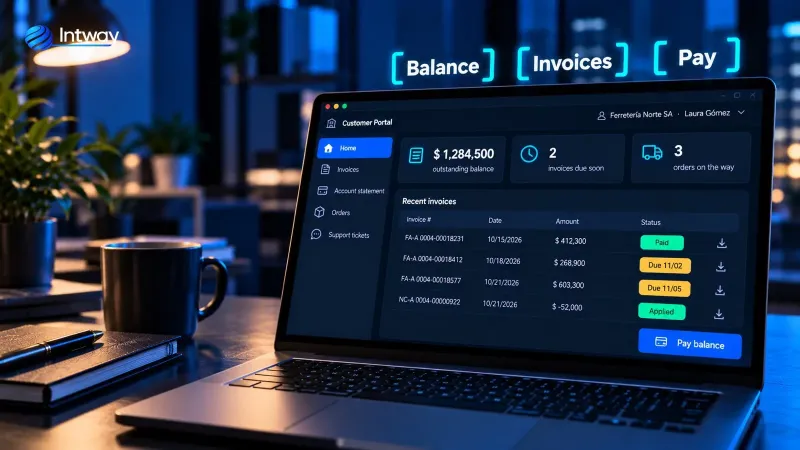
Customer self-service portal: what it is, what it solves and when to build one
What a customer portal is, which questions it answers, when it pays to build one and how it connects to your management system.
23/10/2026
Web systems, portals and APIs in TypeScript: Next.js for the screens and NestJS for the API, with cases in production.
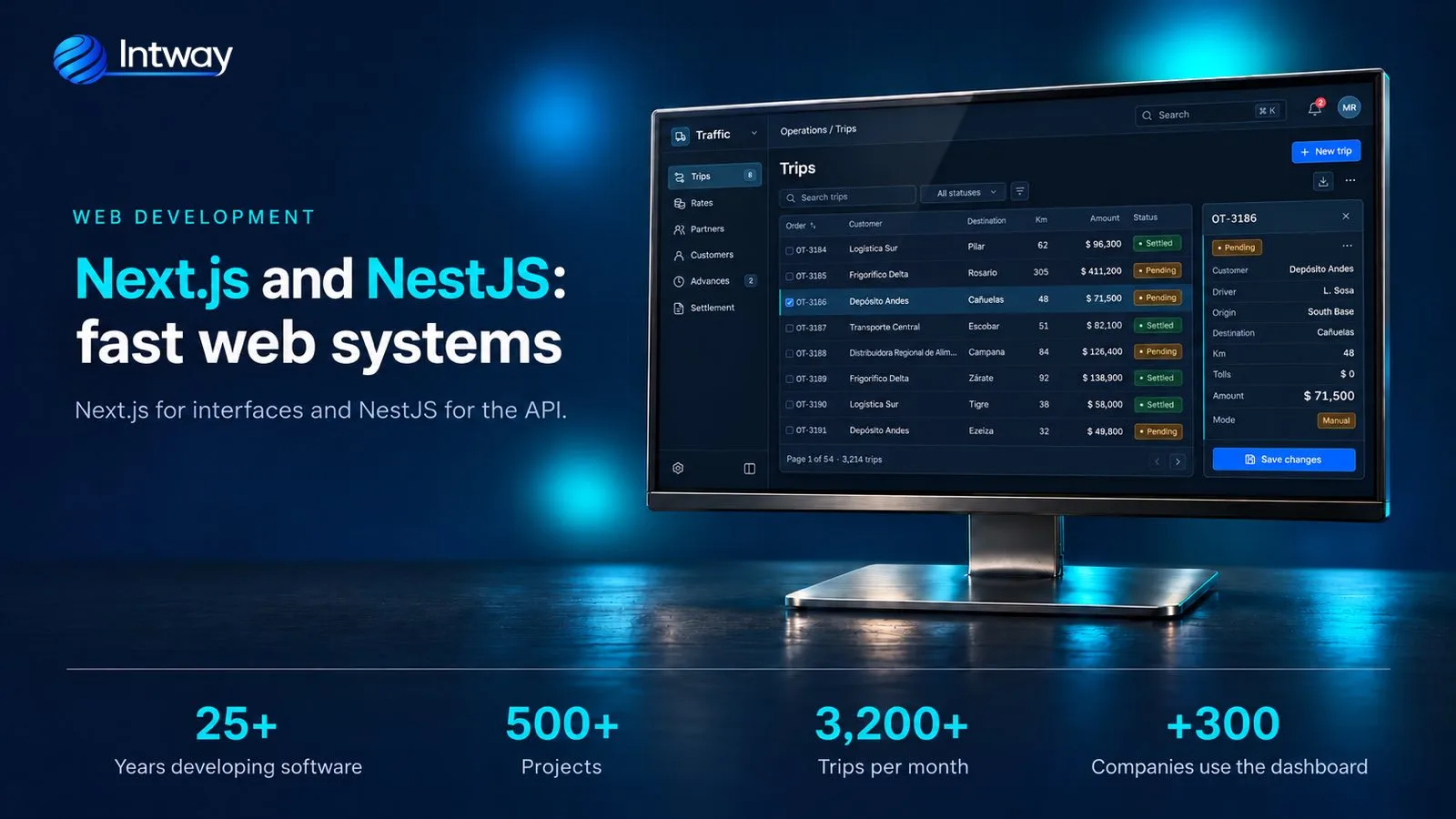
We build web systems with Next.js for the screens and NestJS for the API, both in TypeScript on Node.js. It is the stack we build our management systems, portals and dashboards with today, like the ones in the cases below: one language end to end, an API with clear contracts and screens that respond instantly. If you are looking for the full service, from idea to production, see custom software development.
Next.js is the React framework for web applications: it handles screens, routes, data loading and navigation. NestJS is a Node.js framework for building APIs: it organises code into modules, controllers and services, and comes with validation, permissions and dependency injection out of the box. Keeping them apart has a practical reason: the same API serves the web, a mobile app and other systems, and none of them depends on how the other's screens are built.
For a corporate site of a few pages or a blog, a content management system is enough. If one part of the system does heavy parallel calculation, that part can be written in another language: in a multi-country payroll engine the web is Next.js and the API is NestJS, but the calculation engine is Go. And if your team already maintains systems in Java or .NET, staying on their stack is often the better call.
Have a system to build, or one in Next.js or NestJS that needs sorting out? Tell us what it has to do and we'll tell you how we would approach it.
| Need | Next.js + NestJS | Next.js alone | Java or .NET | WordPress or another CMS |
|---|---|---|---|---|
| Management system with many screens, roles and rules | Its typical use | Enough at first; gets harder as the rules grow | Yes, especially if your team already works with it | Not built for this |
| An API used by the web, an app and other systems | NestJS, with contracts and validation | Possible, but the API ends up mixed with the web | Yes | Limited to its plugins |
| Corporate site or blog | More than needed | Works | More than needed | Its typical use |
| Who maintains it afterwards | A team that works in TypeScript | A team that works in TypeScript | A Java or .NET team | Whoever publishes the content |
The frame (menu, top bar and user) lives in a layout that isn't redrawn when navigating, and each section has its own loading skeleton: a click changes the screen immediately, even if the data takes a moment. Every internal link uses the Next.js navigation component, which prefetches the next screen. Grids the team uses all day are designed to be worked from the keyboard, like a spreadsheet.
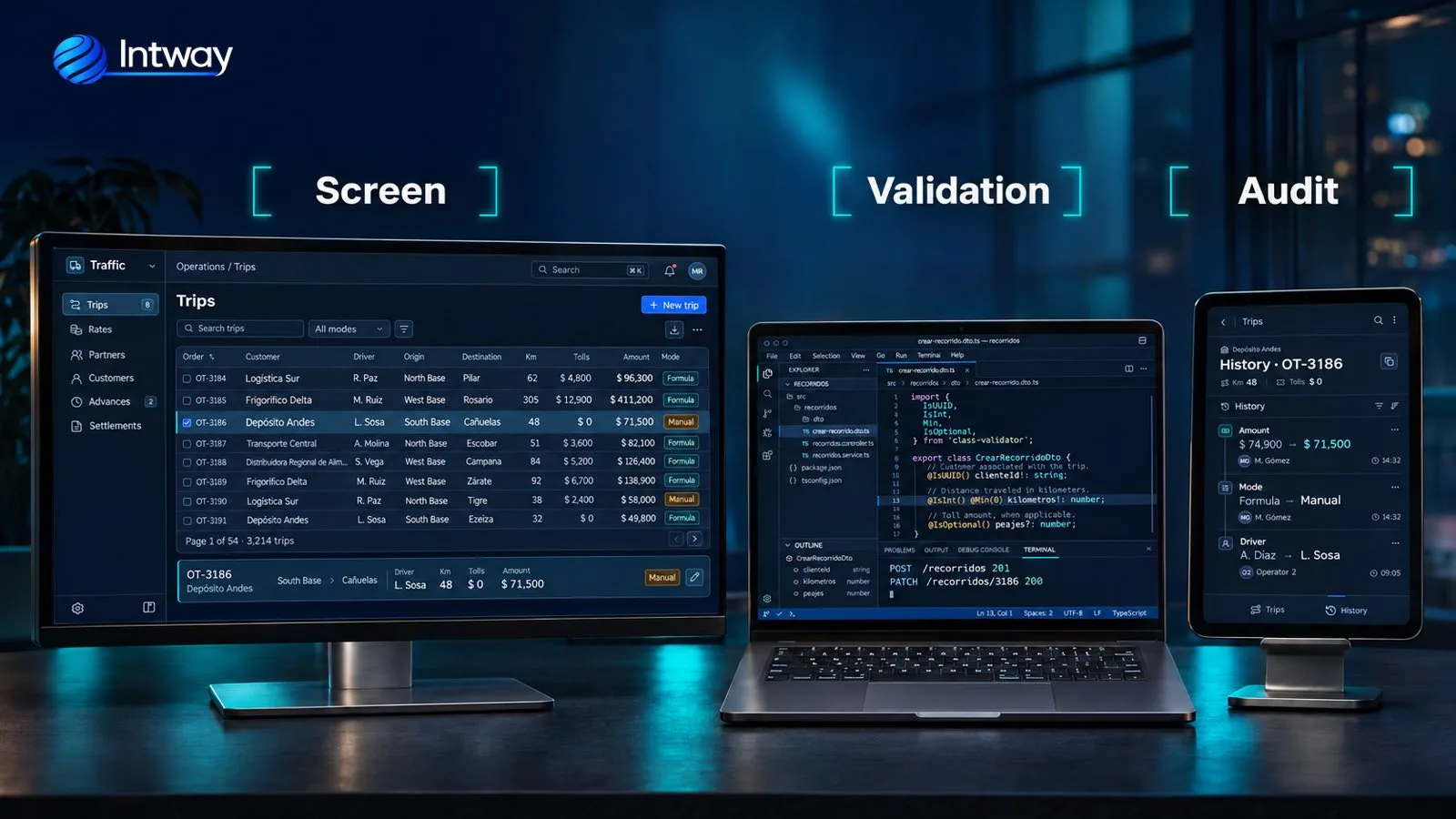
One module per domain (trips, rates, payroll), every input validated before it touches the database, and Swagger (OpenAPI) documentation generated from the same code. Permissions are checked in the API and on every screen, not just in the menu: hiding a button doesn't stop anyone from calling the API.
We work with PostgreSQL or with the database you already have. Anything slow, such as a payroll close, an export or a recalculation, goes to a Redis queue and runs in the background: if the user closes the screen, the process keeps going and they see its status when they come back.
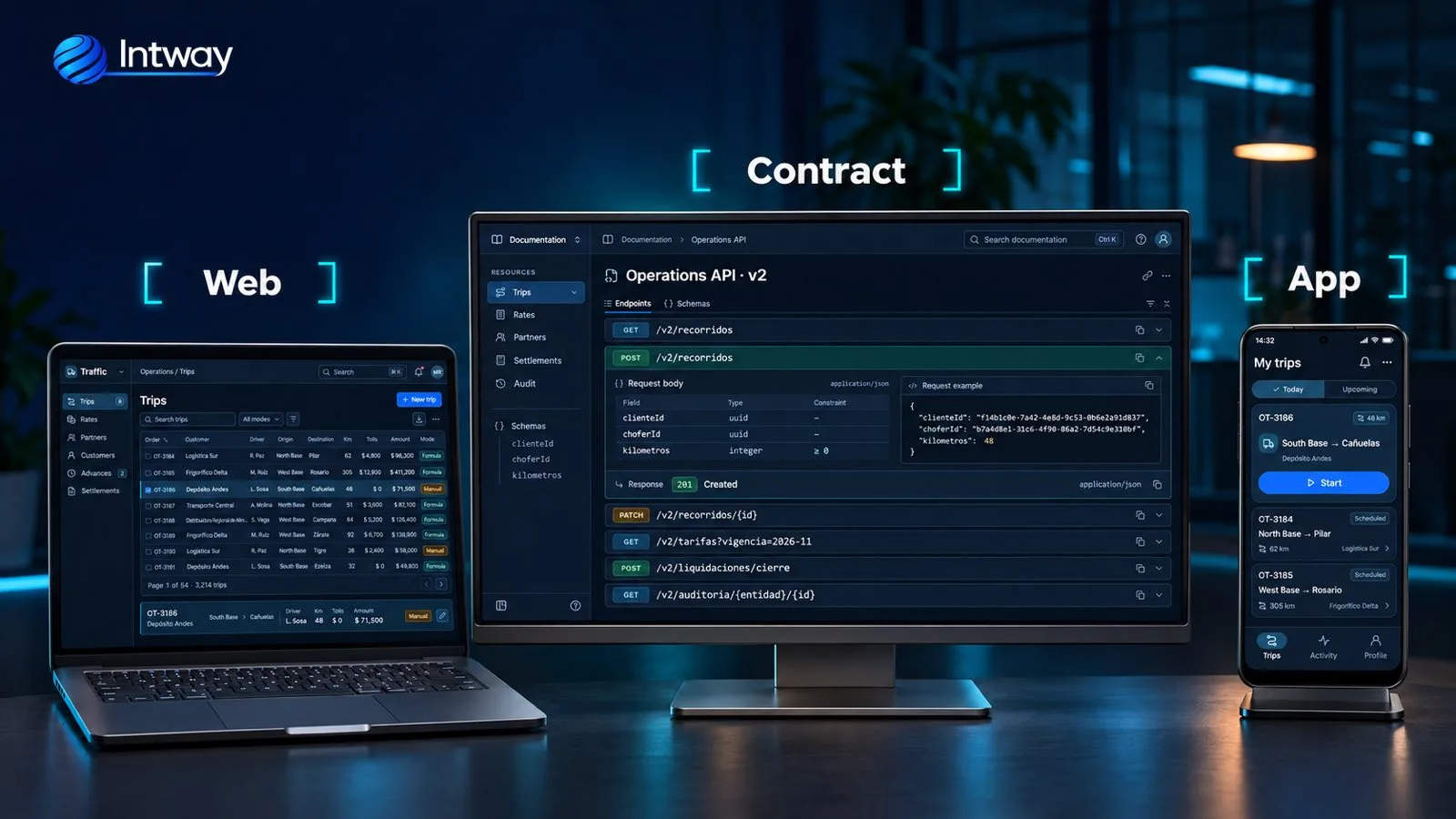
If the system grows and it makes sense to split it into services, we do it in stages, as we explain in microservices.
These are the rules we work by on every project. Several of them are enforced by an automated check before every release, so they don't depend on someone remembering.
Every screen is designed in Figma and validated with the people who will use it before it is built. The design produces the project's design system: colours, typography and components (tables, forms, modals, search boxes, filters) built once with shadcn/ui and Tailwind CSS and reused across the whole system. A create form always looks the same, a table behaves the same on every screen, and new work extends what already exists instead of starting from scratch. Screens are checked on desktop and on mobile before they are signed off.
We use Redis for three things. Caching data that is read often and changes rarely (catalogues, permissions, settings), with expiry and invalidation when the data changes. Queues with BullMQ for slow work (closes, exports, emails, integrations), with retries, a dead-letter queue and a separate worker that doesn't slow the API down. And rate limits per user or per IP, so no one can overload the system. With several API instances, Redis is also what they share.
When a screen needs to know about something without reloading (a trip changing status, a new order, a chat, the progress of a long process), we use NestJS WebSocket gateways with Socket.IO. Every connection is authenticated, every message is validated like an API request and confirmed with an acknowledgement. With several instances, the Redis adapter distributes the messages, and the socket only loads on the screens that use it.
| Starting point | What we built | Result |
|---|---|---|
| A security and logistics company tracked its truck traffic and its members' pay in a spreadsheet with copied formulas | A Next.js grid with formulas and a NestJS API that validates, recalculates and audits every change | More than 3,200 trips a month in a single system, in 6 months of development. See the case |
| A Visual Basic payroll engine that only ran on Internet Explorer | The web in Next.js, the APIs in NestJS and a separate calculation engine that scales during payroll closes | Payroll for several countries from Chrome, Edge, Firefox or Safari. See the case |
| Companies with no reliable record of working hours | A Next.js web dashboard for each company, with the clock-ins and the payroll | More than 300 companies and more than 10,000 users on the platform. See the case |
The cost is driven by scope, not by the technology: how many screens and rules the first module has, which systems it must integrate with, how many roles and companies share it, whether data has to be migrated from an earlier system and what infrastructure is needed. For an existing system, the state of the code also counts. We quote in stages, starting with a first release that can be used. How we build that number is in how to estimate a software project, and if you want one for your case, get in touch.
The decisions that keep a system easy to change.
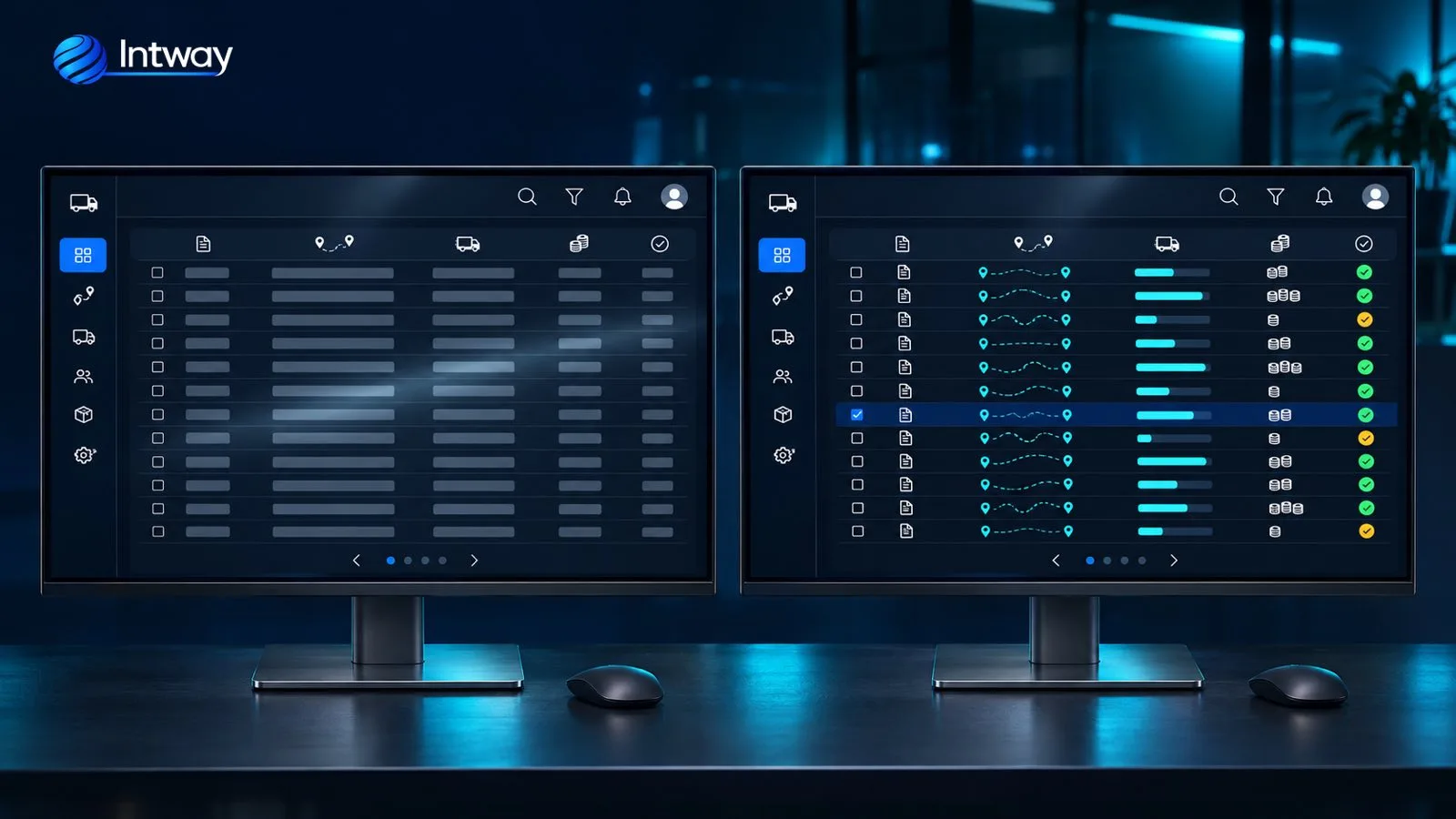
A fixed menu and a skeleton while data loads.
Ver más →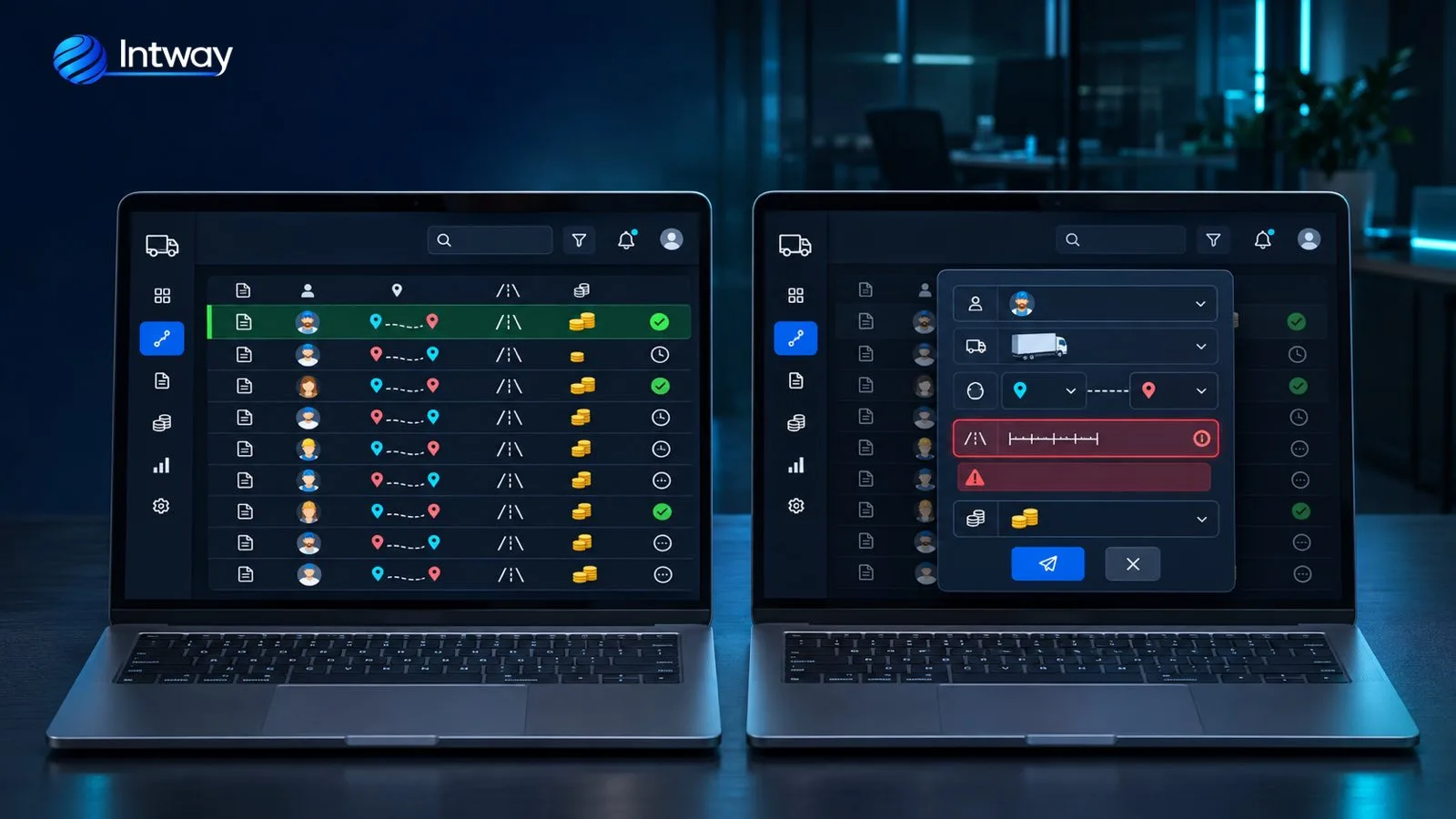
Every input is validated before it touches the database.
Ver más →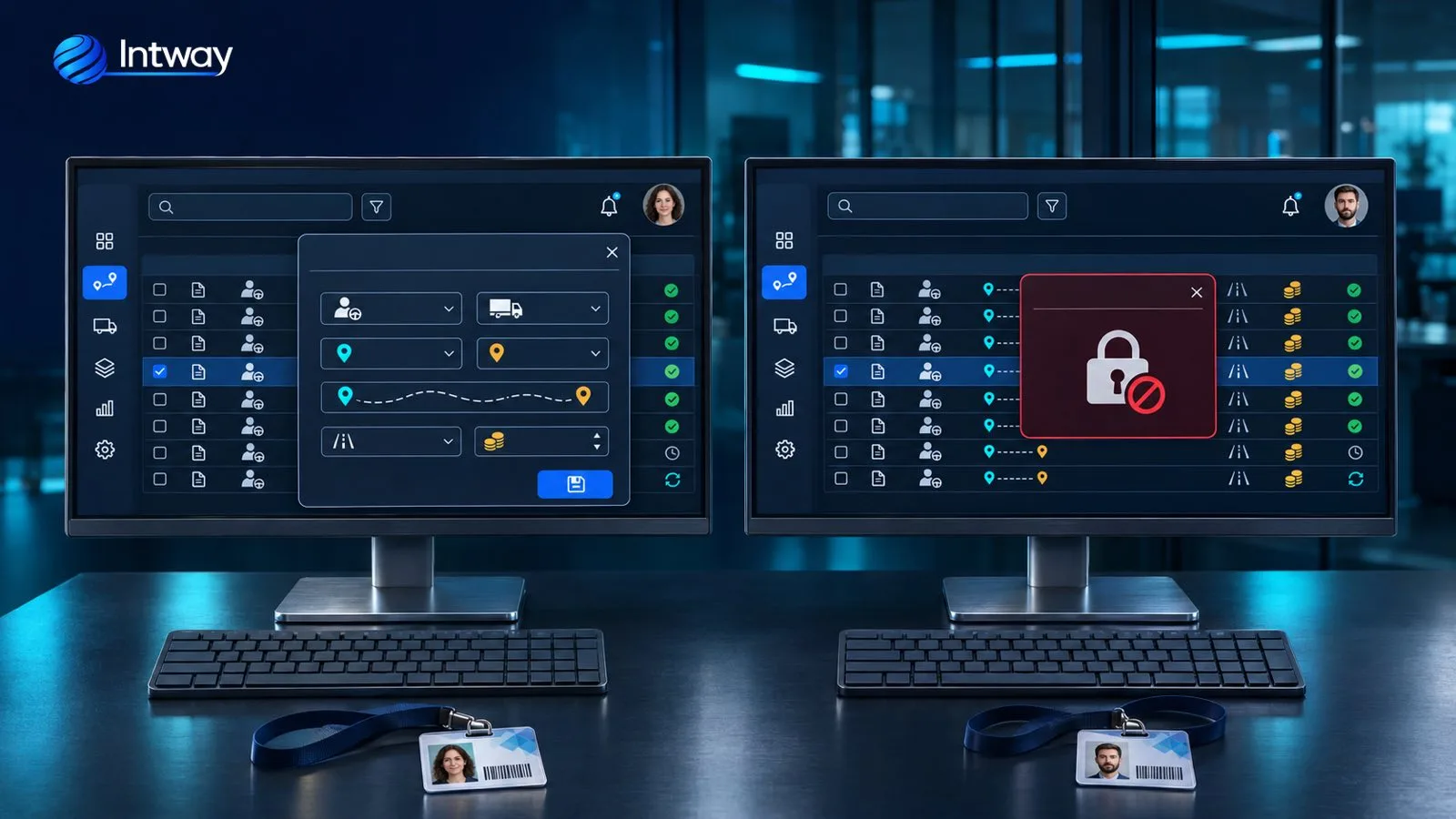
Hiding a button isn't enough.
Ver más →
Closes, exports and recalculations in a queue.
Ver más →
The same types on screen and in the API.
Ver más →The problems that show up when a web system grows without structure.
Every change breaks something else because there is no structure and no types to warn you.
Every click reloads the whole page and the menu waits for the server again.
The web, the app and other systems each consume something different and nothing matches.
The button is hidden, but the API answers anyone who calls it.
Screens, rules, roles and integrations, with the people who will use the system.
A complete module in production, with its API, permissions and tests.
Each new module ships once it is tested, without waiting for the end.
Monitoring, maintenance and evolution of the system in production.
It is a Node.js framework for building APIs and services in TypeScript. It organises code into modules, controllers and services, and comes with data validation, permissions and dependency injection. It is used for the part of the system that stores the data and applies the rules.
Both. For a management system, the App Router keeps the menu in place, loads each screen instantly with its skeleton and lets permissions be checked on every screen.
For a small system Next.js alone is enough. When the same API will be used by a mobile app or other systems, or there are many rules and permissions, a separate NestJS API keeps the code organised and independent of the web.
Yes. Both run a payroll platform for several countries, and Next.js powers the dashboard of a platform with more than 300 companies. What decides whether it scales is the architecture: queues for slow work, a well-designed database and separate services when needed.
Yes. First we review the code, the database and how it is deployed, and tell you what is fine, what should be fixed before adding features and what risks we see.
In stages. After a first conversation we define a first usable release and quote it based on its screens, rules, integrations and data migration. Later stages are quoted with what was learned.
Tell us what it has to do and we'll tell you how we would build it with Next.js and NestJS.
Contact us