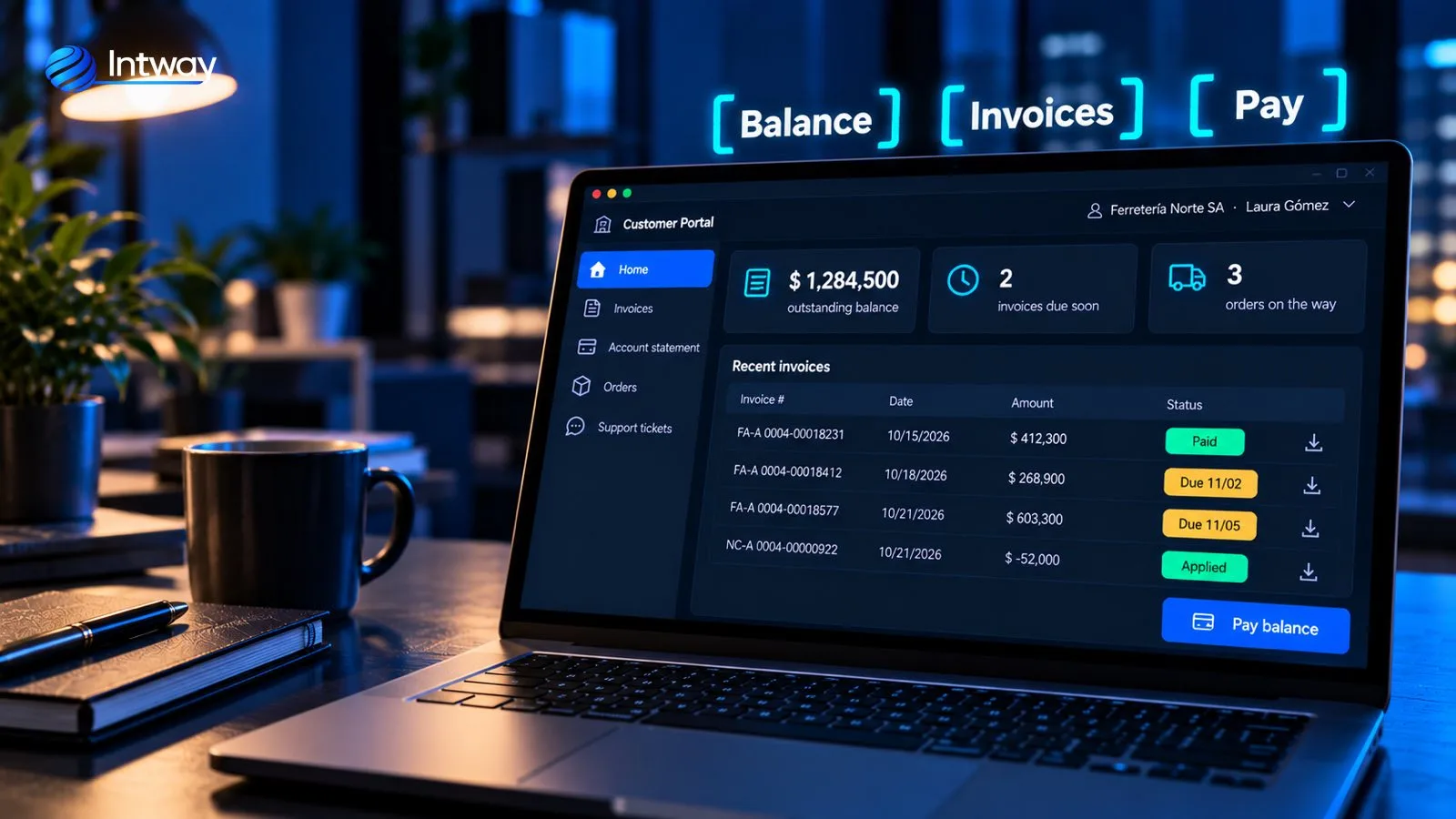
«Can you resend the invoice?», «how much do I owe?», «has my order shipped?». In many companies, a good part of the accounting and customer service day goes into answering the same questions by email, phone or WhatsApp, with data that is already in the system. A self-service portal gives each customer direct access to that information, at any time. This guide explains what it is, what it solves, when it pays to build one and how to set it up so it really works.
What a customer self-service portal is
It is a private website, with a username and password, where each customer sees and handles their own matters without having to ask anyone: their invoices, their account balance, their orders, their claims. It is also known as a customer portal or an extranet.
The difference from a regular website is that it doesn't show general information: it shows that customer's data, pulled on the spot from your management system. That is why a portal isn't a design project, it's an integration project.
What a customer can do in the portal
- Invoices and documents: view and download invoices, credit notes, delivery notes and receipts.
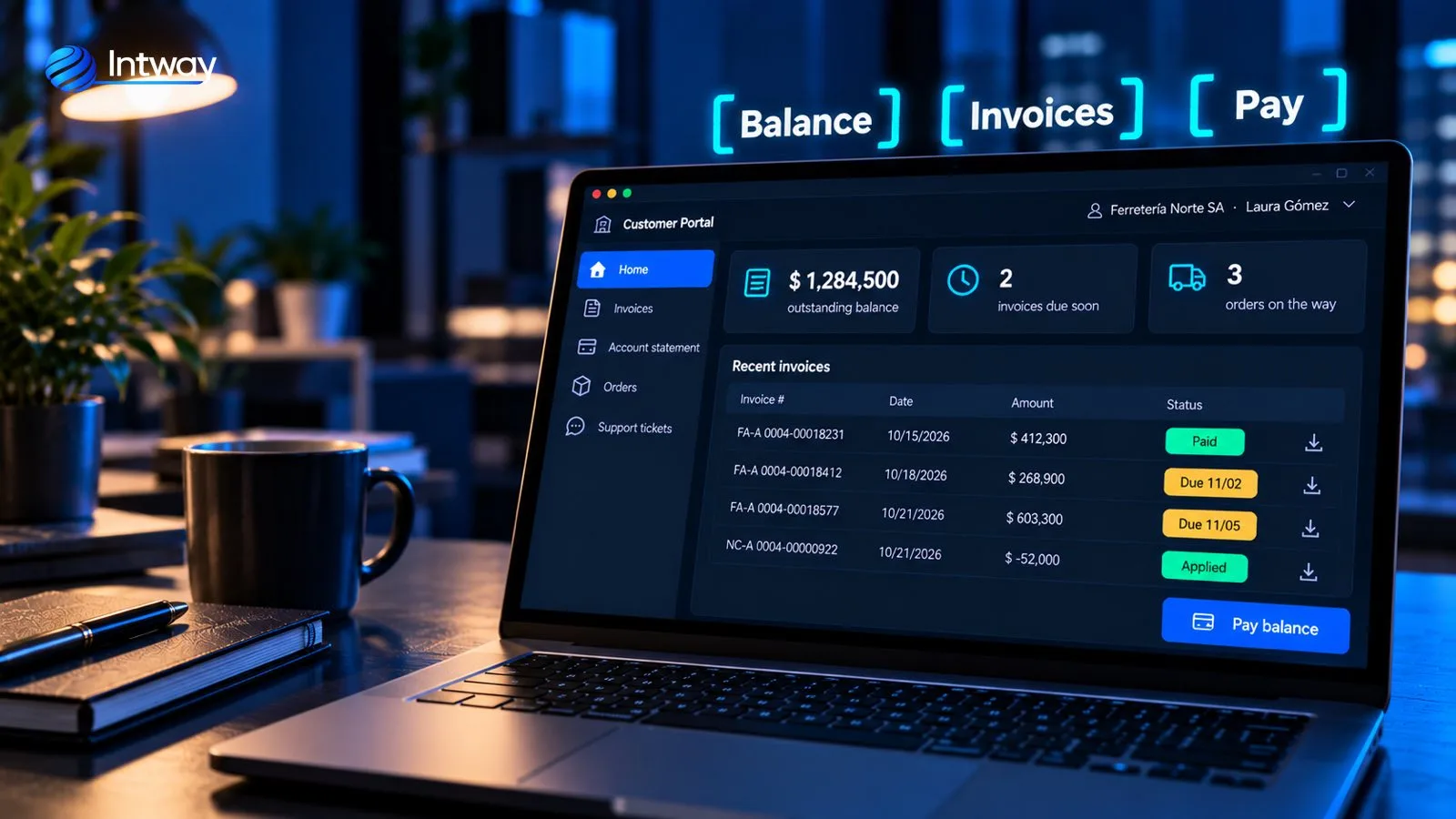
- Account balance: balance, due dates and applied payments, with the option to pay online.
- Orders: place a new order, repeat a previous one and track its status.
- Claims and questions: open a case, attach photos and see the answer, without relying on an email that gets lost.
- Documentation: certificates, price lists, manuals or current contracts.
- Appointments or services: request a technical visit or book a slot, depending on the business.
What it solves
- Fewer repetitive questions. «Where is it» and «how much is it» get answered on their own, and the team focuses on what needs a person.
- 24-hour service. Customers check when it suits them, not during office hours.
- Faster collections. Seeing the balance and being able to pay in the same place shortens the path from invoice to payment.
- Fewer errors. Orders entered by the customer aren't retyped from an email.
- One version of the data. Customer and company look at the same thing, because it comes from the same system.
When it pays to build one (and when it doesn't)
It pays off when several of these apply:
- You have customers who buy often: distributors, retailers, companies with credit accounts.
- A large share of the questions are always the same.
- The information exists, but it is scattered across the management system, spreadsheets and emails.
- You want customers to place orders or pay without going through a sales rep every time.
It doesn't pay off, or not yet, if you have few customers and few transactions, or if your management system already comes with a portal that covers what you need. Many off-the-shelf ERPs include one; the limit shows up when you need to show information from more than one system, your own rules or an experience designed for your customer. If you are facing that decision, see custom software vs SaaS.
How to build it: integration is the key
A portal that shows stale data, or data that differs from the company's, generates more calls than it saves. That is why the first thing to design isn't the screens, but where each piece of data comes from and how it stays up to date.
A service layer between the portal and your systems
What works is not connecting the portal straight to the management system's database, but to a service layer (an API) that exposes specific operations: get invoices, get balance, create an order. That layer translates, validates and logs each operation. That way the portal, a mobile app or a third-party integration use the same operations, and if the system behind changes, it is adapted in one place.
It is the same approach we used in the case of a financial institution: an integration layer with per-operation contracts connected online banking on web and mobile, the back office and the portals to the banking core, without touching it. Each new channel consumes what is already published instead of integrating from scratch.
Live data or synced data
Some data is best queried on the spot, like the balance, and some can be copied periodically, like the catalogue. The rule of thumb: whatever has to match what the company says is queried live; whatever is heavy and changes little gets synced.
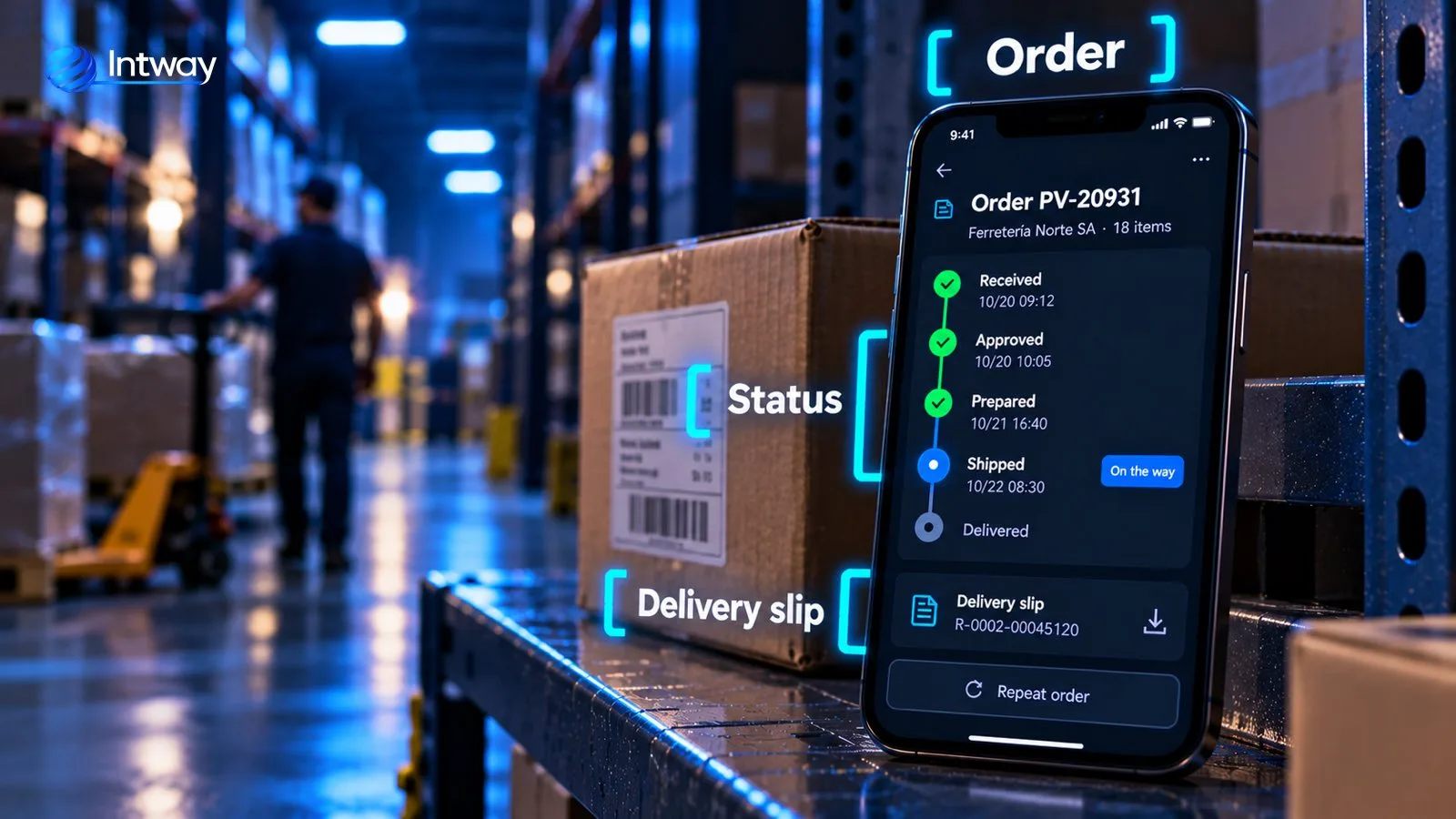
Designed for the phone
Many customers will log in from their phone, in a warehouse or on the road. The portal has to work well on small screens from day one, not as an adaptation at the end.
Security and access
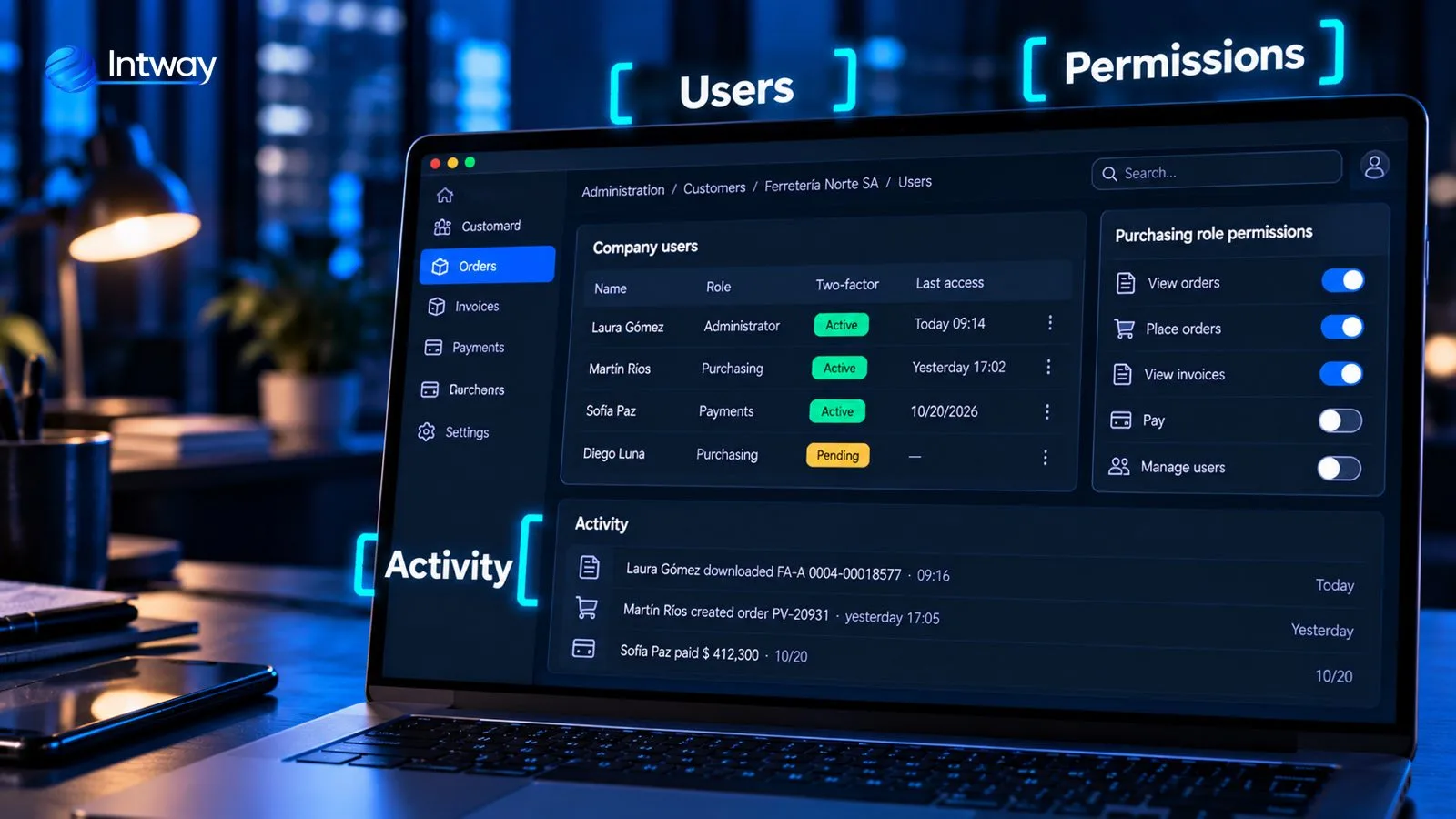
A portal exposes commercial and personal data, so security isn't an add-on:
- Each customer sees only their own data. That rule is enforced in the service layer and in the data, not only in the screens.
- Several users per company, with roles. Purchasing places orders, payments pays, the administrator adds their colleagues.
- Two-factor authentication for those who can pay or change data.
- Activity log: who downloaded, ordered or paid what and when.
Where to start
You don't need to build everything at once. The usual path is to start with what customers ask about most —almost always invoices and account balance—, invite a group of trusted customers, measure how much the questions drop and then add orders, payments and claims. Each stage builds on the service layer already in place.
Common mistakes
- Copying the internal system's screens. Customers don't think like the accounting department; they need answers, not menus.
- Data that doesn't match. If the portal says one thing and the sales rep another, the customer stops trusting it.
- A complicated sign-up. If logging in the first time is hard, nobody uses it. Invite each customer with a link and guide them.
- Launching without telling anyone. Customers need to know it exists, and be pointed there every time they ask something that is already in it.
- Not measuring. Without counting questions before and after, you don't know whether it worked.
Checklist before you start
- List the five questions customers ask you most.
- Identify which system each answer comes from.
- Define which data has to be live and which can be synced.
- Decide which roles each customer company will have and what each one can do.
- Pick a group of customers for the first stage and how you'll measure the result.
How Intway can help
We build custom customer portals connected to your management system: we set up the service layer, the mobile-friendly web portal and the user and permission management, in stages. See the case of the integration layer for a banking core, how we approach custom software for small and medium businesses, a custom ERP or e-commerce and marketplace integrations.