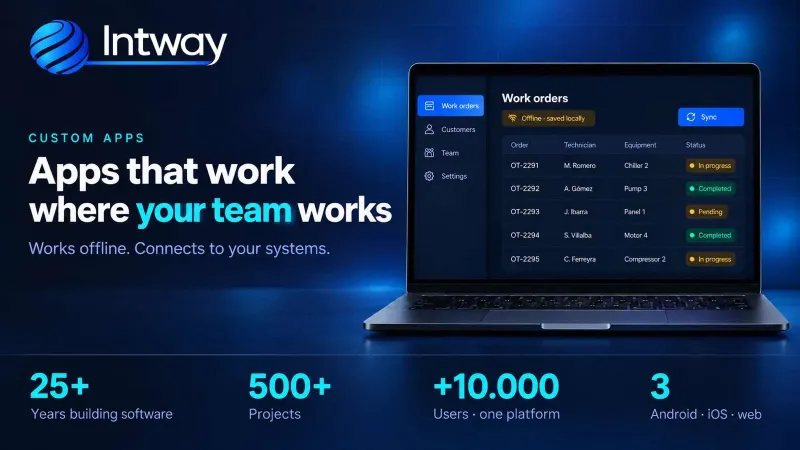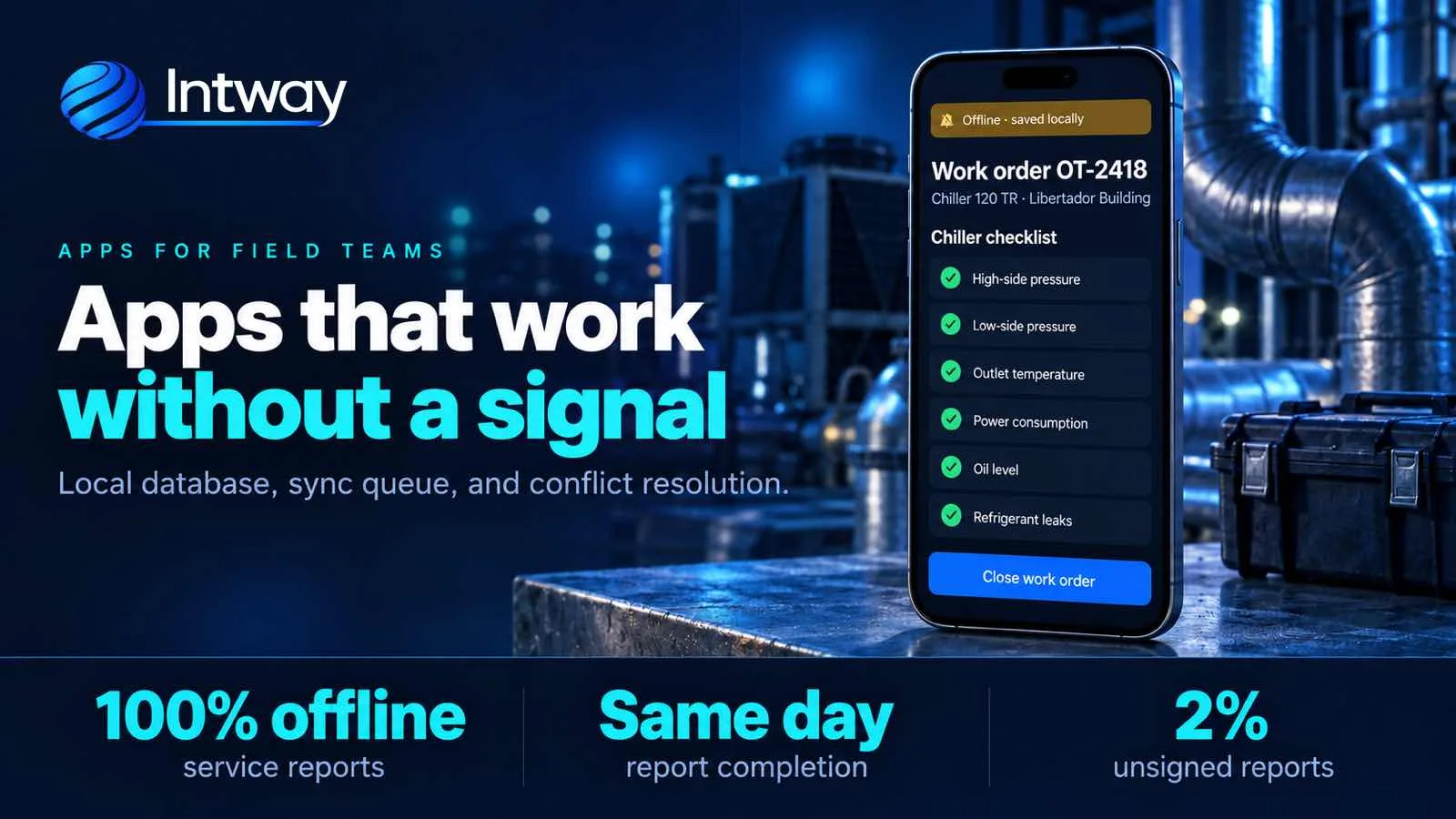
A technician opens a control panel in a basement, a driver delivers in a rural area, a supervisor walks a warehouse with metal walls. In all three cases the signal disappears right when something needs to be recorded. If the app needs a connection to save, people stop using it: they fill in paper, enter it from memory later or don't enter it at all. This guide explains how to design an app that keeps working with no signal, with a real field service case.
What an offline-first app is
An offline-first app is designed to work without a connection as the normal case, not as an exception. The difference from an «offline mode» bolted on at the end is fundamental:
- It saves on the phone first. Every action is written to a local database and the screen responds instantly, connection or not.
- It syncs later. When the signal comes back, whatever is pending travels to the server on its own, without the user touching anything.
- It resolves conflicts. If the office and the field changed the same thing, clear rules decide which version stays.
An app that «works offline» but shows an error on save, or loses what was entered if it closes, is not offline-first: it is an online app with patience.
When you need one
Not every app has to work with no signal. It pays off when any of these apply:
- Work happens in plant rooms, basements, rooftops or warehouses, where signal is poor or missing.
- There are routes through roads or rural areas: logistics, distribution, field surveys.
- The data is lost if it isn't recorded on the spot: signatures, photos, readings, parts used.
- You already tried an off-the-shelf app and users went back to paper because «it freezes when there's no signal».
If your team always works in an office with wifi, a regular web app is enough and simpler to maintain.
Why off-the-shelf apps fail in the field
In the case of an HVAC field service company with 34 technicians and about 3,800 installed units, this was exactly the problem. They had tried an off-the-shelf app, but the units were in plant rooms and on rooftops with no signal. The app needed a connection to save, so the technician filled in the report outside, from memory, or went back to paper. The result: the report reached the office two days later, one in three came back without the customer's signature, and spare parts were deducted from stock at month end.
How to design it: five decisions
What separates an app that survives the field from one that doesn't are these five decisions, made from day one and not added at the end.
1. The local database is the source of truth
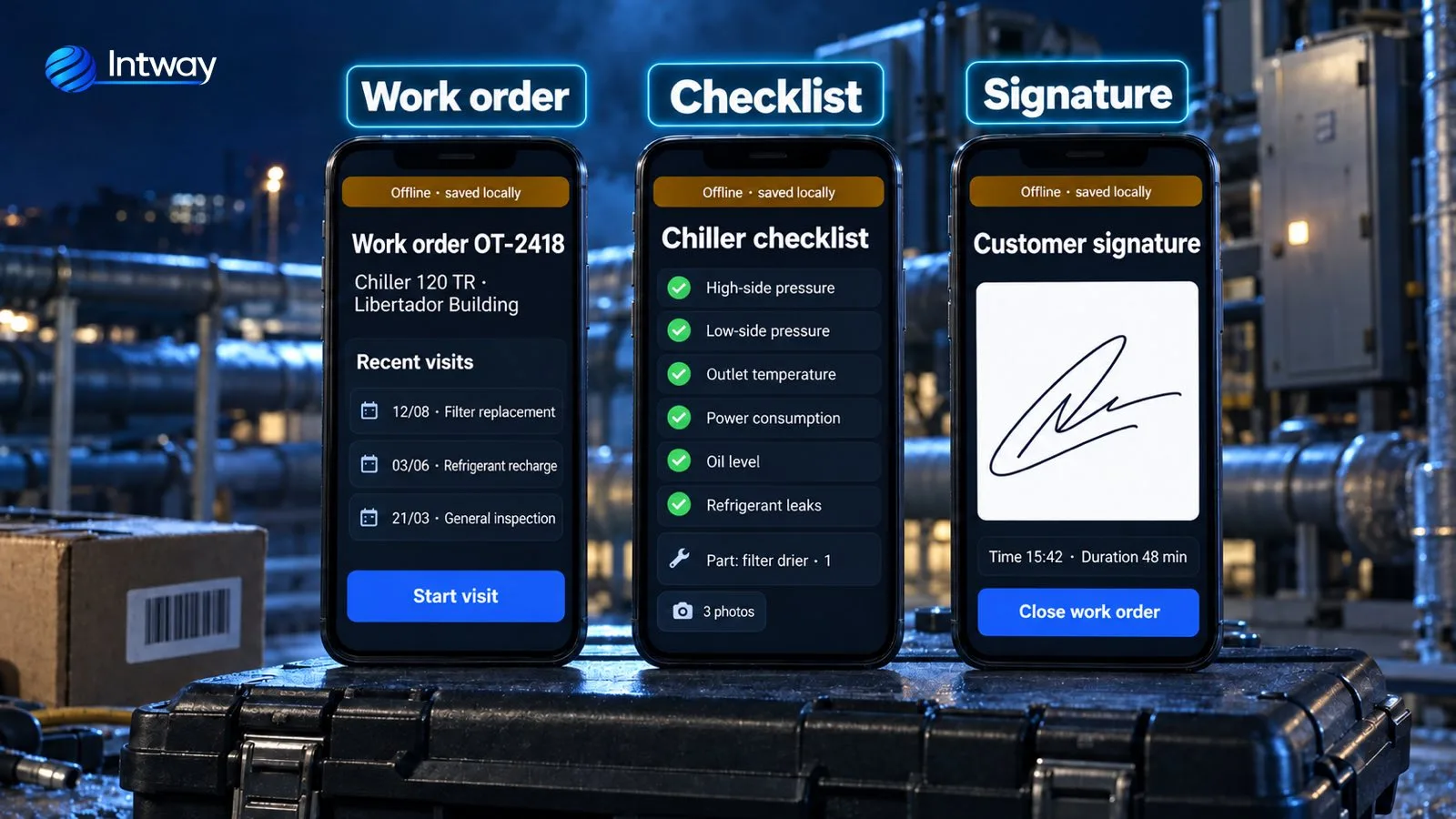
While there is no connection, what is on the phone rules. The app saves every action to a local database (SQLite in this case) and never waits for the server to respond. If the technician is in a basement, the app shows it with an amber band —«Offline · saved locally»— and keeps working exactly the same.
2. Every action goes into a queue
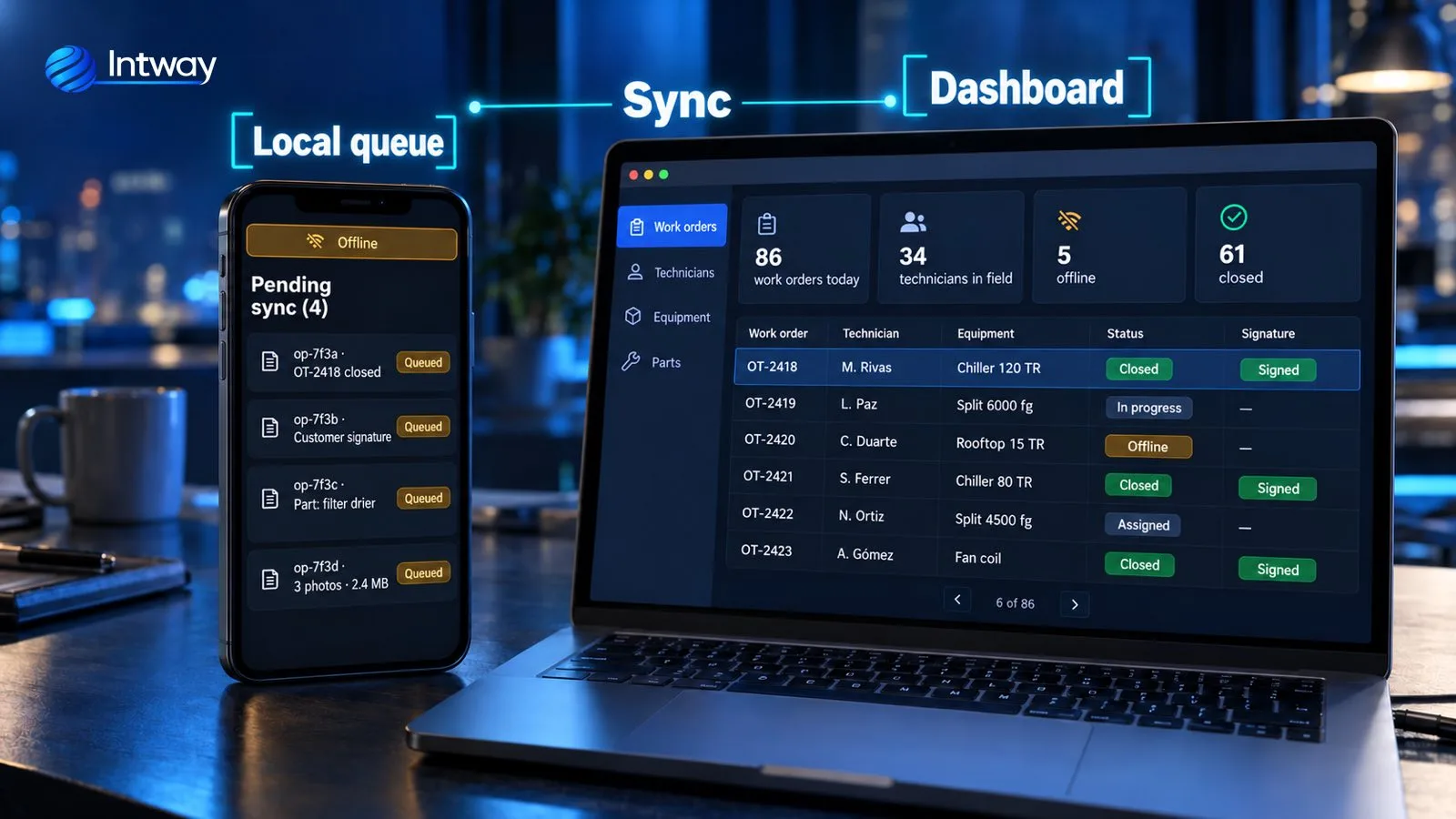
Opening the order, ticking a check, adding a part, capturing the signature: each operation is written to the local database and goes into a sync queue with a unique identifier. When the signal comes back —in the lift, on the street, at the next customer— a background process empties the queue without the user doing anything.
3. Idempotent sync
Field connections drop halfway. If the phone sends the same operation twice because it never got the response, the server recognizes it by its identifier and does not duplicate it. Without this you get repeated orders, parts deducted twice and duplicated signatures.
4. Field-level conflict rules
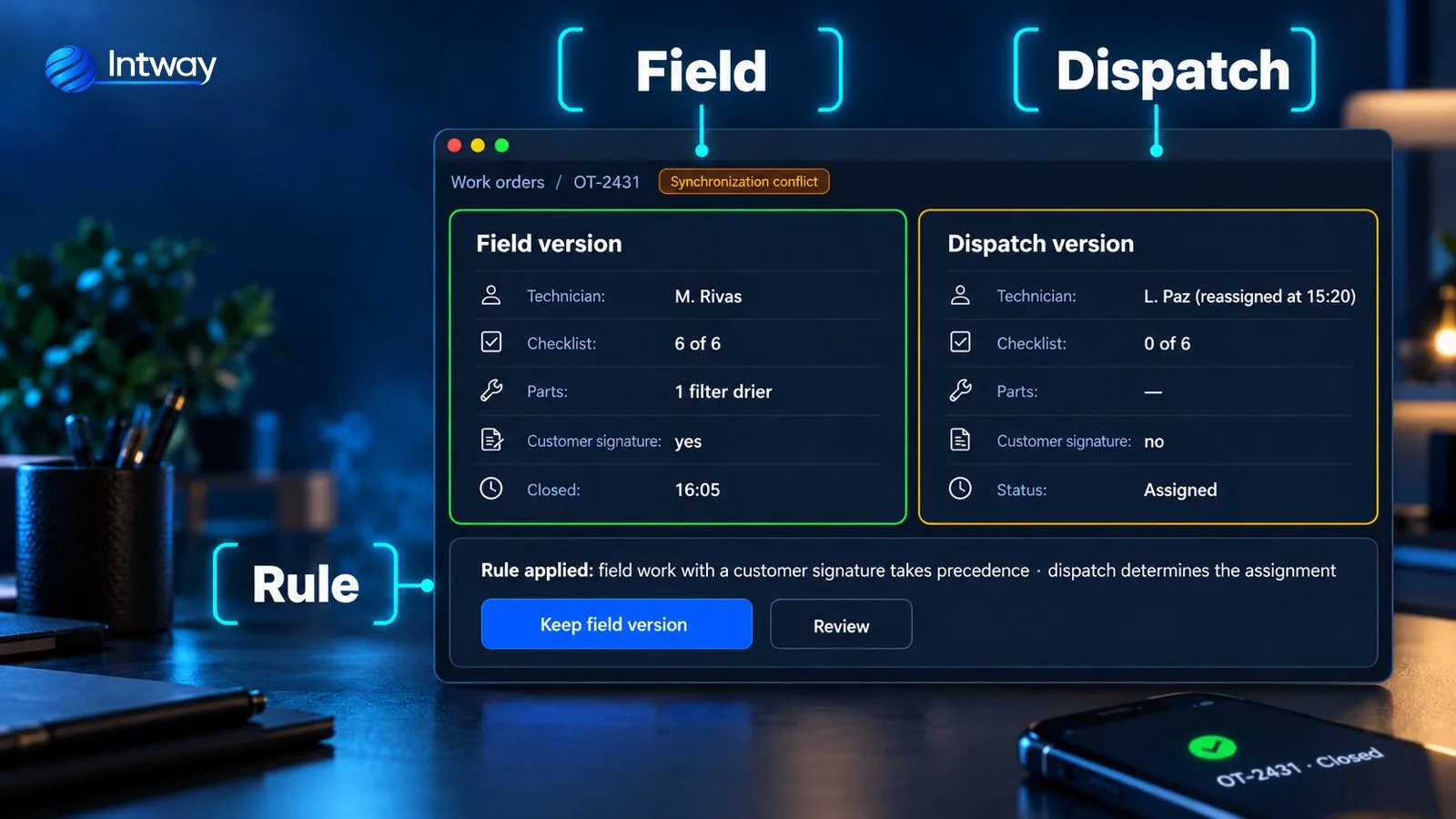
The hard case: the office reassigns an order to another technician while the first one is already working with no signal. When the sync arrives, the system doesn't blindly overwrite either version. It applies rules per field, not per whole order: the office decides the assignment, but the report content, the parts and the signature are decided by the field, because they are what actually happened. The panel shows both versions and lets you review.
5. Photos and files separately
Photos weigh much more than data. They should travel separately, compressed, and the order should be able to close while the images are still uploading. That way a weak connection is enough to finish the job.
What changed in the real case
The app was built offline mode first: it started with a single equipment family and six technicians, testing in airplane mode from the first week. The paper report wasn't digitized as it was either: a checklist per equipment type was built with the checks technicians actually looked at. After five months, these were the numbers:
| Indicator | Before | After |
|---|---|---|
| Report closing | 2 days | Same day |
| Reports without customer signature | 31% | 2% |
| Parts not deducted at month end | 18% | 0% |
| Second visits for lack of history | 14% | 5% |
The same pattern —capturing the data on site and syncing it when there is a connection— is the one used by the face recognition time and attendance system.
Which technology to use
There is no single answer, but the pieces are always the same: a mobile app with a local database, a sync queue and an API that accepts each operation only once. The case used React Native with SQLite on the phone, a REST API in Node.js and PostgreSQL on the server. Flutter or a native Kotlin app also work; the architecture defines the result, not the framework.
Common mistakes
- Adding offline mode at the end. If the app was designed online, every screen assumes there is a connection and redoing it costs almost as much as starting over.
- Testing only with good signal. Test in airplane mode, in basements and with the connection dropping halfway through a send.
- Resolving conflicts with «last write wins». That is how signatures and parts get lost without anyone noticing.
- Copying the paper form. It is the chance to keep only the checks that matter.
- Not showing what is still pending sync. The technician and the office need to see how many operations are still on the phone.
Checklist before you start
- List where the work happens and where the signal drops.
- Define which data cannot be lost: signature, photos, parts, readings.
- Decide, field by field, who wins in a conflict: the office or the field.
- Choose which team and which type of job to start with, and test it in airplane mode from week one.
- Plan how it connects to your management system to invoice and deduct stock without re-entering anything.
How Intway can help
We build custom apps for field teams, designed to work with no signal from day one, with their office panel and the integration with your management system. See the full work orders case, how we work on maintenance and field service software and logistics and transportation, or how we approach custom software for small and medium businesses.