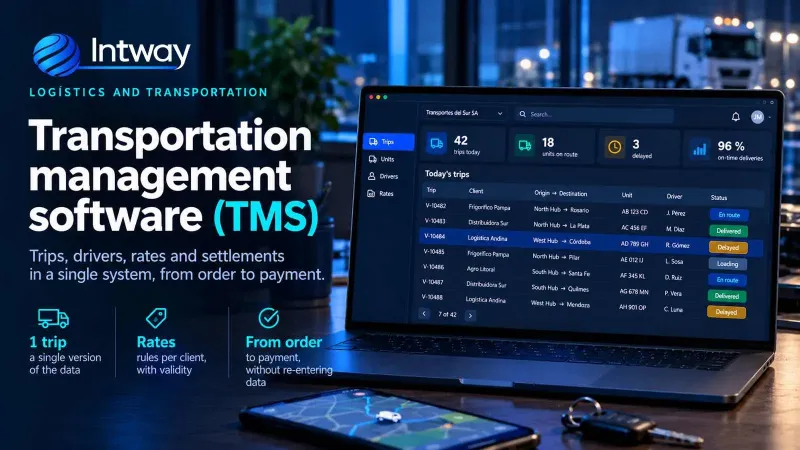
Transportation management software (TMS): what it is, what it solves and when to go custom
What a TMS does, how it differs from a WMS, an ERP or a GPS, and when it makes sense to build a custom one for your fleet.
25/10/2026
Work orders, technicians, spare parts and reports in one system, with a mobile app that works with no signal.
A maintenance and field service company lives off something that is almost never in a system: what happened the last time someone visited that unit. The request comes in by phone or WhatsApp, someone writes it down, hands it to a technician, and the result comes back on a crumpled sheet two days later. Everything learned on site is lost.
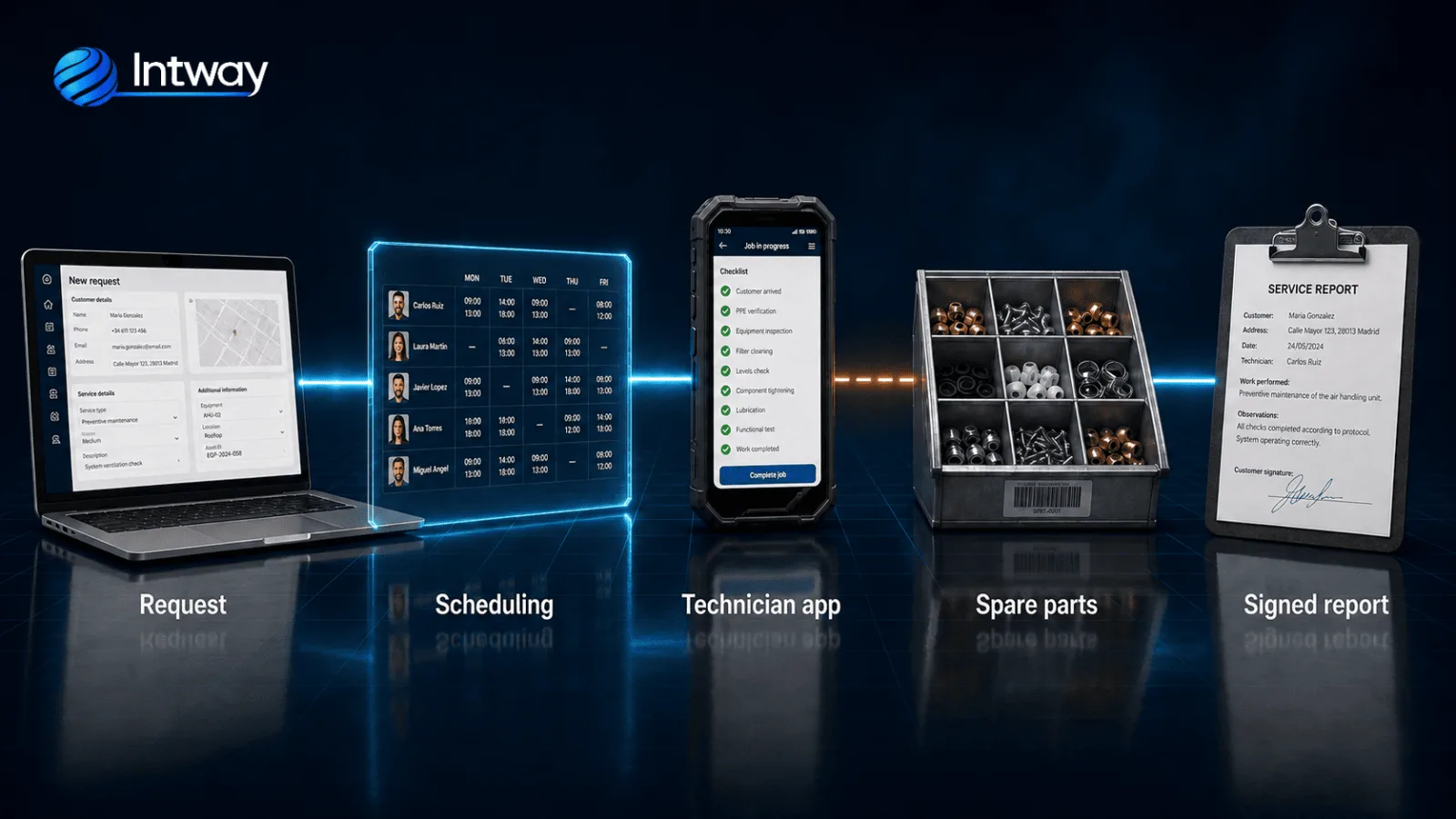
We build custom software for end-to-end work order management: the work order, the assignment, the technician app that works with no signal, spare-part consumption and the report the customer signs. It is not a routing system: the center of it is the installed unit and its history.
Companies whose business is going out to fix something at the customer's site: elevators, HVAC and air conditioning, electronic security, industrial machinery, medical equipment, electrical and plumbing installations, and after-sales technical service. They all share the same shape: a fleet of units installed at different addresses, contracts with response times, technicians on the road and a spare part that has to be deducted from somewhere.
The technician arrives, inspects, swaps a part and fixes it. What was done stays in their head and on a sheet of paper. When another technician returns to the same unit, they start from zero: no idea what was replaced, with which part, or why it failed last time. The company cannot answer what that customer costs to serve either, because hours and parts were never tied to the order.
The second gap is connectivity. The units sit in machine rooms, basements, plants and rooftops — exactly where there is no signal. Any app that needs the network to save forces the technician to redo the report outside, and that is where the detail disappears.
It is worth it when service is the business, not an internal task: there are contracts with response levels, technicians billing their hours, parts being consumed and customers asking for a report. Also when what has to be recorded does not fit a standard form, because every type of unit has its own checklist.
It is not worth it if you maintain your own machines and bill nobody for it: that is a different problem and a different system.
Do your work reports come back on paper two days later? Tell us how your circuit works and we will find where to start.
| Need | Spreadsheets and WhatsApp | Your own system |
|---|---|---|
| Take the request and notify the technician | Works up to a certain volume | Unnecessary early on |
| Unit history between visits | Does not exist | It is the core of the system |
| Filling the report with no signal | Redone outside, or lost | Stored locally, syncs on reconnect |
| Parts consumed per order | Deducted by hand, or never | Deducted when the order closes |
| Custom checklist per type of unit | One form for everything | One per equipment family |
Off-the-shelf products handle the generic well. The limit shows up with your own checklist, with the way contracts get billed, and with integrating the management system you already run.
This is the requirement that defines the architecture, not a detail. The app stores the order, the photos, the checklist and the signature on the phone and queues them. When the network returns it syncs on its own, resolving conflicts with explicit rules: who wins if the office changed the order while the technician was inside.
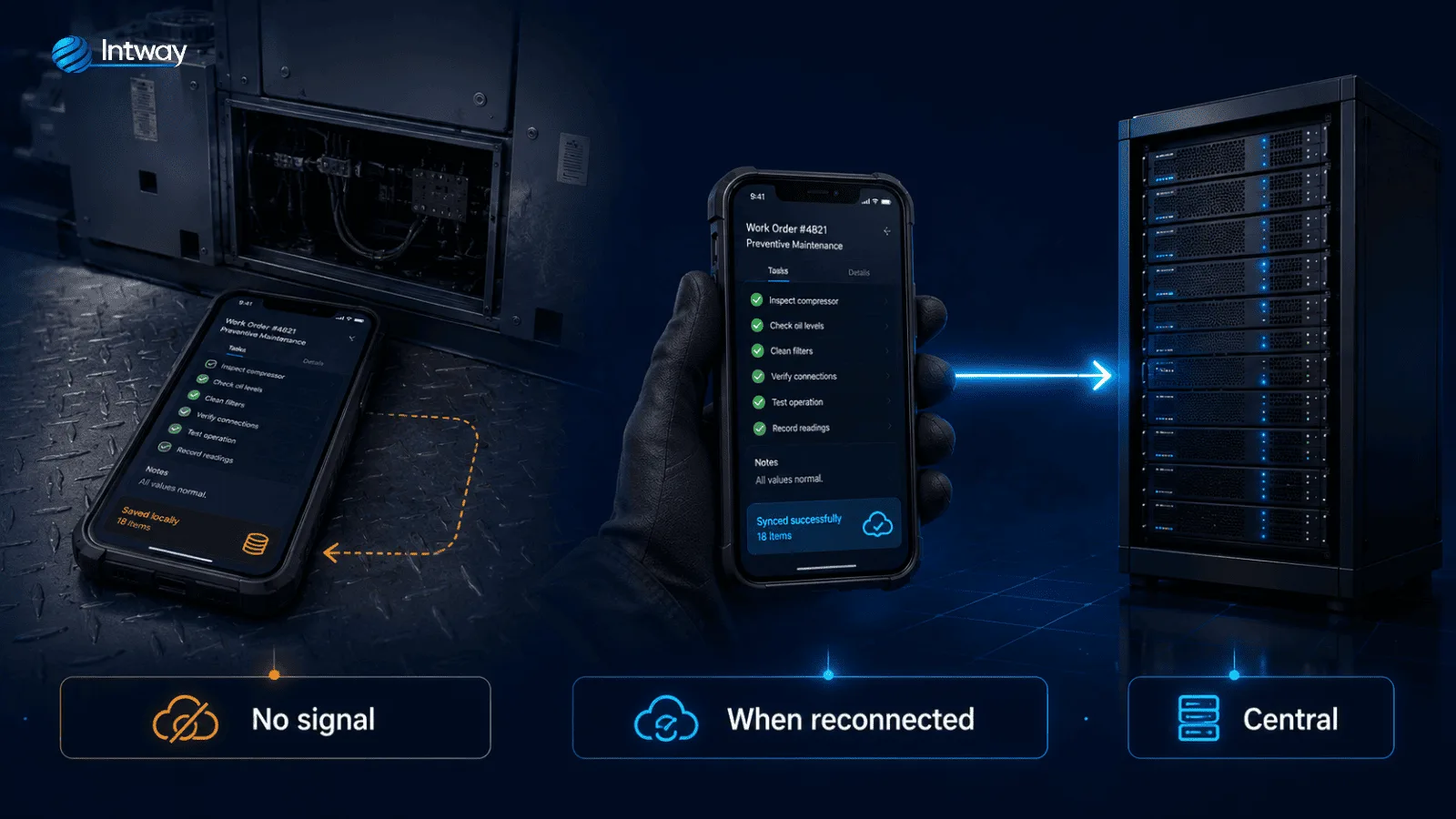
It is the same approach we use in shop-floor recording systems, where the data is captured on site and cannot depend on connectivity. If you also want the report to be drafted from a photo or a voice note by the technician, that builds on AI process automation.
Corrective maintenance arrives as a request: something broke, someone calls. Preventive maintenance is scheduled from the unit record, by frequency or hours of use, and generates the orders on its own without anyone having to remember. Both use the same report, the same checklist and the same history, which is what makes it possible to see which units break between preventive visits — the data that actually improves the plan.
Cost is driven by the scope of the first circuit, how many equipment types with different checklists must be covered, how many technicians and roles use the app, the integration with your management or billing system, migrating the history currently sitting in spreadsheets, and where the infrastructure runs. We estimate after mapping the real circuit and separating the essentials from what can wait. Tell us about your case and we will scope it.
| Initial situation | What we built | Outcome |
|---|---|---|
| Reports came back on paper and were entered two days later | A mobile app with offline capture and automatic sync | The report closes on site, same day |
| Nobody knew what had been done to each unit before | A unit record with intervention and parts history | The technician arrives knowing what happened last time |
| Parts were deducted from stock at month end | Consumption tied to the order, with barcode scanning | Stock and cost per order the moment the visit closes |
If your operation is about fleets and delivery rather than on-site repair, the starting point is different: see software for logistics and transportation. And if you are just starting with no system at all, custom software for SMEs.

Work orders, technicians, spare parts and reports in a single system, with a mobile app that works offline.
Five pieces built around the work order.
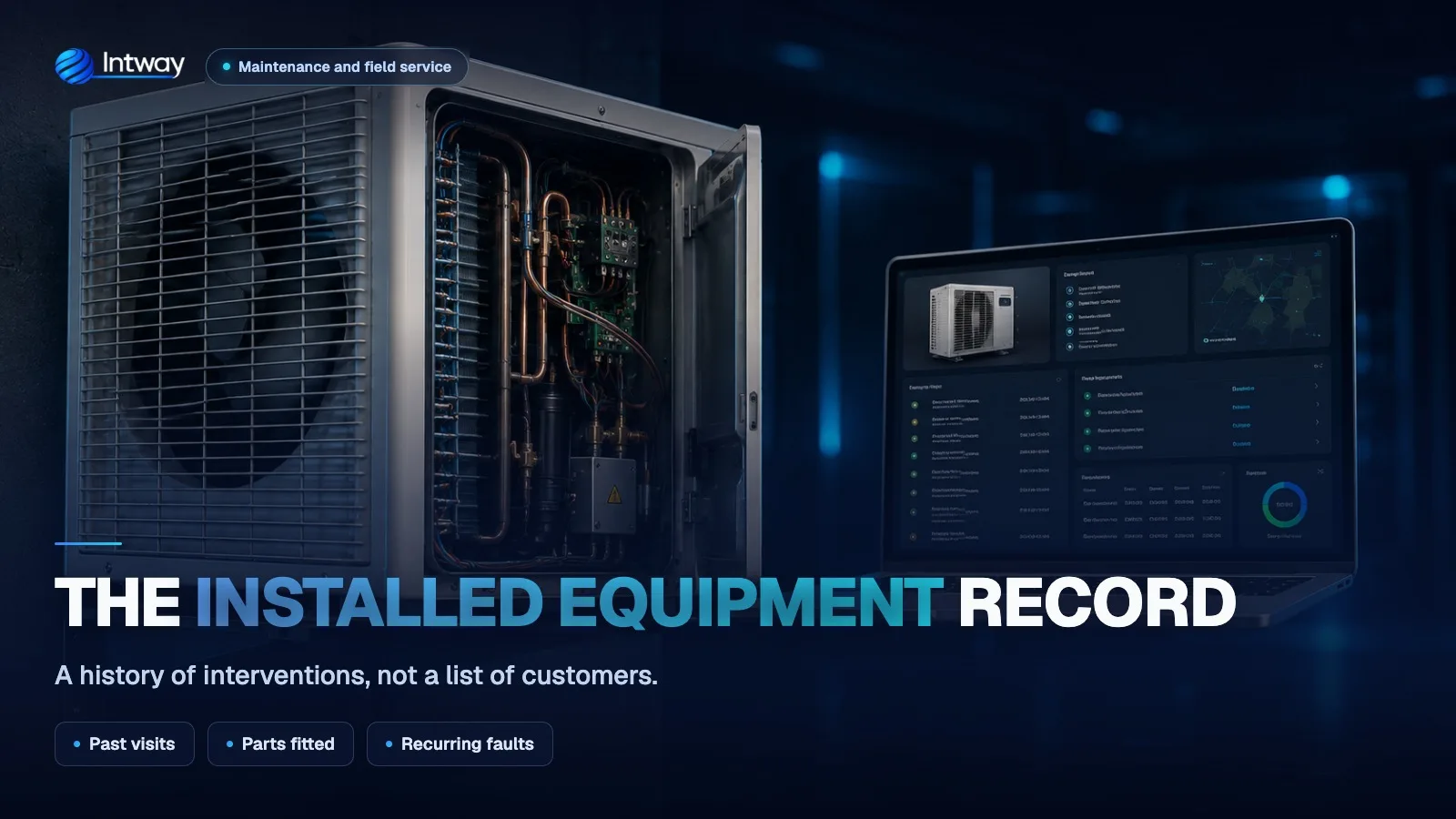
An intervention history, not a customer list.
Ver más →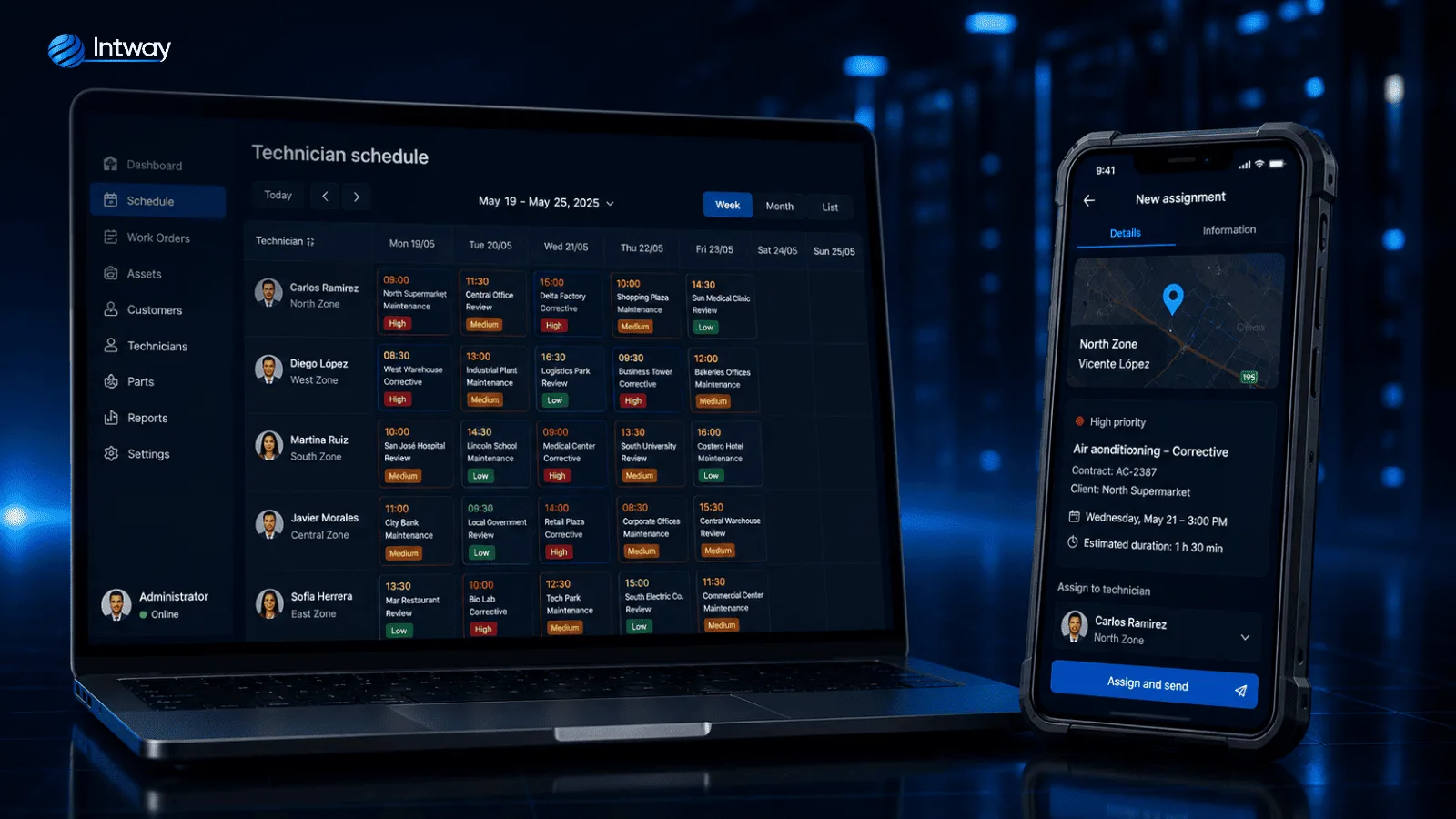
Who goes, when, and with how much on their plate.
Ver más →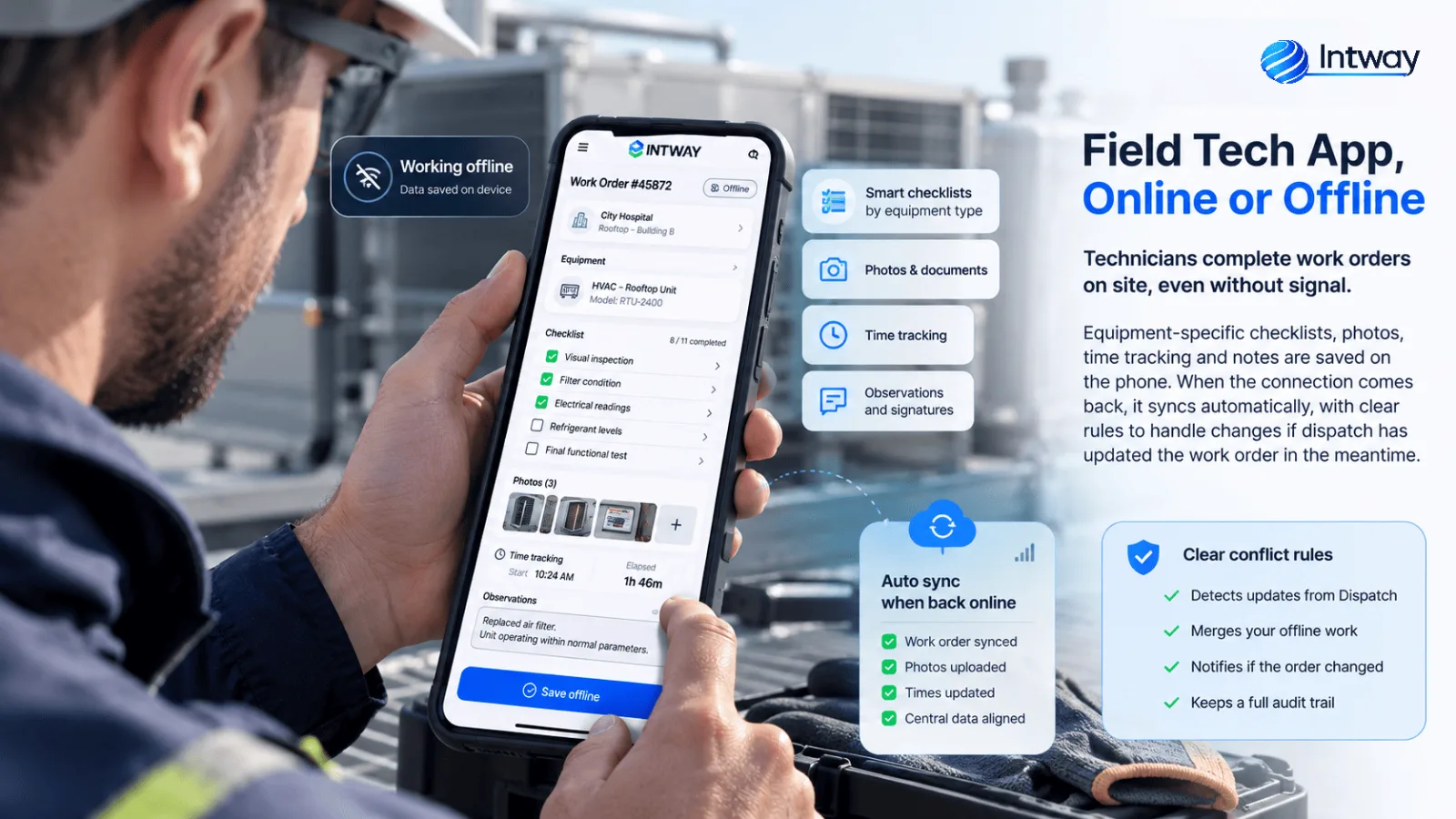
The report is completed on site, even with no signal.
Ver más →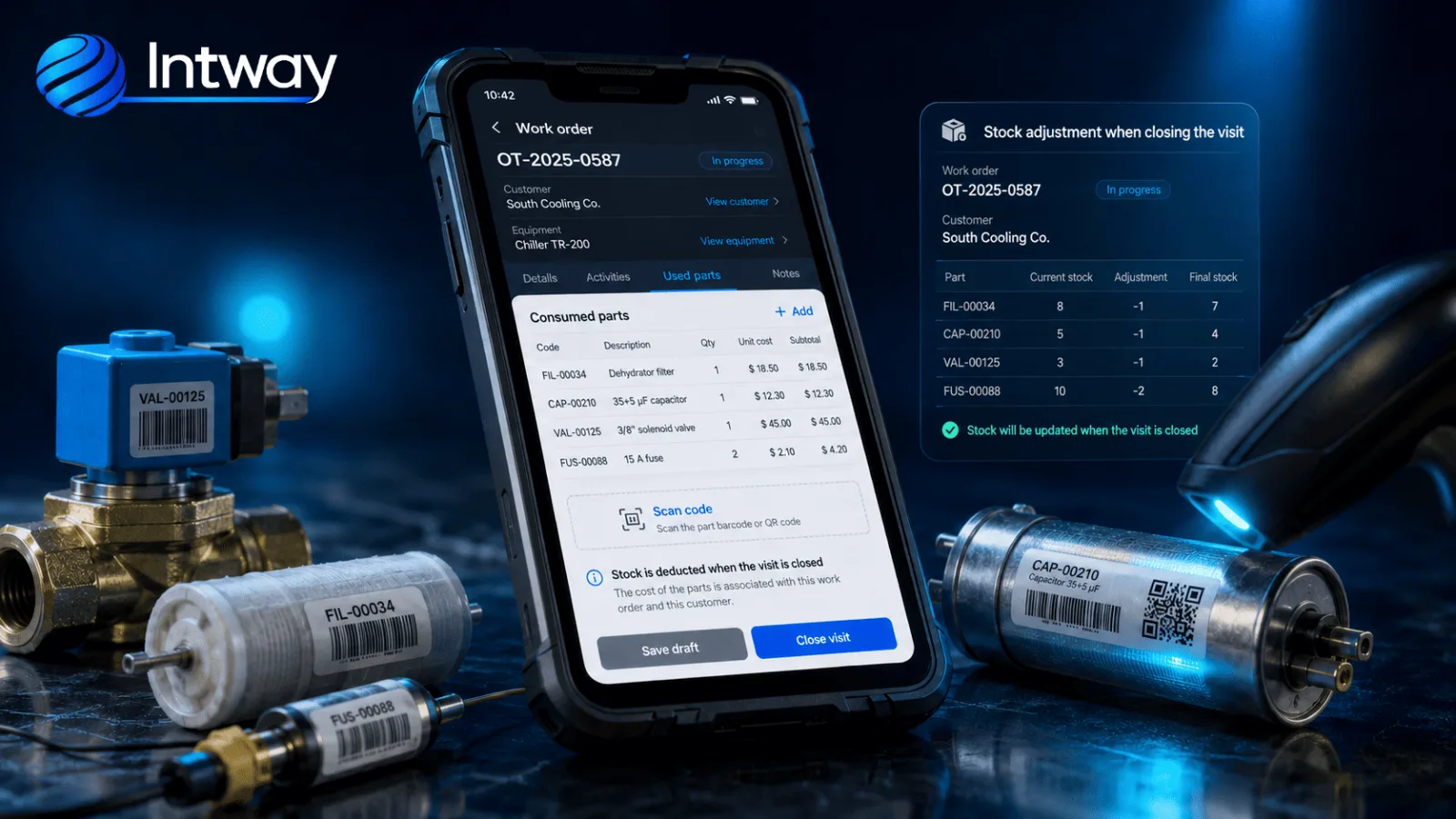
Consumption is deducted when the visit closes.
Ver más →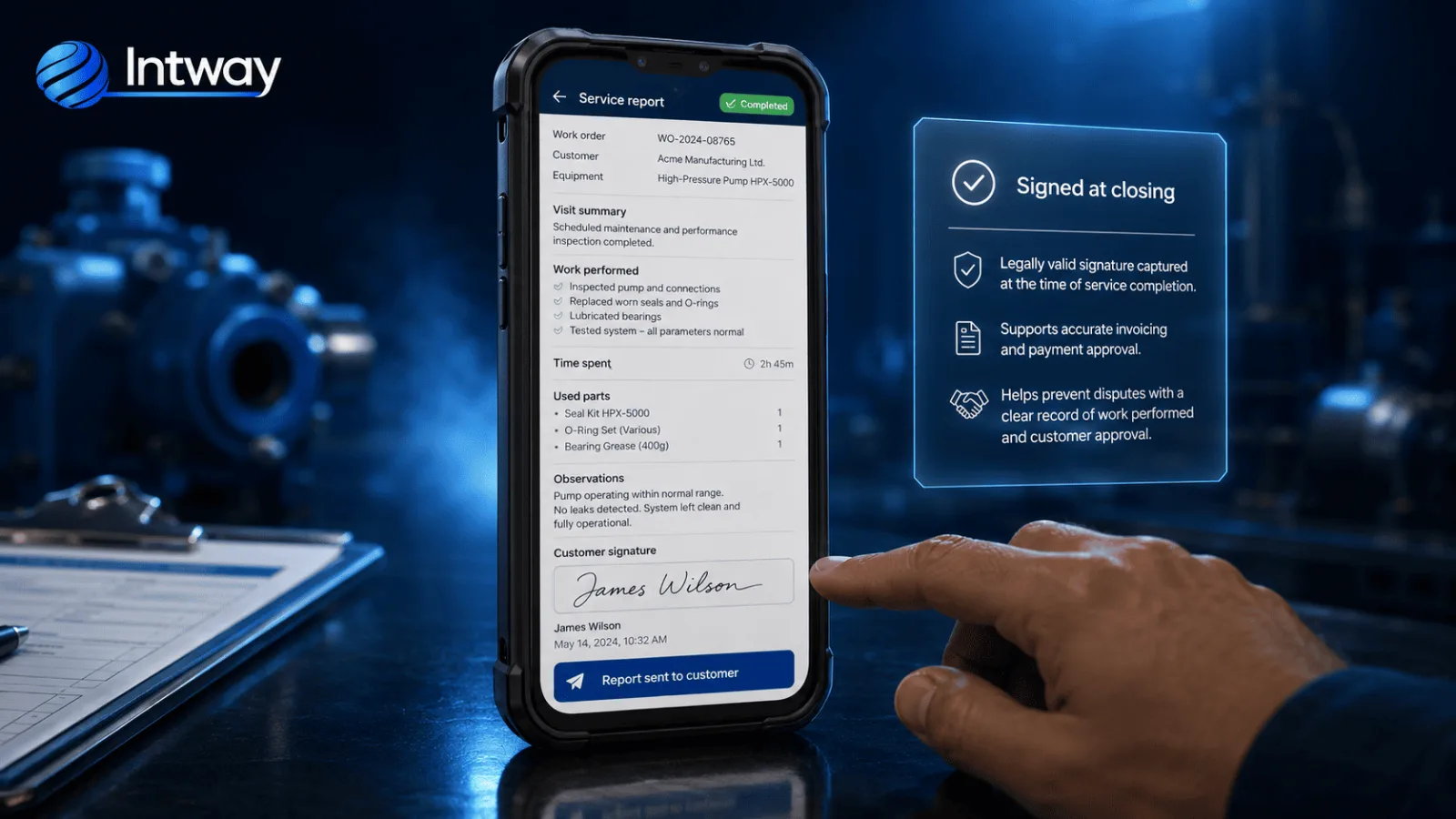
Sign-off lives in the system, not on paper.
Ver más →Four gaps that show up in every field service company as it grows.
Requests arrive from everywhere and results come back two days later. The order becomes the single place where the work lives.
Machine rooms, basements, plants. The app stores everything on the phone and syncs on its own when the network returns.
Consumption is tied to the order on the spot, not at month end, and that is when the real cost of each visit appears.
Every installed unit has its record: what was done, with which part and why it failed. The next technician does not start from zero.
We map the real circuit in the field, not the one in the manual: where the signal drops and what gets written by hand.
The checklist for one equipment type, running on the phone, validated with the technicians before going further.
We connect to your management or billing system, define permissions and the synchronization rules.
We start with one group of technicians and fix what the first weeks surface.
Yes, and it is the requirement that defines the architecture. Checklist, photos, times and signature are stored on the phone and queued. When the network returns it syncs on its own, with explicit rules to resolve conflicts if the office modified the order meanwhile.
Yes. A closed order can feed billing, stock and accounting through APIs or whatever exchange mechanisms your system exposes. Before committing to scope we verify which operations it publishes and with what limits.
Both. Preventive work is scheduled from the unit record, by frequency or by hours of use, and generates the orders automatically. Corrective work comes in as a request. Both share the same report and the same history.
Yes. The signature is captured on screen and tied to the report, with date, time and location. The customer receives a copy and the document stays available as backing for the invoice.
Yes, and that is what separates a custom system from a generic product. Equipment families are defined with their fields, mandatory checks and tolerances, so the technician does not end up writing everything into a notes field.
It depends on how many equipment types must be covered, the integrations and the state of the history to migrate. After discovery we provide scope, acceptance criteria and a committed timeline instead of a generic estimate.
Not theory: these projects are in production.
Tell us how a request comes in today and how far the information travels, and we will build the first circuit.
Contact us