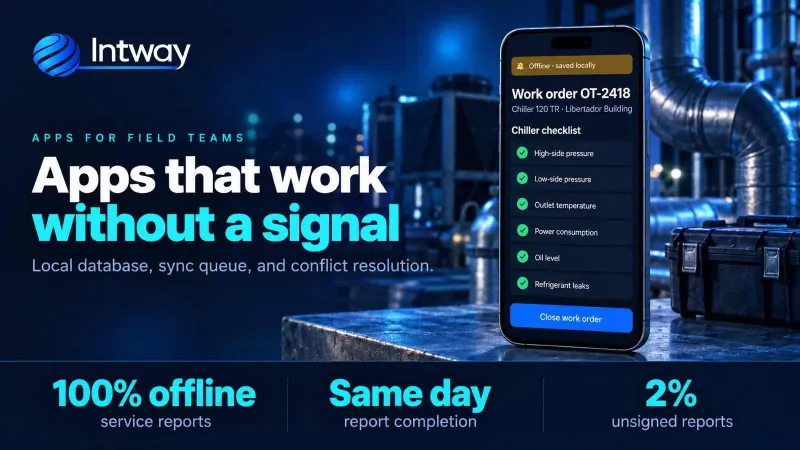
Apps that work with no signal: how to design an offline-first app for field teams
How to design an app that keeps working with no signal for technicians and field teams, with a real field service case.
21/10/2026
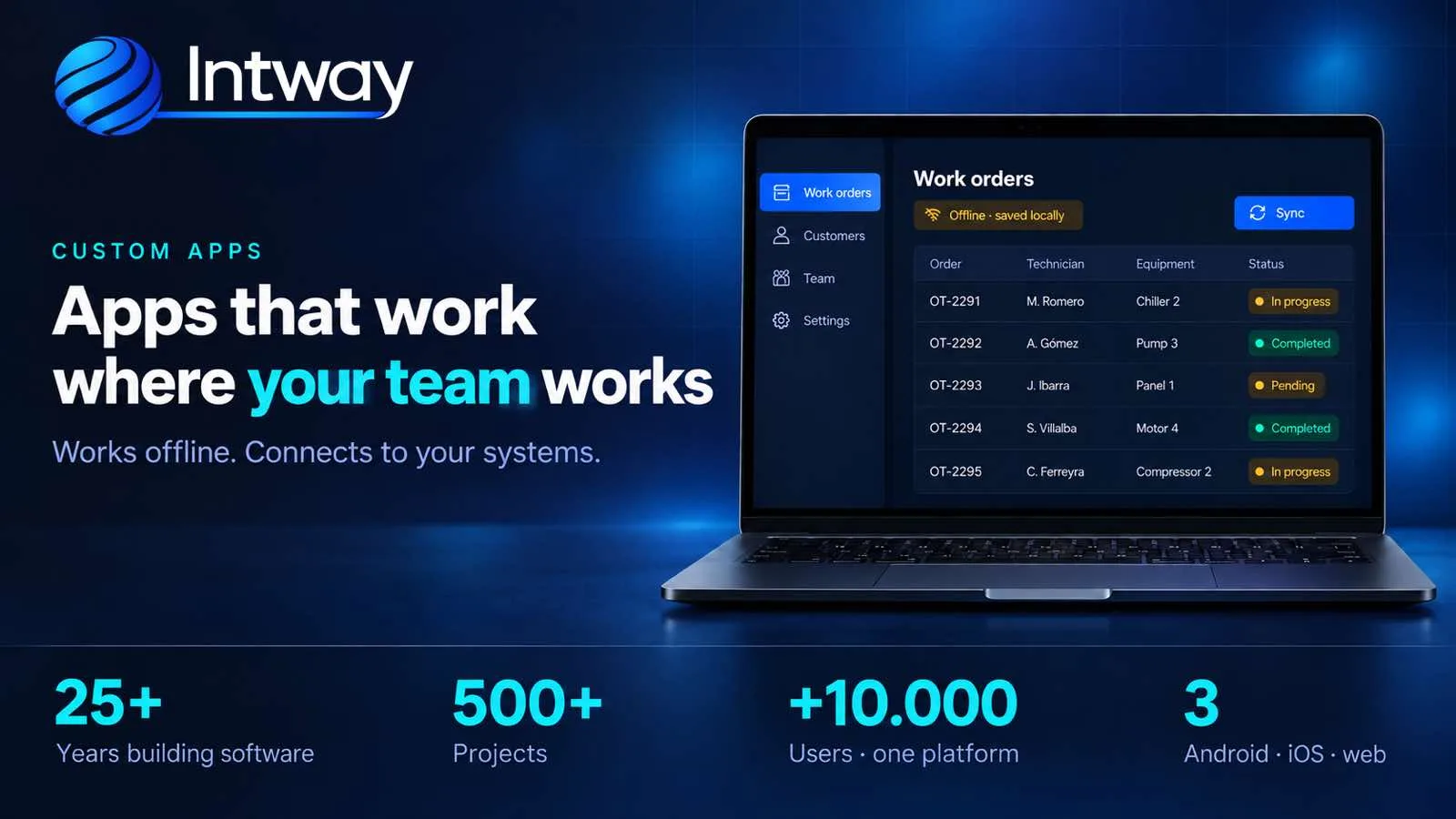
Apps for Android, iOS and web that work where your team works, even with no signal, and connected to your systems.
An app pays off when it solves something that can't be solved at a computer: the technician closing a visit in a basement, the driver confirming delivery at the customer's door, the employee clocking in at the plant entrance. At Intway we build custom mobile apps for Android, iOS and web, connected to the systems your company already uses. This page explains what a custom app is, when it makes sense, how we approach it and what drives its cost.
It is an application designed for a specific process in your company: who uses it, where, with what data and what happens next. It isn't a generic app with your logo, or a website wrapped inside an app. What makes it valuable is everything you don't see: that it works with no signal, that it sends data to the right system and that the person using it in the field understands it without training.
If your users work from an office, or only need to check information now and then, a well-built web application is usually enough and costs less: no store publishing, nothing to install. For customers who log in to see invoices or orders, see the self-service portal.
Do you have a field team still working on paper? Tell us how the process works today and we'll tell you whether an app solves it.
| Need | Custom app | Off-the-shelf app | Web application |
|---|---|---|---|
| Work with no signal | Yes, if designed that way from the start | Depends on the product | Limited |
| Follow your process as it is | Yes | You adapt to the product | Yes |
| Integrate with your management system | Yes, via API | Only what the product offers | Yes, via API |
| Camera, barcode scanner, signature, GPS | Full | What the product offers | Partial |
| Start fast on a small budget | In stages | Yes | Yes |
| You own the data and the code | Yes | No | Yes, if custom |
Before designing screens we go and see where the app will be used: a machine room, a road, a plant entrance. If there's no signal there, the app is designed to work offline from day one: it stores everything on the phone and syncs on its own when the network comes back. We explain it in detail in apps that work with no signal.
We work with React Native: the same codebase serves Android, iOS and, when needed, a fixed tablet. When a feature needs something specific to the operating system, that one part is solved with native code, without rebuilding the whole app.
An app on its own isn't enough. Behind it there's an API that receives the data, validates each operation and records it only once, a web panel for the office and the integration with your management system, so what is entered in the field reaches invoicing or stock without being retyped.
We publish on Google Play and the App Store and, on every release, check both stores' current requirements, which change every year. The developer accounts should be in your company's name: the app is yours.
| Starting point | What we built | Result |
|---|---|---|
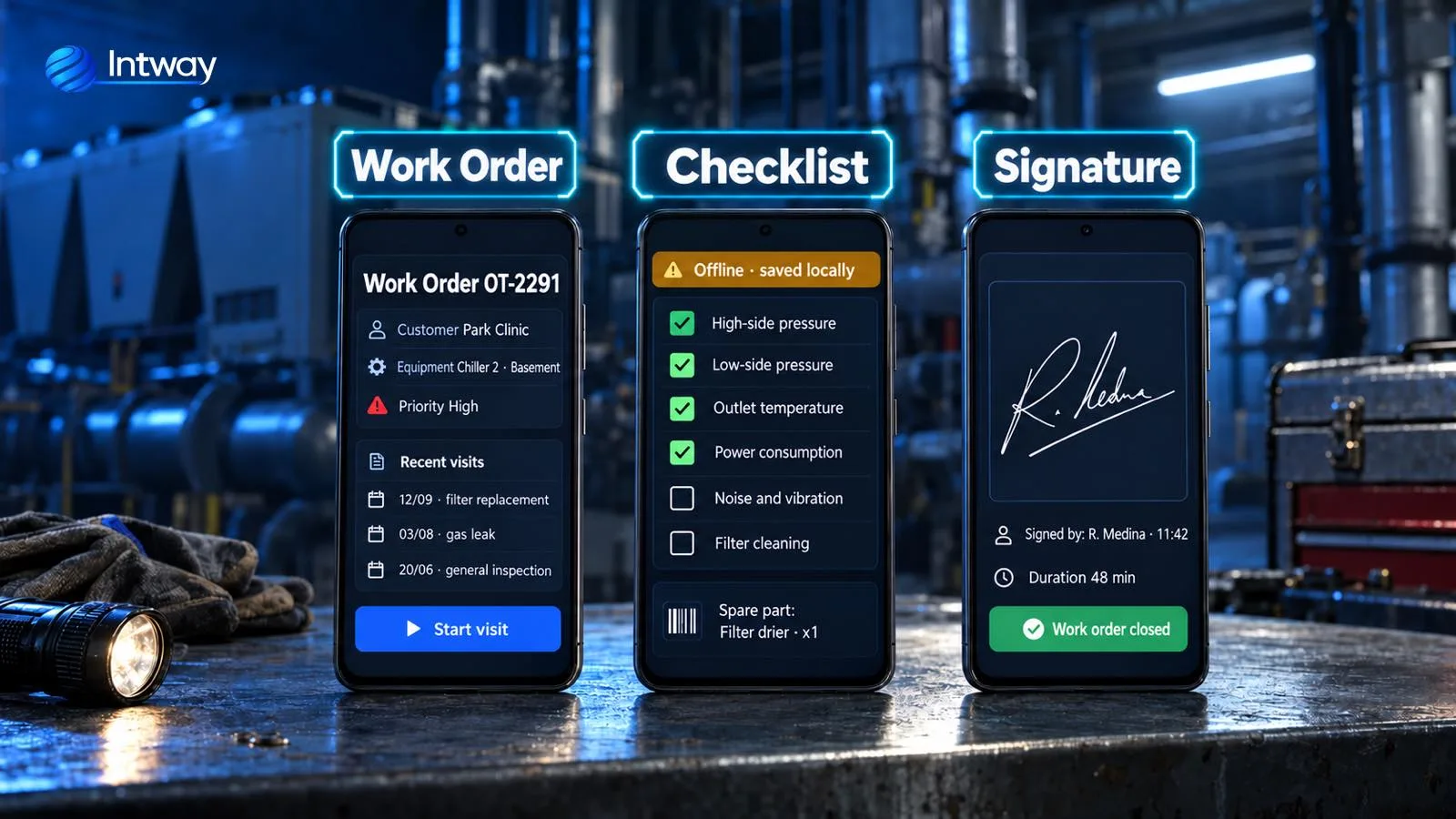
| Field service company with 34 technicians and paper work orders; an off-the-shelf app didn't work without signal | Android app that works offline, with a checklist per equipment type, spare parts by barcode and signature, plus a dispatch panel | Work orders closed the same day (before, 2 days); orders without signature from 31% to 2%. See the case |
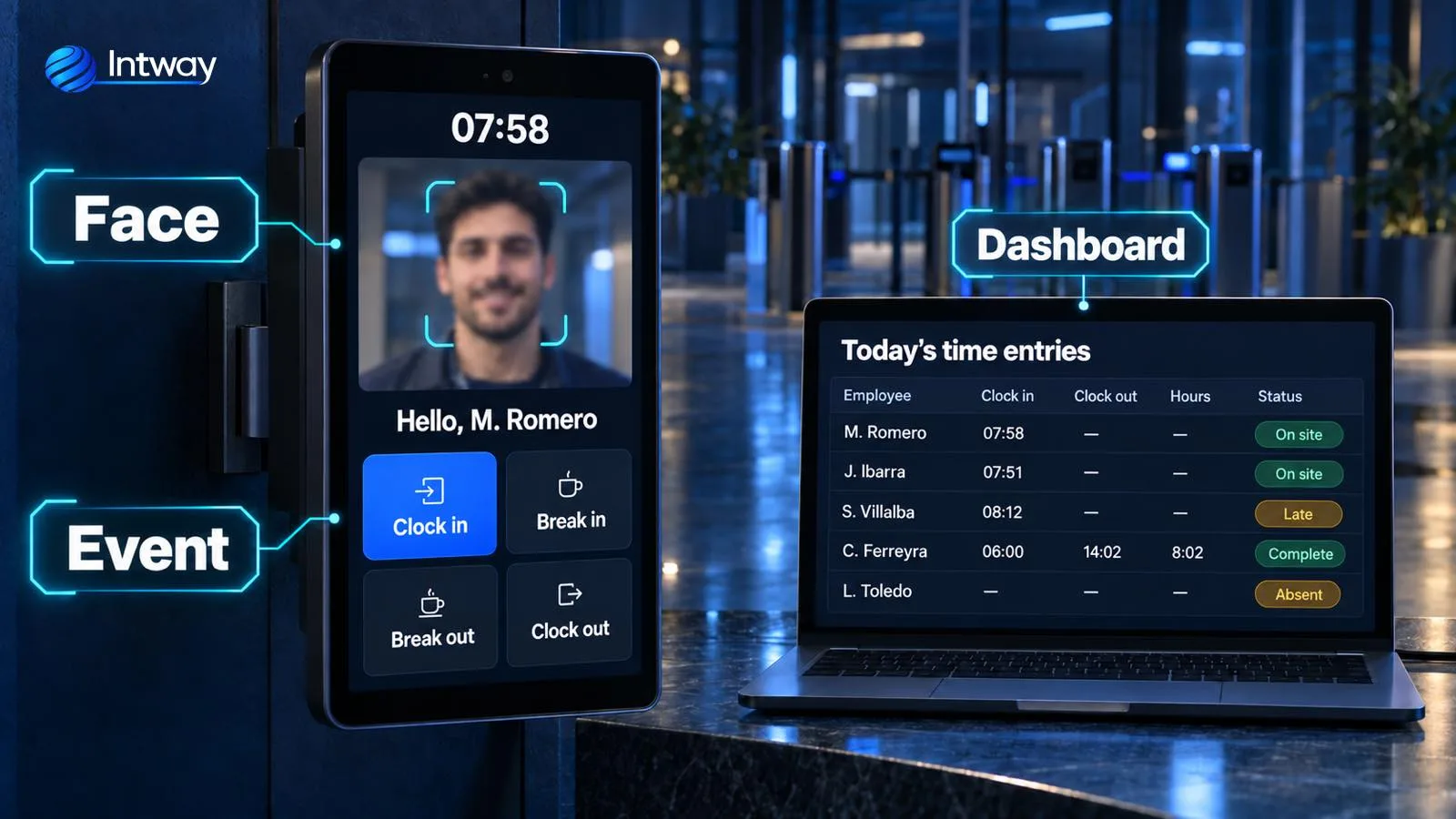
| Companies with no reliable record of working hours | Time-clock app with face recognition on a tablet, a web panel and payroll calculated from the same punch | More than 300 companies and more than 10,000 users on Android, iOS and web. See the case |
It depends on a few things, and it helps to know them before asking for a quote:
We quote in stages, starting with a small first version that is already used in the field. How we build that estimate is in how to estimate a software project. For a concrete proposal, get in touch.
Work orders on the technician's phone, with each unit's history, checklist, photos, spare parts and customer signature, even when the equipment is in a basement. See software for maintenance and field service.
A driver app with the route sheet, proof of delivery with a signed delivery note and photo, and delay alerts, connected to the trip system. See software for logistics and transportation and the guide to transportation management software.
Home visit records, medication control in care homes or patient appointments, with role-based permissions and protected sensitive data. See healthcare software.
Mobile channels connected to the core through a service layer, with two-factor authentication and a log of every operation. See software for banking and financial services.
Technicians, drivers and inspectors close the job on site.
Ver más →
Orders, bookings and tracking from the customer's phone.
Ver más →
Time clock, reception or self-service on a shared device.
Ver más →
What you don't see and what makes the app work.
Ver más →
Google Play, the App Store and a new release when needed.
Ver más →We don't build an app for its own sake: we build it when the work happens away from a computer.
What is written down on site reaches the office days later, incomplete or unsigned.
In basements, on the road or in plants the off-the-shelf app won't save, and the team goes back to paper.
Data from the app is typed again into management, stock or invoicing.
We see where and how the app will be used, and which data has to reach which system.
A first version with one flow and a few users, tested where it is used, including with no signal.
We add flows, users and integrations step by step, with short releases used from day one.
We publish on the stores and keep the app up to date with Android, iOS and your business.
For most business apps, cross-platform: with React Native one codebase serves Android and iOS. If a feature needs something specific to the operating system, that part is built in native code.
It depends on the scope. The usual path is to start with a small first version, with one flow and a group of users, in a few weeks, and add the rest in stages.
Yes, if it is designed that way from the start: it stores everything on the phone and syncs on its own when the signal returns, without losing or duplicating data.
Yes. The app connects to your management system through an API, so what is entered in the field reaches invoicing, stock or reports without being entered again.
We do, with the developer accounts in your company's name, and on every release we check both stores' current requirements.
Stores and operating systems change every year, so the app needs maintenance. We provide maintenance and new versions as your operation grows.
Not theory: these projects are in production.
We'll tell you whether an app, a web app or both makes sense, and how to start with a small first version.
Contact us