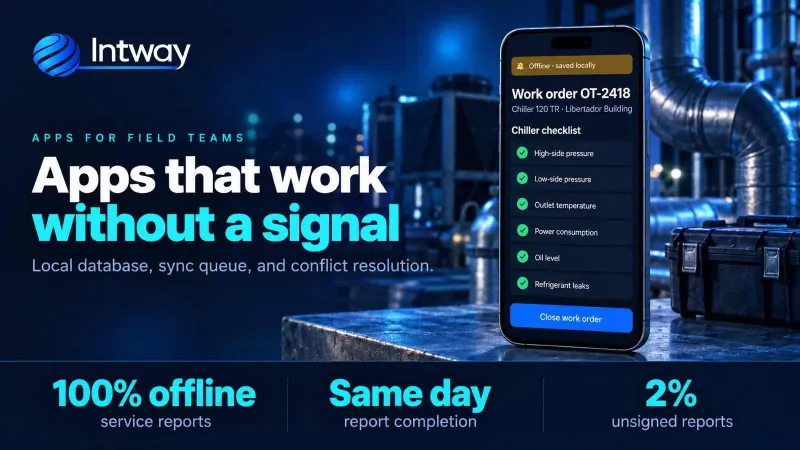
Apps that work with no signal: how to design an offline-first app for field teams
How to design an app that keeps working with no signal for technicians and field teams, with a real field service case.
21/10/2026
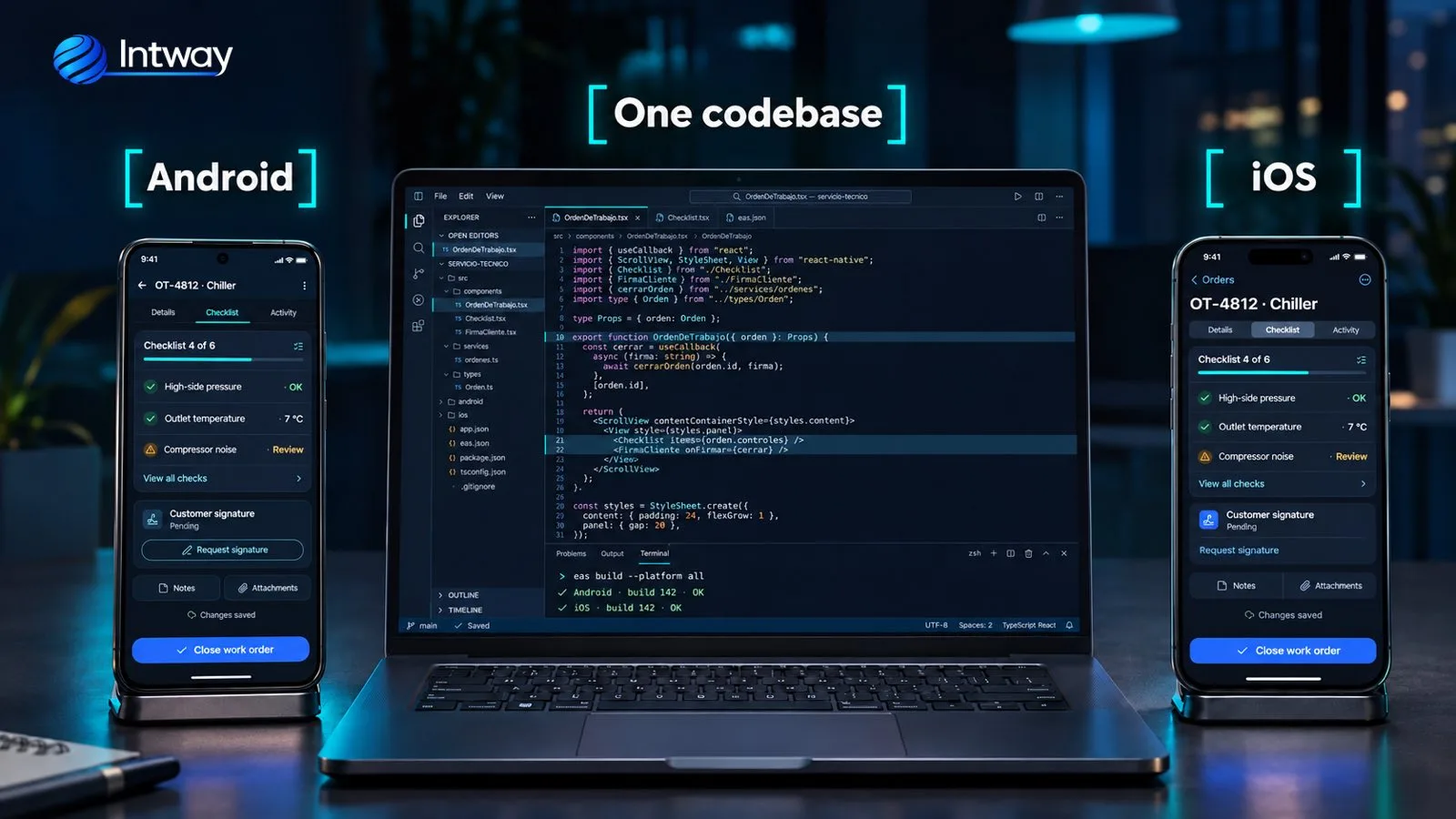
One app for Android and iOS with React Native, and native code in Swift or Kotlin for the part that needs it.
We build apps with React Native to have a single codebase for Android and iOS, and we write native code in Swift or Kotlin for the specific part that needs it: a Bluetooth device, a vendor's SDK or an operating-system feature React Native doesn't provide. You pay for one app, not two, without giving up what can only be done natively. If you are looking for the full service, from idea to app store, see custom mobile app development.
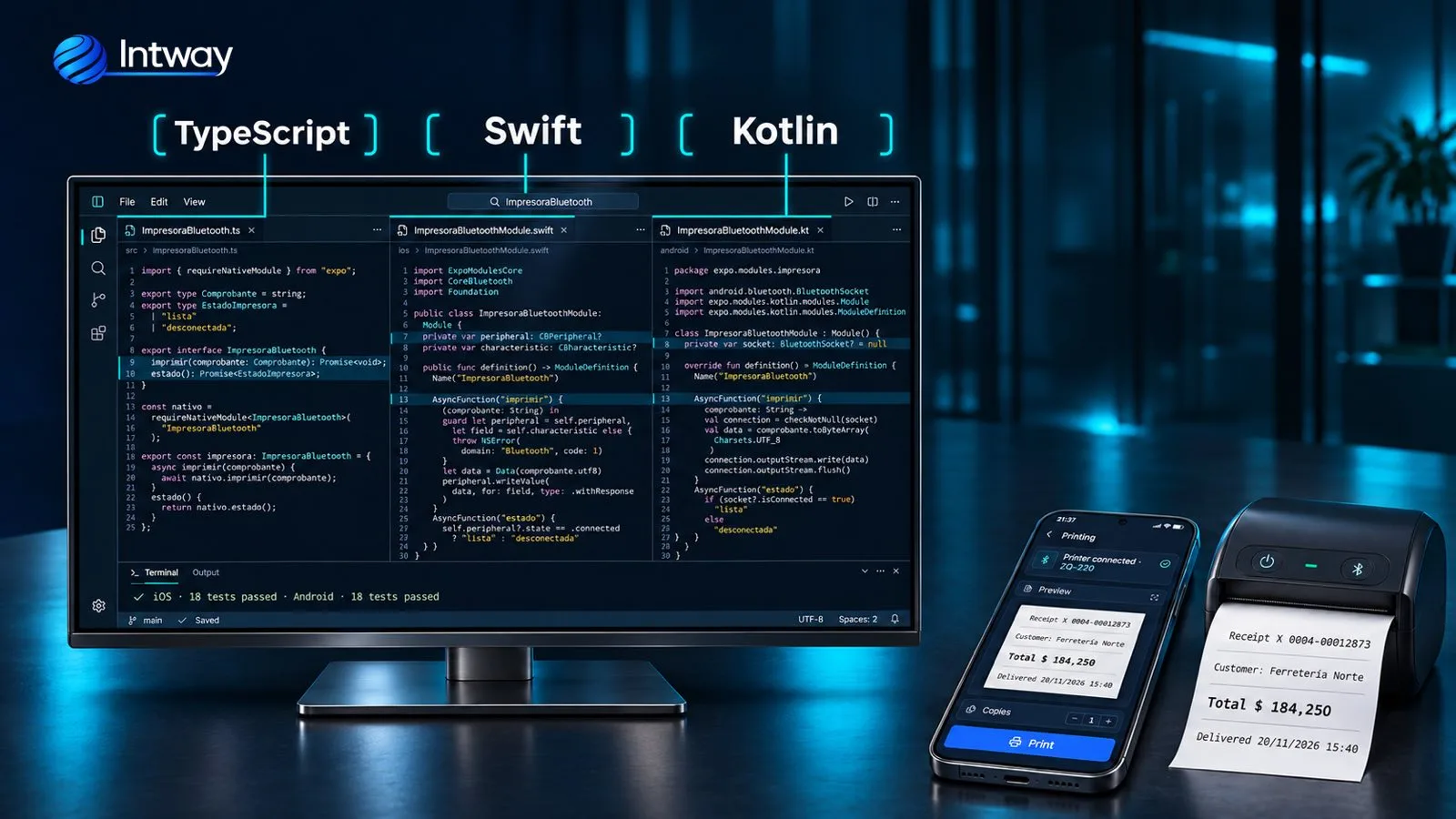
React Native is a Meta framework for writing apps in TypeScript that look and behave like native apps: buttons, lists and fields are system components, not a web page inside the app. Since version 0.82 it runs only on its New Architecture, which connects the TypeScript code with native code directly. Native code is written in each platform's own language: Swift for iOS and Kotlin for Android. In a React Native app it lives in modules: a TypeScript interface the rest of the app calls like any other function, with an implementation for each platform underneath.
Not sure whether your app needs native code? Tell us what it has to do and which devices it talks to and we'll tell you which part, if any, goes native.
| Need | React Native | React Native + native module | Native app (Swift and Kotlin) | Flutter |
|---|---|---|---|---|
| Business app with forms, lists and offline work | One codebase | Not needed | Two apps to maintain | One codebase, in Dart |
| Using a device or SDK that only exists natively | Can't reach it | The module covers that part | Yes | Also with native code |
| Real-time video or images as the main feature | Falls short | If it's a narrow part | Its typical use | Depends on the case |
| Sharing code and team with the web and the API | TypeScript, like the web and the API | Same, except the module | No | No, it's another language |
We work with Expo, which organises the native libraries, builds Android and iOS in the cloud and submits the versions to the stores. Before adding a library we check that it is maintained and compatible with the project's React Native version. Each screen is written once and on each phone it looks like that system's own components.
When the app is used where there is no network, the phone writes to its local database (SQLite) first and every action goes into a queue with a unique identifier. When the signal returns, the queue empties on its own and the server accepts each operation only once, even if it arrives twice. The full design is in apps that work with no signal.
When a part needs native code, we first define its TypeScript interface: what it takes, what it returns and what errors it can raise. Then we implement it in Swift and in Kotlin, each with its own tests, and the rest of the app uses it like any other function. A typical example: printing a delivery receipt on a portable Bluetooth printer with the manufacturer's SDK, or reading a card with a reader that only ships a native SDK.
The stores change their requirements every year, and an app that doesn't meet them can no longer be updated. Today Google Play requires new apps and updates to target Android 16 (API 36), Apple requires building with Xcode 26 and the iOS 26 SDK. Google Play also asks apps with native libraries to support 16 KB memory pages: from 1 February 2027 it won't accept updates that don't. Before every release we check against the current official documentation and verify the native libraries on the compiled file, not on what their documentation says.
These are the rules we work by on every app. Several of them are enforced by an automated check before every build, so they don't depend on someone remembering.
Every screen is designed in Figma following each platform's guidelines (Apple's Human Interface and Android's Material) and validated with the people who will use it before it is built. The design produces a design system of components reused across the app, tested on small and large phones, in dark mode and with the text size each person chose on their phone.
| Starting point | What we built | Result |
|---|---|---|
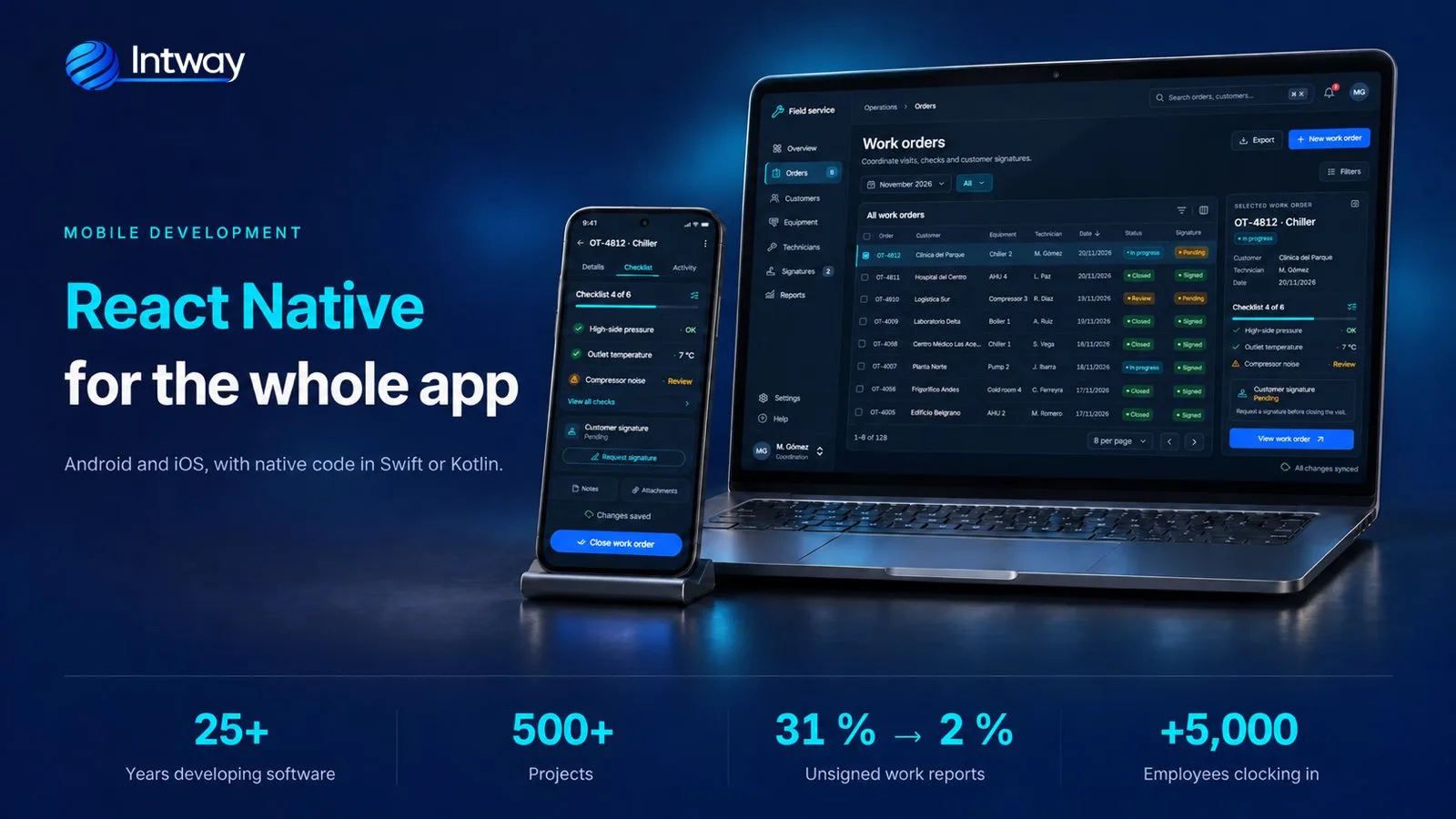
| 34 HVAC technicians closed their visits on paper; an off-the-shelf app failed because it couldn't save without signal | A React Native app for Android with a local SQLite database, a sync queue and a Node.js API | Reports without customer signature: from 31% to 2%. Parts not deducted from stock: from 18% to 0%. See the case |
| Companies with no reliable record of working hours | A React Native app serving both the fixed entrance tablet and mobile devices, on Android and iOS, queuing clock-ins when the network drops | More than 5,000 employees clocking in across more than 300 companies. See the case |
It depends on whether it runs on Android, iOS or both, how many screens and rules it has, whether it has to work offline, which systems and devices it connects to and how many native modules are needed. Maintenance counts too: every year the stores raise their requirements and the app has to keep up. We quote in stages, starting with a first version that can be used in the field. How we put the number together is in how to estimate a software project, and for your app, get in touch.
If your team works in the field, see also software for maintenance and field service.
What keeps a business app working in the field and published.
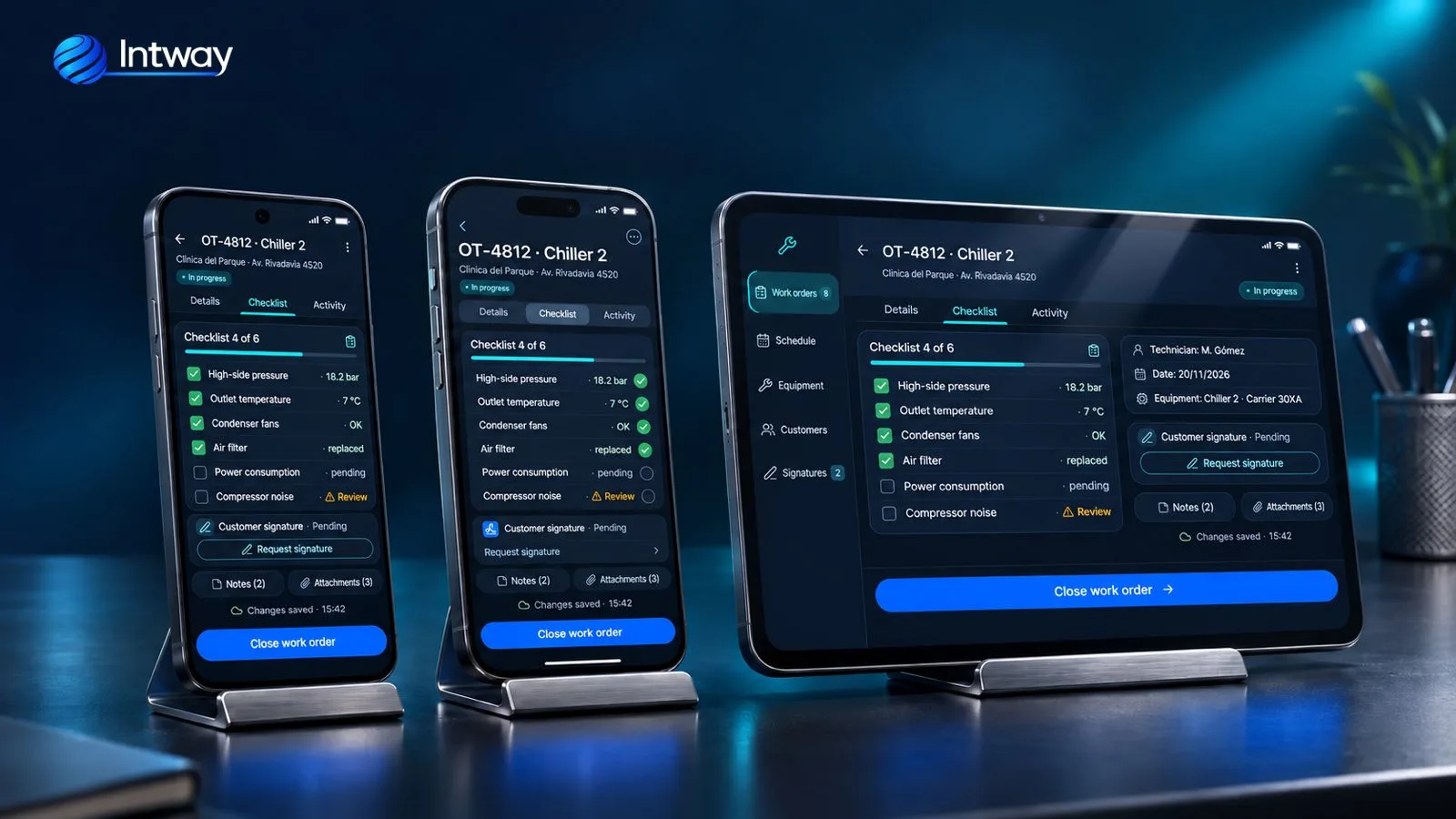
The same app on phones and tablets.
Ver más →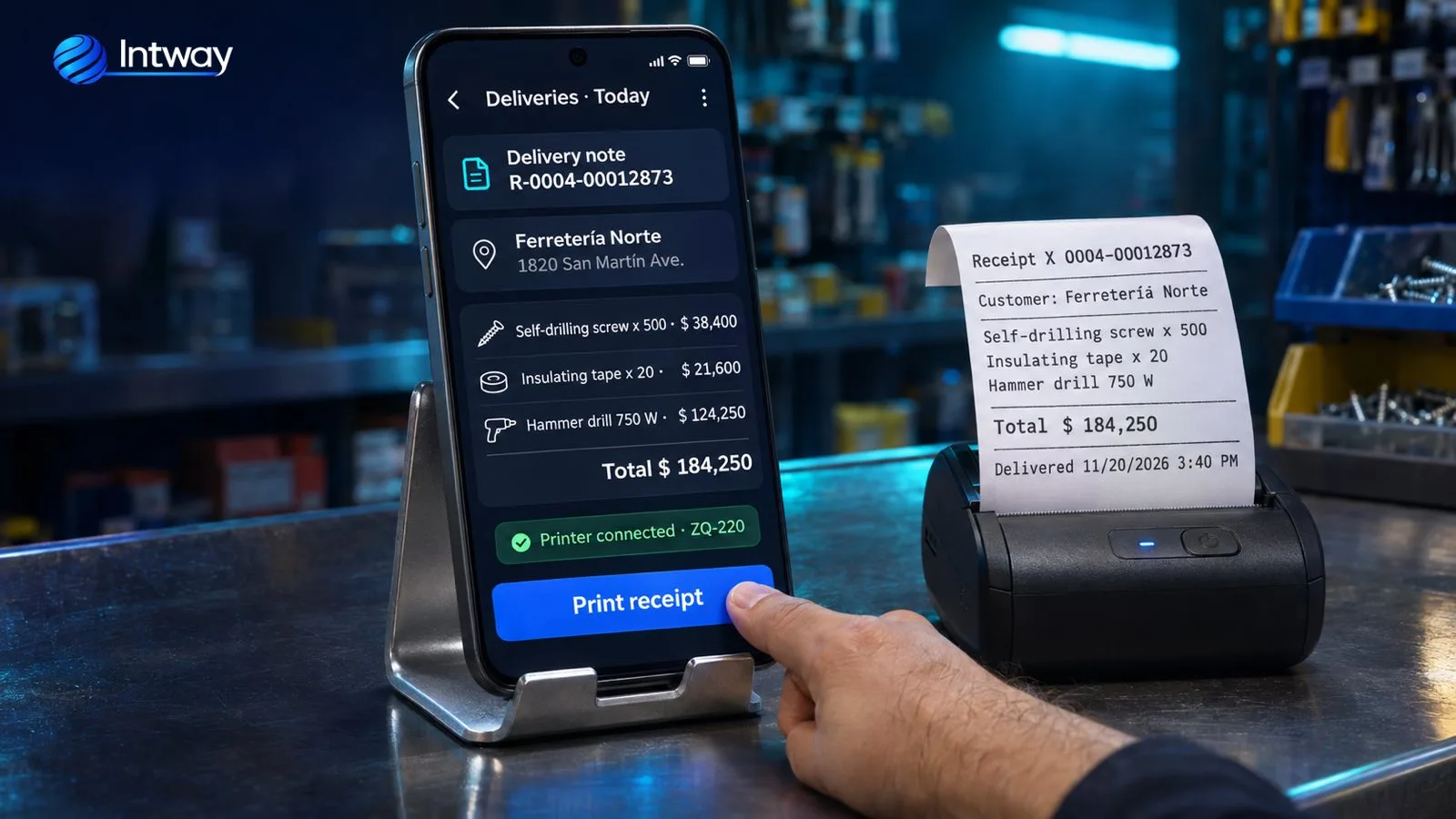
Only the part that needs it.
Ver más →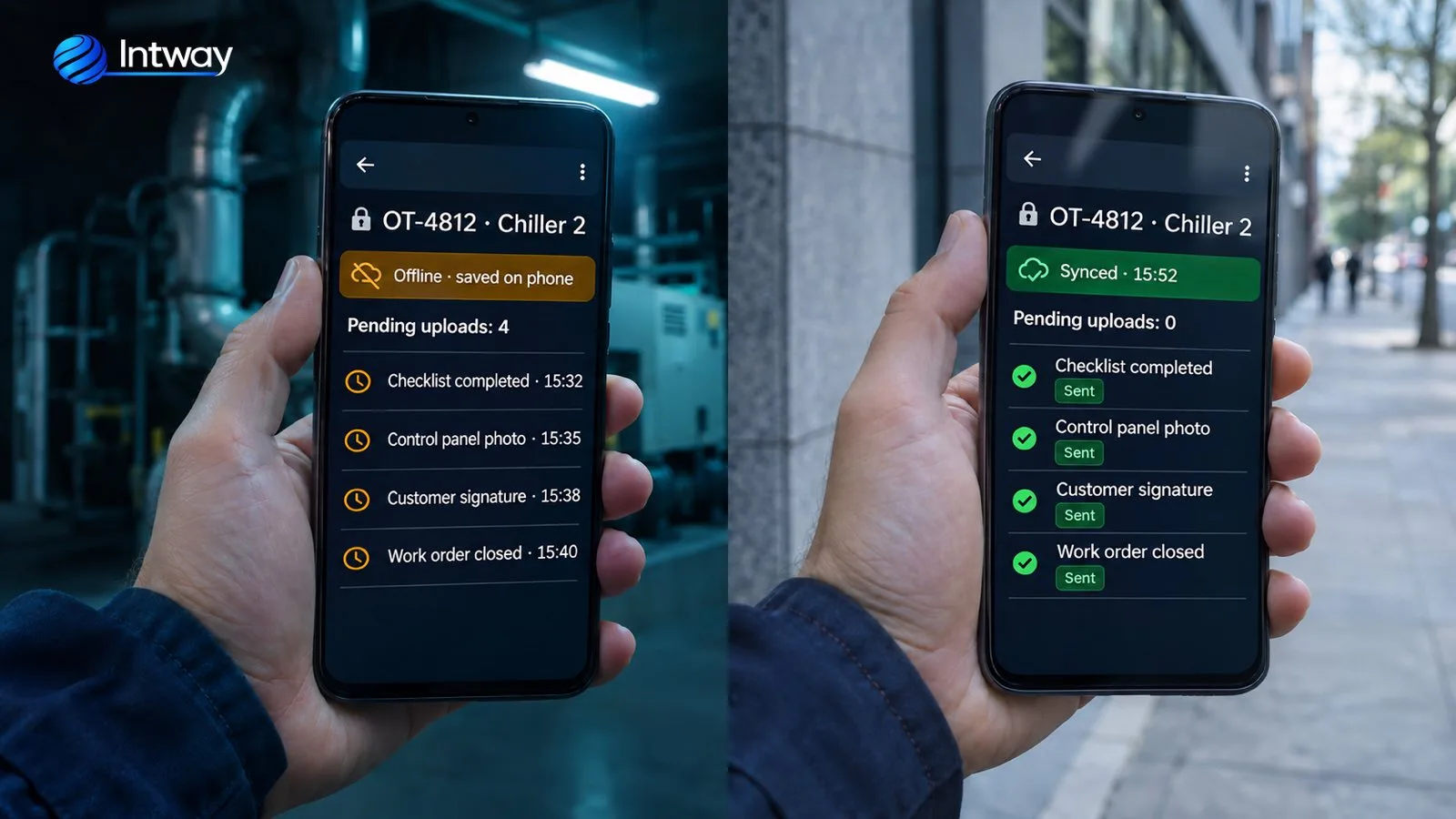
Local database, queue and sync without duplicates.
Ver más →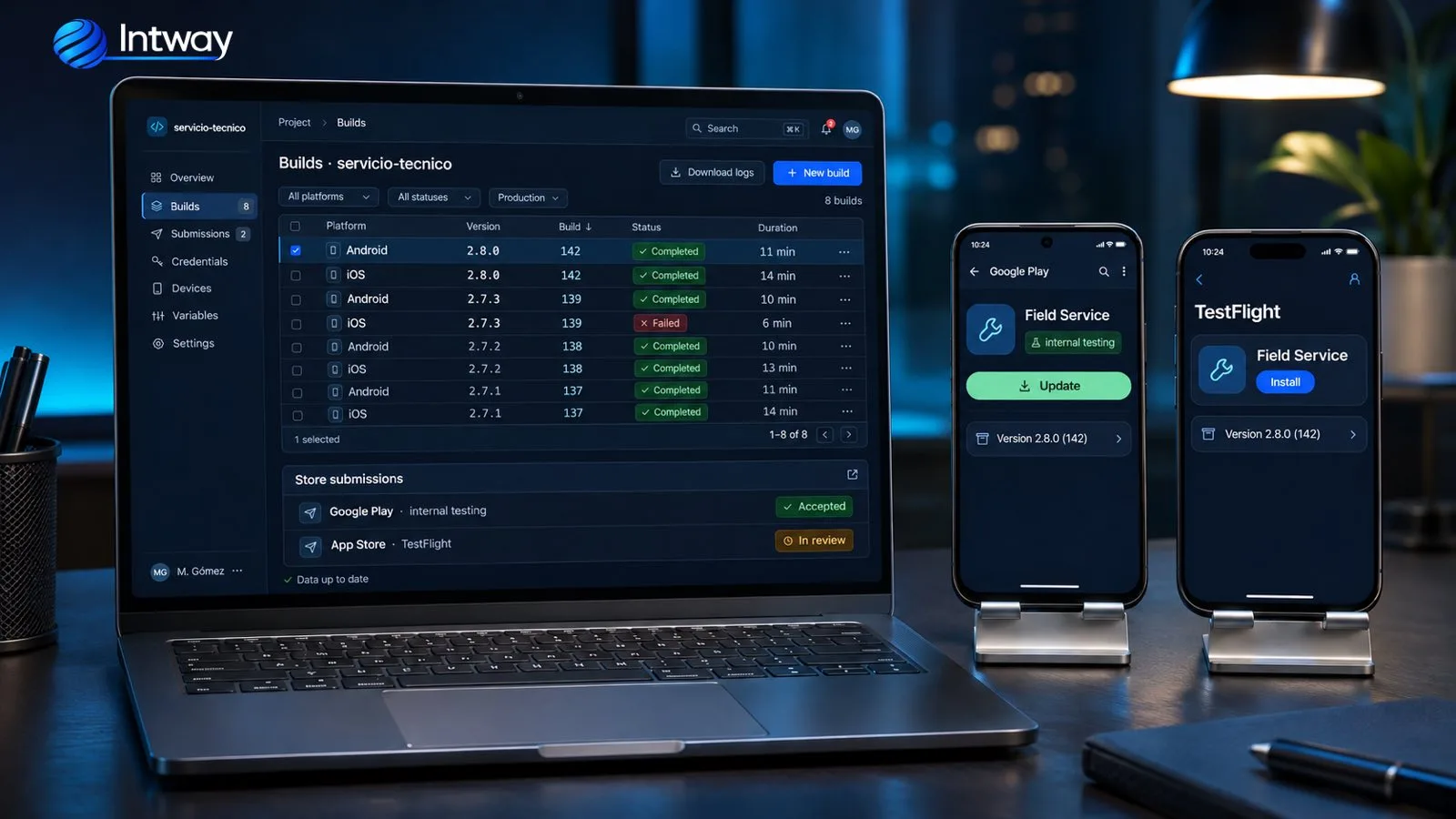
Android and iOS built in the cloud and up to date.
Ver más →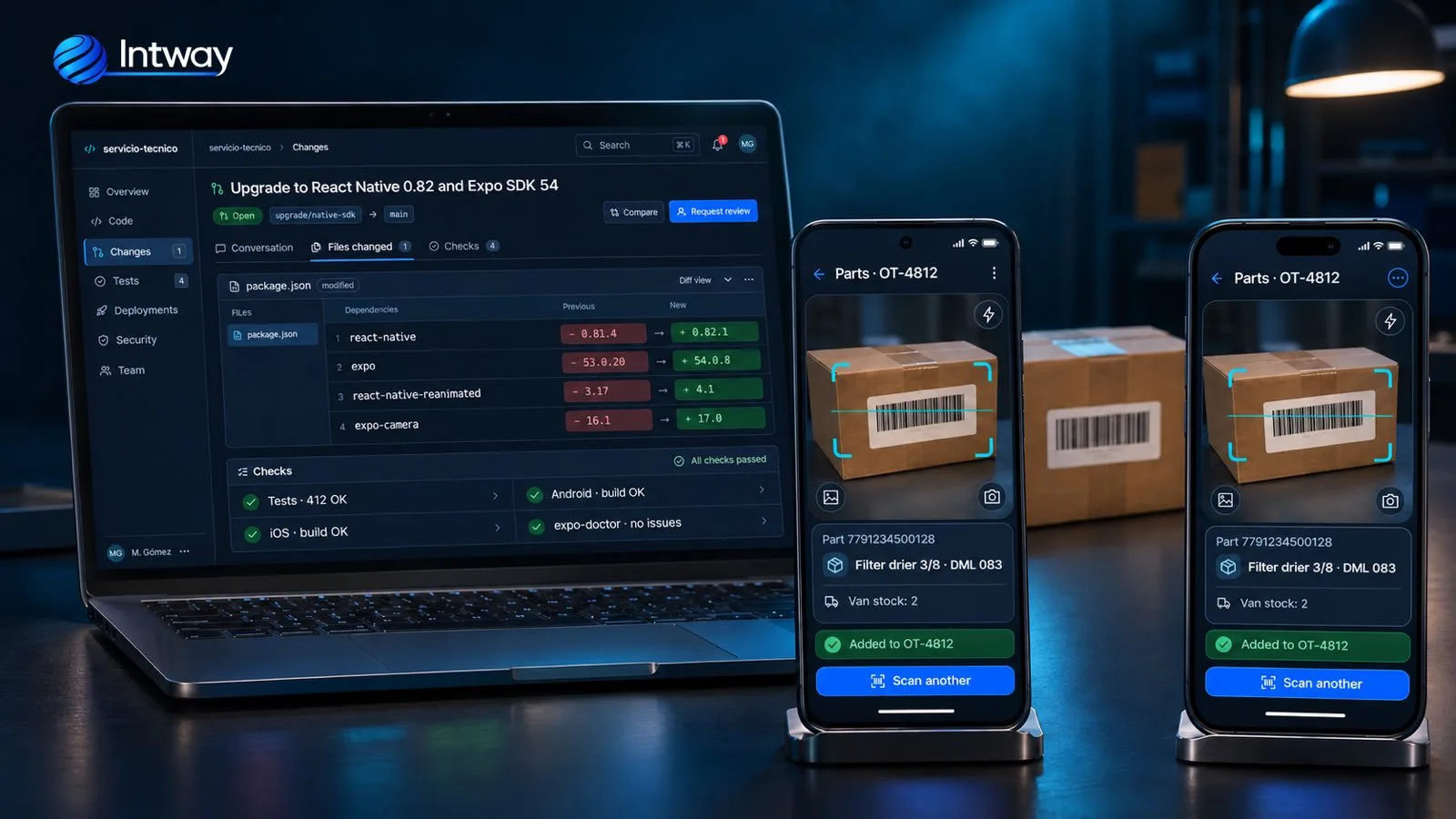
The app keeps working as Android and iOS change.
Ver más →The problems of having two apps, an app that can't reach a device or one that falls behind.
One on Android and one on iOS: every change is paid for, written and tested twice.
The printer, reader or vendor equipment only has a native SDK.
The technician can't save in the basement and fills in the report from memory.
The store raised its requirements and the app can no longer be updated.
Where the app is used, with or without signal, which devices and which systems it talks to.
What React Native covers and which part, if any, goes native.
An app usable in the field, tested on real phones and published.
New Android, iOS and React Native versions, and the store requirements.
It uses Android's and iOS's own components, not a web page inside the app, and is published on Google Play and the App Store like any other app. What is shared is the TypeScript code; what the user sees is native.
A native app makes sense when almost the whole app depends on something specific to one platform, such as real-time video or image processing. For the rest, which is almost everything a business app does, React Native is enough, with a native module if one part needs it.
Yes. You write a module with a TypeScript interface and its implementation in Swift for iOS and Kotlin for Android. The rest of the app uses it like any other function.
Both give you one codebase. We choose React Native because it uses TypeScript, the same language as our web apps and APIs: the team and part of the code are shared between the app, the web and the server.
Google Play requires new apps and updates to target Android 16 (API 36), and apps with native libraries to support 16 KB memory pages, which blocks non-compliant updates from 1 February 2027. Apple requires building with Xcode 26 and the iOS 26 SDK. It changes every year, so it is checked before every release.
It depends on the platforms, the screens, offline work, the integrations and the native modules needed. We quote it in stages, starting with a first usable version, after a first conversation.
Not theory: these projects are in production.
Tell us what it has to do and which devices it uses, and we'll tell you what goes in React Native and what goes native.
Contact us