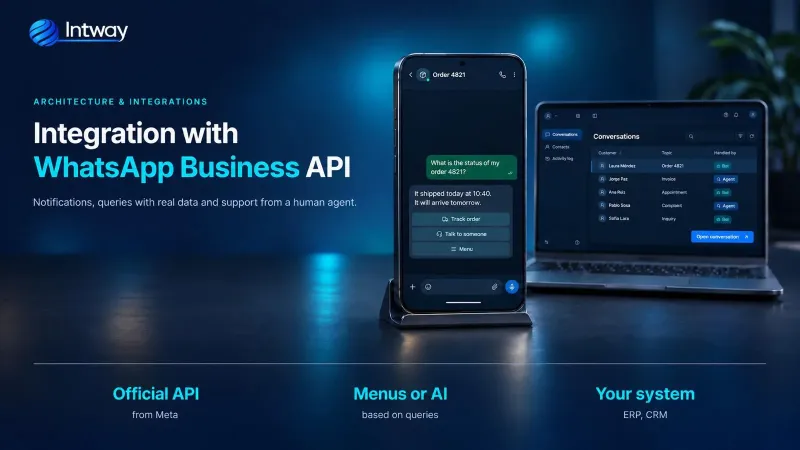
WhatsApp Business API integration: how we connect WhatsApp to your company's systems
How we integrate the official WhatsApp Business API with ERPs, CRMs and help desks: notifications, real-data answers, menus, AI and handover to a person.
11/11/2026
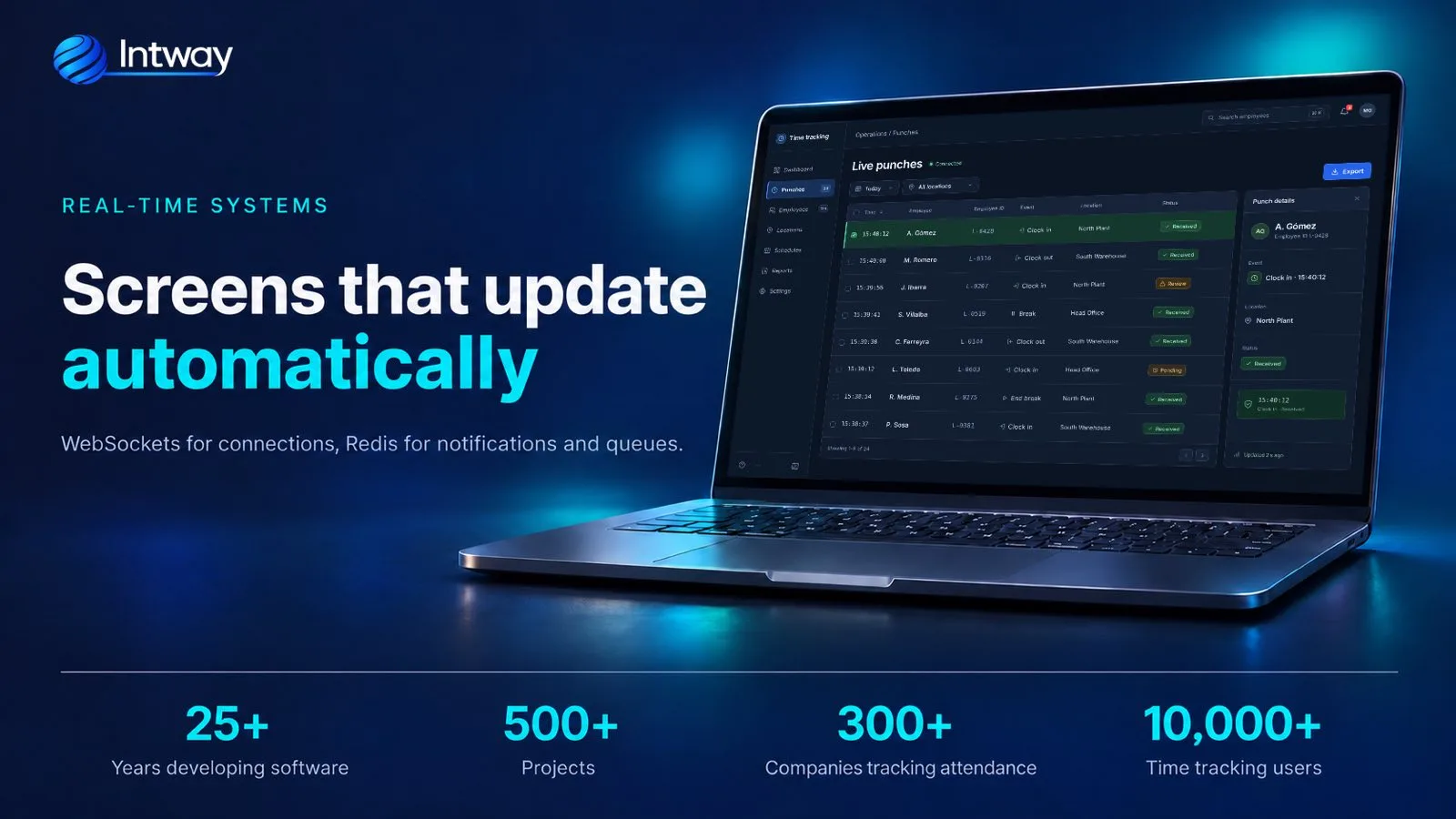
Screens that update themselves: WebSockets for the connection and Redis to share updates and run queues.
We build real-time systems: screens that update themselves when something changes, without anyone pressing «refresh». The dispatch board that sees a work order close as it happens, the progress bar of an export with thousands of rows, the alert for a new order or a chat with a customer. We use WebSockets for the open connection between the server and each screen, and Redis to share updates between servers and line up long jobs in queues. It's part of our Next.js and NestJS development; this page covers it in depth.
In a business system, real time means the change reaches the screen without reloading, within the time that screen can wait: on a dispatch board, for example, under a second. It isn't the stock market or a video game, where milliseconds count: it's the dispatcher not assigning a work order that someone else already closed, the supervisor seeing clock-ins as they arrive and whoever started a long process knowing how much is left. The rule we follow: the database is the source of truth; the live connection only announces the change. Every change is saved to the database first and only then is the update sent. If an update is lost, the screen gets it back from the database; never the other way round.
There are three ways for a screen to learn about a change, and the newest one doesn't always win. A WebSocket keeps a connection open in both directions; Server-Sent Events (SSE) are a one-way connection, from the server to the screen, that reconnects on its own; and polling means asking the server every few seconds whether there is anything new.
| Need | WebSockets | SSE | Polling |
|---|---|---|---|
| A board that changes several times a minute | Works | Works | Arrives late and loads the server |
| A chat or a screen where both sides write | Its typical use | Works, with a separate request to send | The delay shows |
| Progress of a long process | Works | Works, and it's simpler | Enough if every 5 or 10 seconds |
| Data that changes a few times an hour | More than needed | More than needed | Enough |
We choose per screen, not per system: the same system can have a live board and the rest of its screens with no open connection. One detail that matters: without HTTP/2, browsers allow only a few SSE connections at once (six per domain, across all tabs).
The code and images on this page are architecture examples, not a specific project.
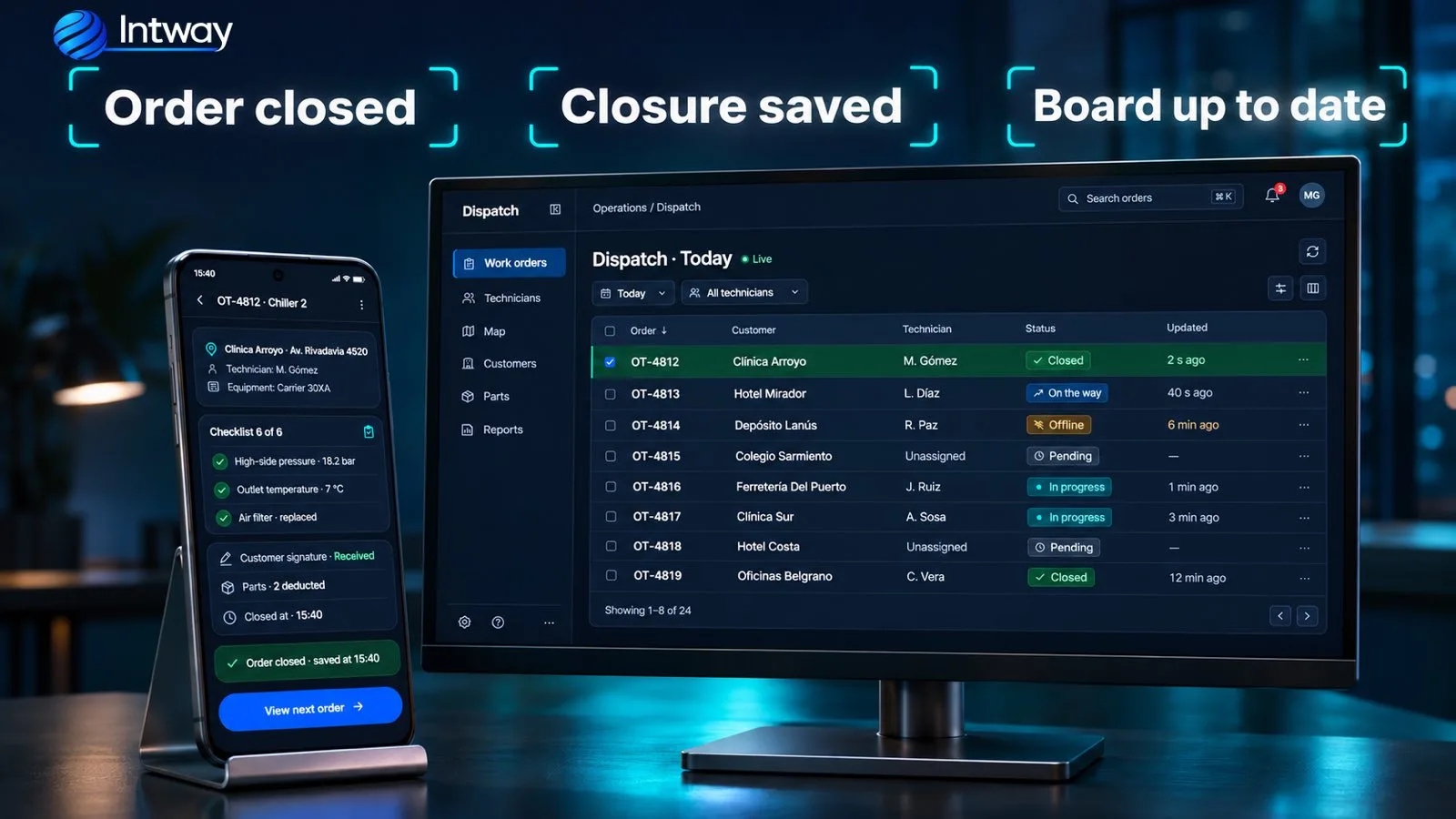
When a work order changes, the API saves it to PostgreSQL and emits an update to that company's room with the identifier, the order's version and the new status. The screen applies the change only if the version is newer than the one it has, so a repeated or out-of-order update doesn't break it. In NestJS we do this with WebSocket gateways on Socket.IO, and each screen joins only the rooms it is allowed to see.
With more than one API server, each screen is connected to only one. The Redis adapter carries every update to all of them, so it reaches the screens in that room while Redis is available. Socket.IO starts each connection with HTTP requests and then tries to upgrade to WebSocket, so with several servers there are two options: either the load balancer always sends each screen to the same server (sticky sessions), or the connection opens straight over WebSocket. For what was missed during an outage we don't use Socket.IO's automatic recovery: it doesn't work with the Redis Pub/Sub adapter and it restores rooms before permissions are checked. The screen asks the API, which checks the current permissions.
Anything that takes more than a few seconds isn't done while the screen waits. It goes into a queue, a separate process runs it and publishes its progress, and the screen shows it. If the user closes the screen, the job keeps going; when they come back, they see where it is. If it fails, it retries and carries on with what isn't recorded as done. So that an outage right after sending something doesn't duplicate it, every send carries a unique key the provider uses to drop repeats.
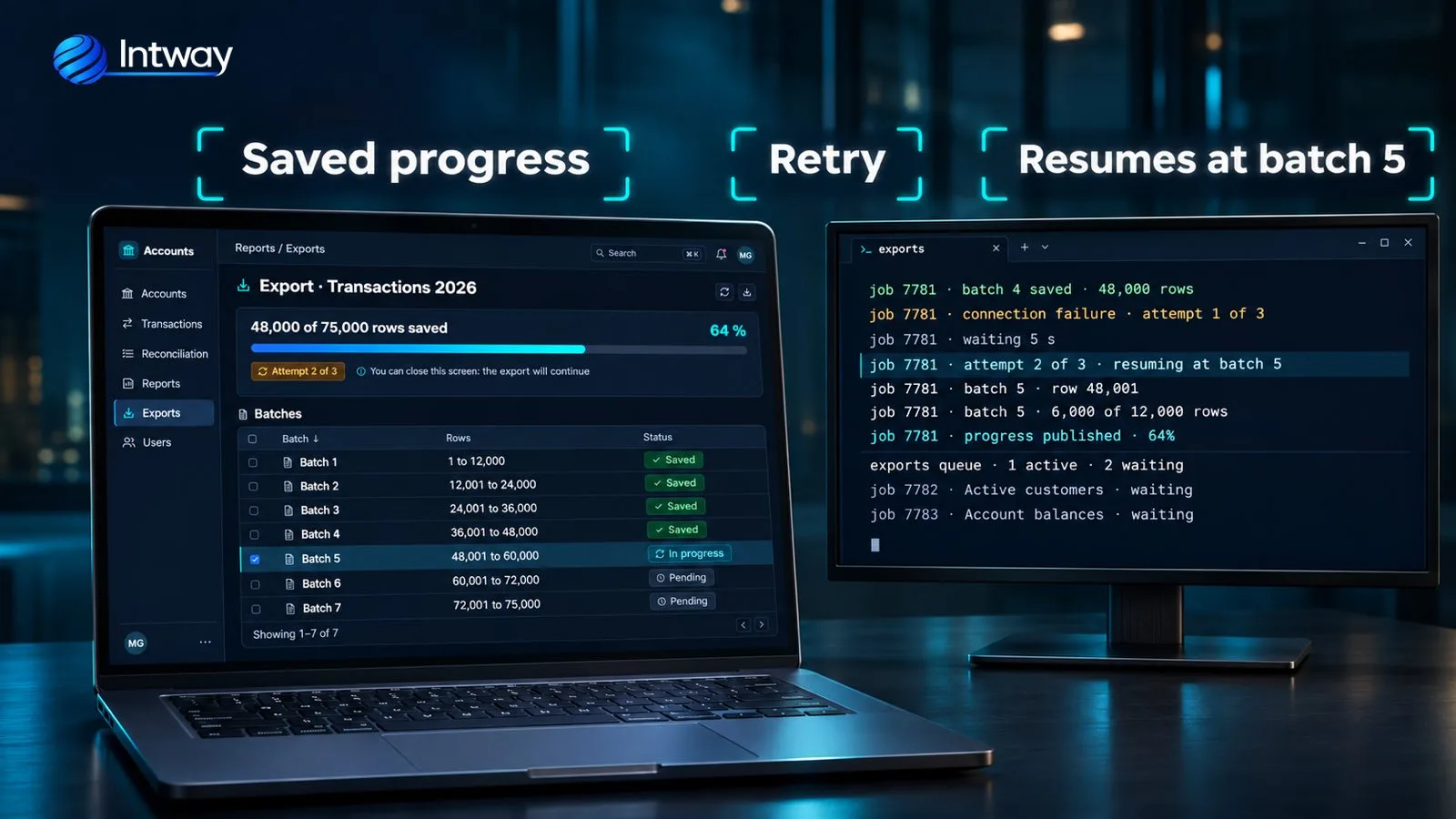
Connections drop: a lift, a basement, switching from Wi-Fi to mobile data. Socket.IO sends a heartbeat every 25 seconds to detect a dead connection, which also stops the load balancer from closing it as idle (on AWS, the Application Load Balancer does so after 60 seconds without data, by default). On reconnecting, the screen asks the API for what changed since the last change it saw, using a sequence number that follows the order in which changes were committed, and checks again every so often, one request at a time, even while the connection stays open: an update can be lost if Redis drops. On top of that, the update is saved in the same transaction as the change, and a separate process sends it and retries if it fails. On the phone, whatever the technician did offline is sent later through its local queue, as we explain in React Native development.
These are the rules we work by. The number of connections, the acceptable delay and the load and outage tests are agreed with you for each system and verified before go-live.
The cases don't detail the technology behind the live part: this is what had to stay up to date in each one.
| Starting point | What had to stay up to date | Case |
|---|---|---|
| More than 300 companies; more than 5,000 employees clock in on tablets and phones | Clock-ins appear on the web dashboard's timesheets as soon as they arrive; pay is calculated at period close | See the case |
| 34 HVAC technicians who closed their visits on paper | The dispatch panel shows the whole day and which technicians are offline right now | See the case |
| A regional Visual Basic and ASP Classic payroll engine that required Internet Explorer | Long calculations go to an Amazon SQS queue: they keep running on AWS even if the screen is closed, and the app restores its state on return | See the case |
It depends on how many screens need to be live, how many people are connected at once, whether a lost message is a problem or just a delay, how many servers are needed and whether there are phones working offline. It almost always pays to start with the screen where delay costs money (the dispatch board, the progress of a process) and leave the rest as it is. How we put the number together is in how to estimate a software project, and for your system, get in touch.
If the system grows into separate services, see also microservices, and to run it in the cloud, AWS development and architecture.
What makes each change reach every screen, on time and only the right ones.
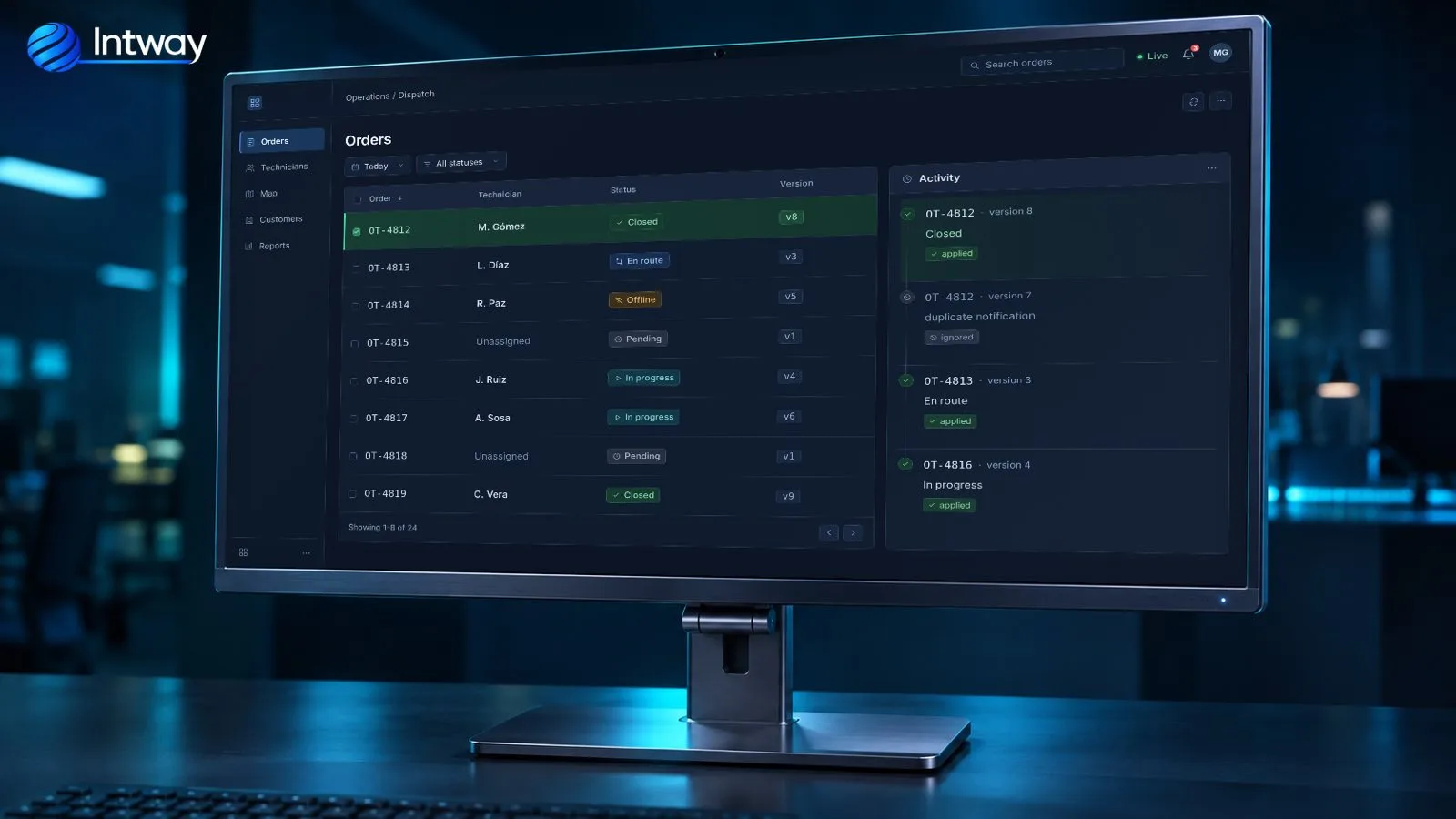
The change arrives without reloading.
Ver más →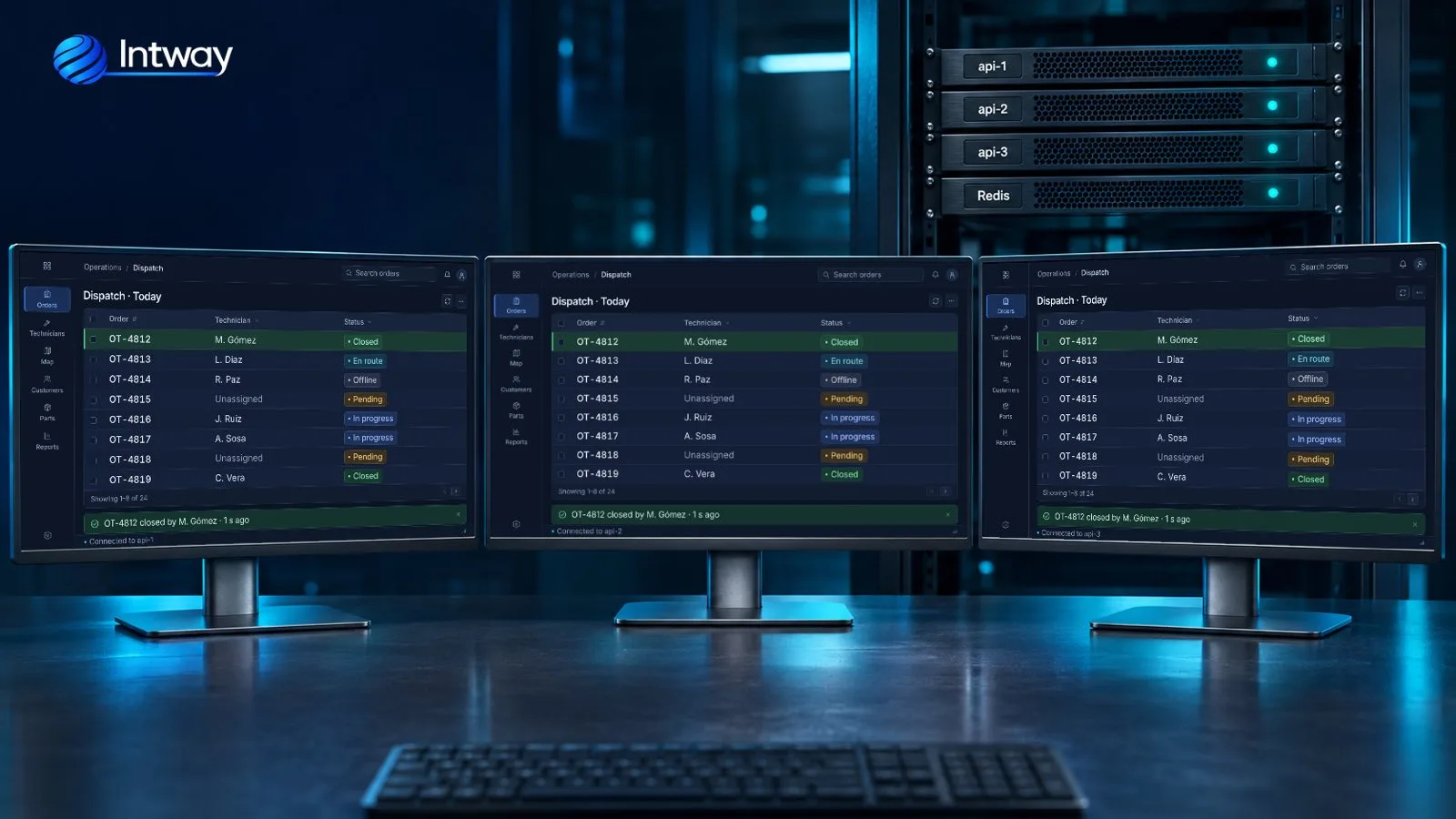
Redis shares updates across instances.
Ver más →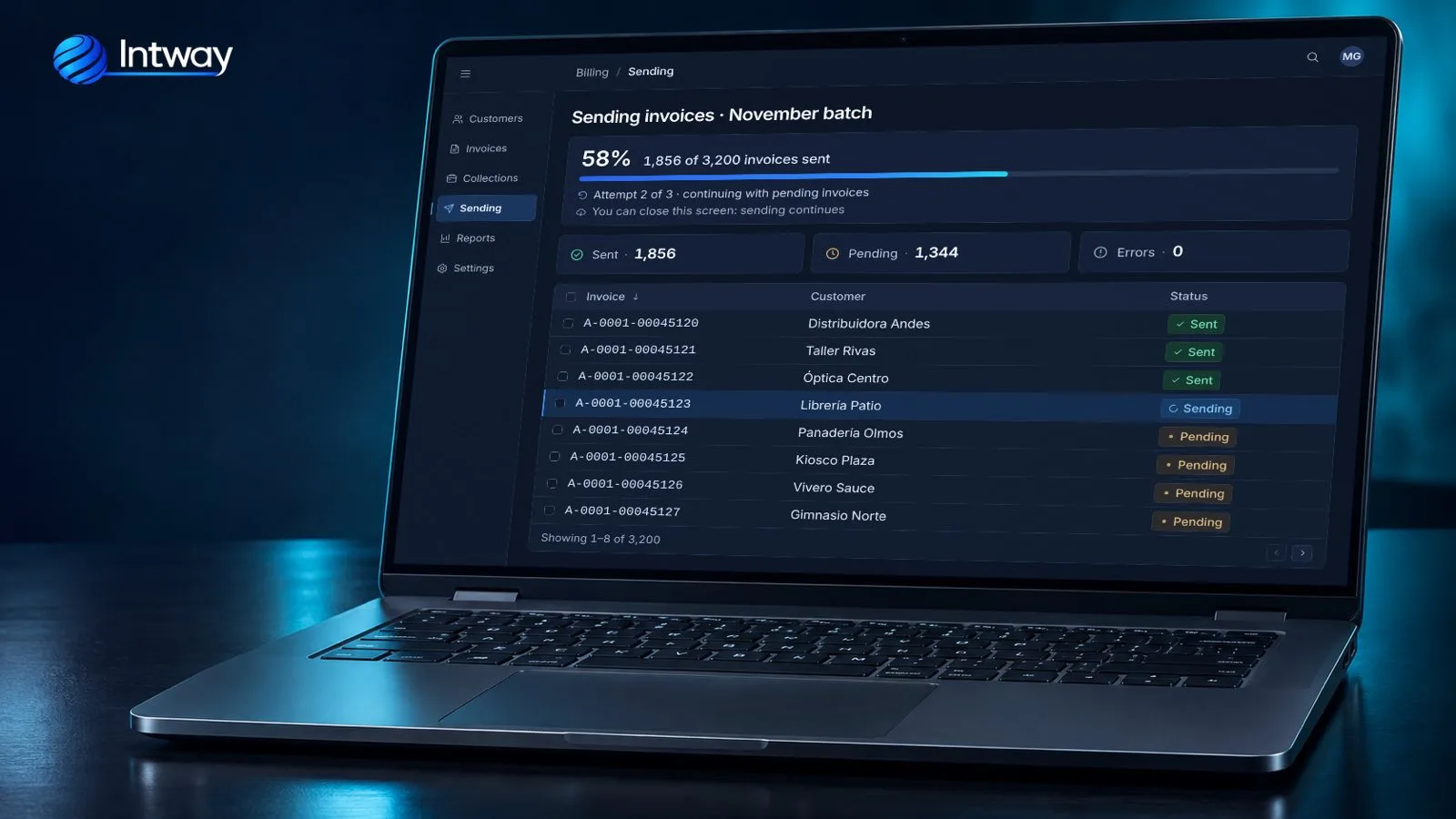
A queue with retries and the screen kept informed.
Ver más →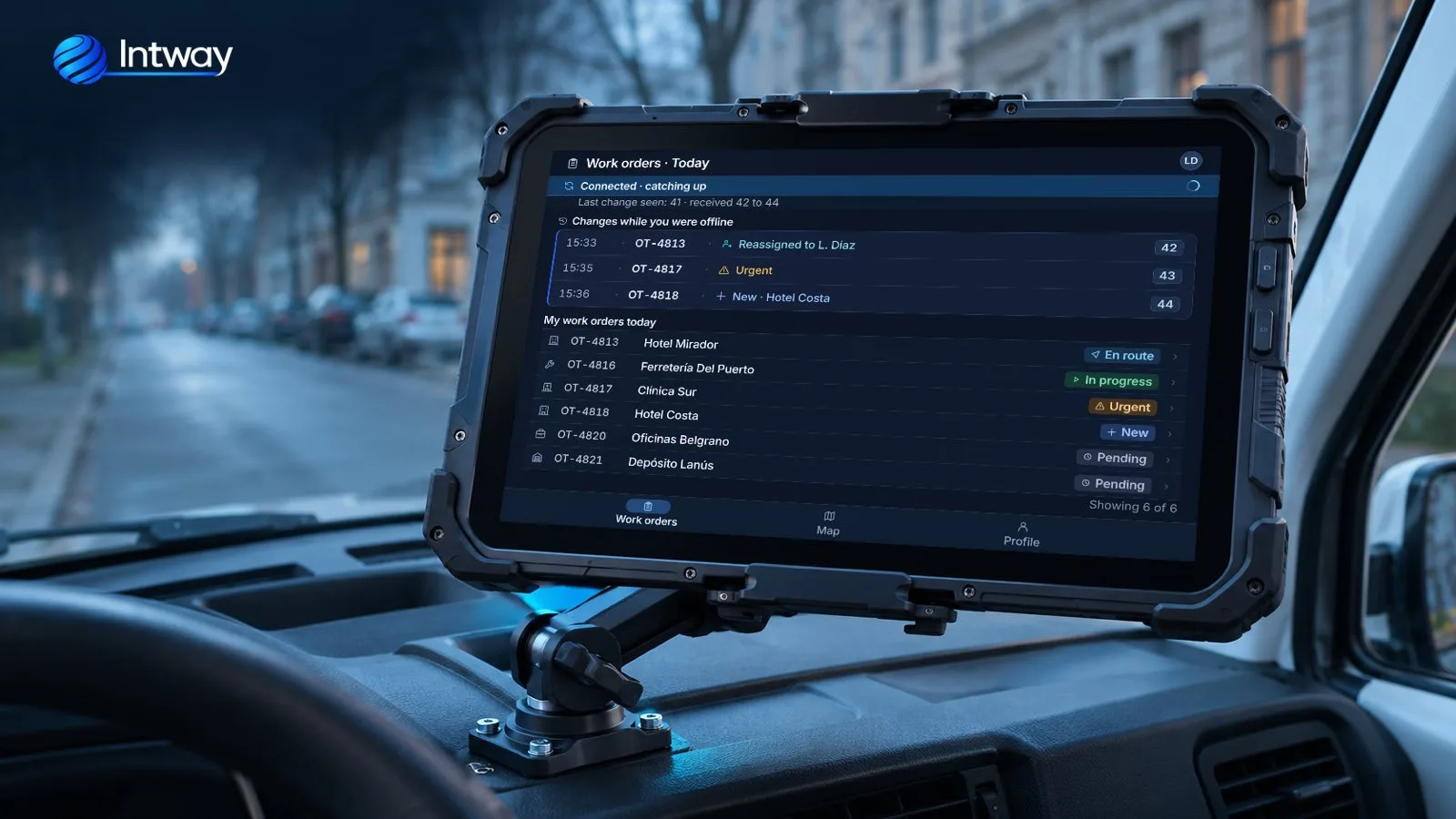
When the signal returns, the screen catches up.
Ver más →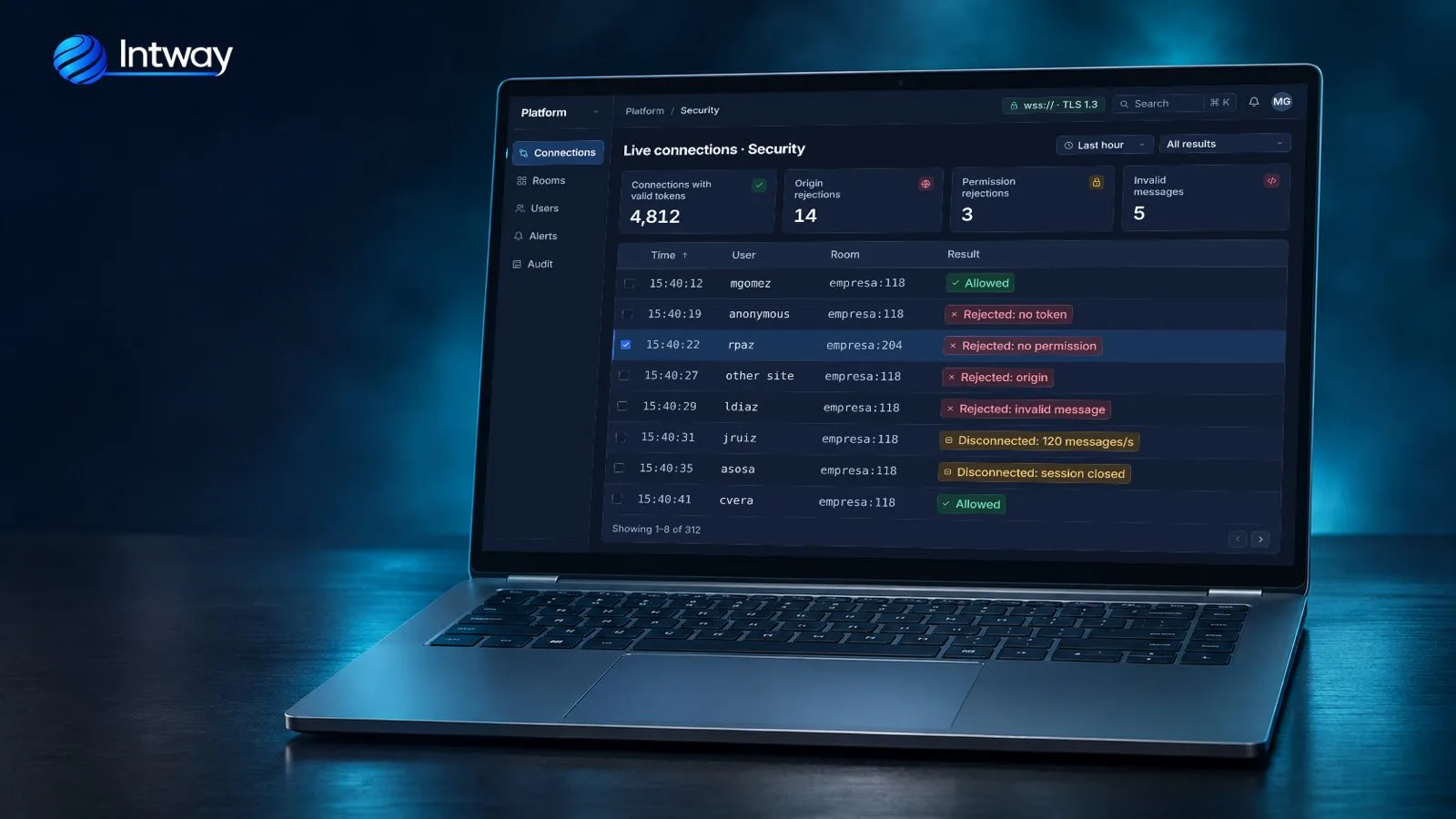
Each user sees only what's theirs.
Ver más →What goes wrong when a screen shows stale data or misses a change.
The dispatcher assigns a work order someone else already closed because the board didn't update.
A large export is started and nobody knows whether it's halfway or stuck.
With the second server, half the screens stop hearing about changes.
The signal drops, comes back, and the screen still shows the old data.
Which screens need to be live, how many people connect and what can't be lost.
WebSockets, SSE or polling, screen by screen, and what Redis does.
The one that costs most when it's late, tested under load and with outages.
Monitoring connections and delays, and more servers when needed.
How we integrate the official WhatsApp Business API with ERPs, CRMs and help desks: notifications, real-data answers, menus, AI and handover to a person.
Which data is connected and in which direction, how to avoid overselling and how each order gets its ARCA invoice, without entering anything twice.
What changes under ARCA's RG 5866/2026 and RG 5616, the timeline to March 2027 and what to check so ARCA keeps authorizing your invoices.
In a business system, it's one where a change reaches the screen without reloading, within the time that screen can wait (on a board, under a second): the board that sees a work order close, the progress of a long process or a chat. It isn't the same as stock-exchange or industrial control systems, where milliseconds count.
WebSockets when both sides send messages often, like a chat or a collaboration screen. Server-Sent Events when only the server notifies, like the progress of a process: it's simpler and reconnects on its own. And if the data changes a few times an hour, polling is enough.
To share updates across several servers, to keep messages that can't be lost (Redis Streams), for long-job queues with BullMQ and to know who is connected.
Redis Pub/Sub delivers each message once or not at all: if the receiver was down, it's lost. That's why every change is saved to the database first and, on reconnecting, the screen asks for what changed since the last change it saw. For what can't be lost we use Redis Streams.
It scales by adding API instances with the Redis adapter, which shares updates across all of them, and with the load balancer set up for live connections. Capacity is a goal, not something the adapter gives you: the number of connections is agreed for each system and, before go-live, tested under load and with a deliberate Redis outage.
It depends on how many screens need to be live, how many people connect at once, whether a lost message is a problem and how many servers are needed. It pays to start with the screen where delay costs money; we quote it after a first conversation.
Not theory: these projects are in production.
Tell us which screen is always behind and we'll show you how to keep it up to date on its own.
Contact us